Technology · Runs everywhere
One project, every screen.
The same project runs on a Mac, a Windows PC, Linux, a Steam Deck and in a browser: the same scenes, the same scripts, the same proof. Here's what draws it on each one.
- One projectScenes, scripts, assets
- MacMetal
- Windows, Linux, Steam DeckVulkan, with OpenGL as a fallback
- BrowserWebGPU for 3D, any modern browser for 2D
- Ship itA stand-alone app, or Arcwright Play
01 · Steam Deck
The full engine on a handheld.
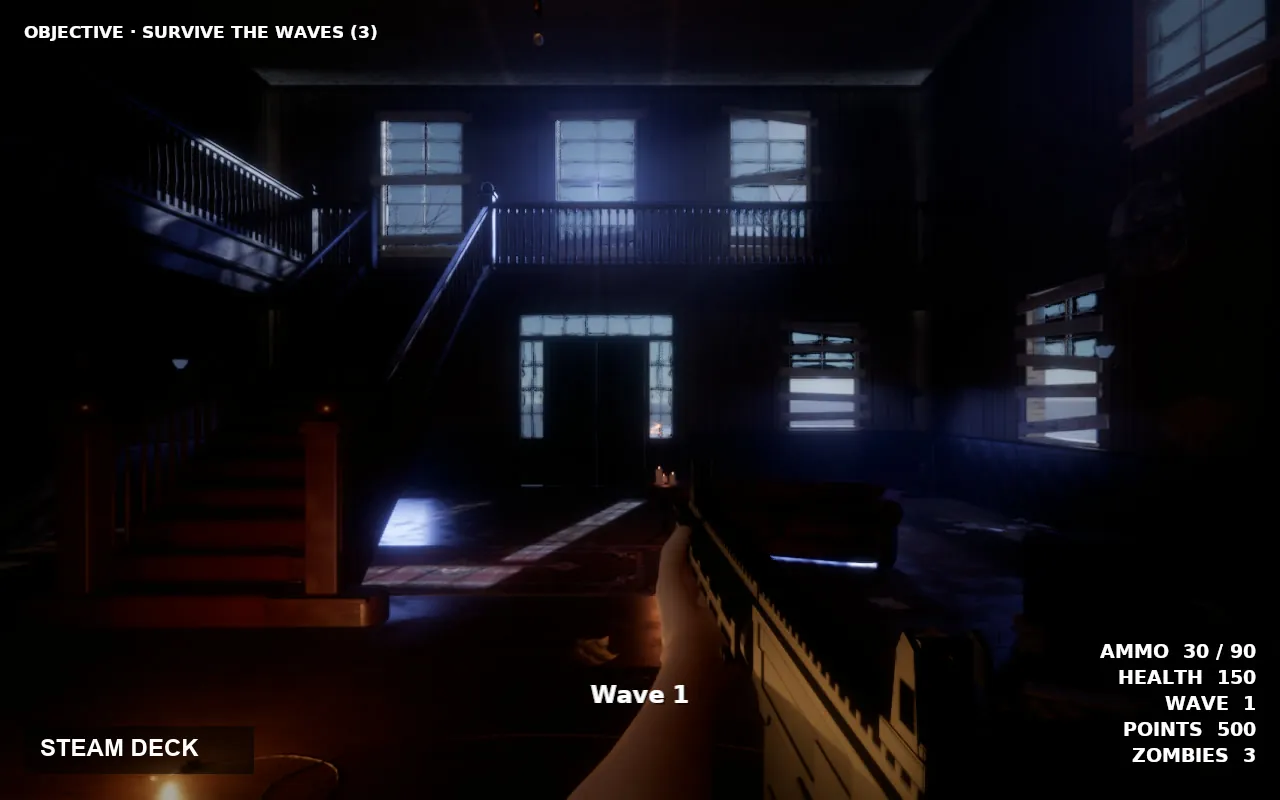
Arcwright runs on the Steam Deck under SteamOS: the games, and the full editor too. Here the editor plays Hollowreach on the Deck under Linux, and Lantern Keep runs at 59 fps, captured live.
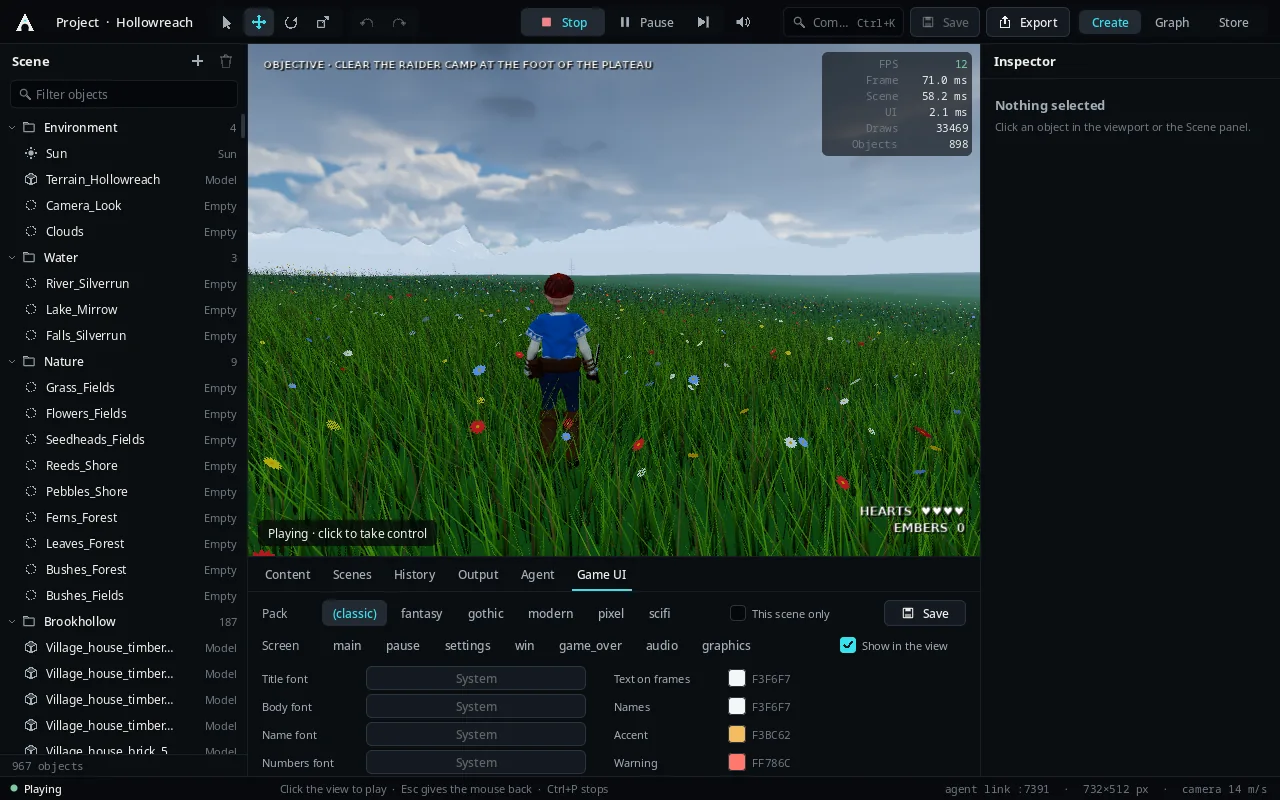
The editor on the Deck, playing Hollowreach.
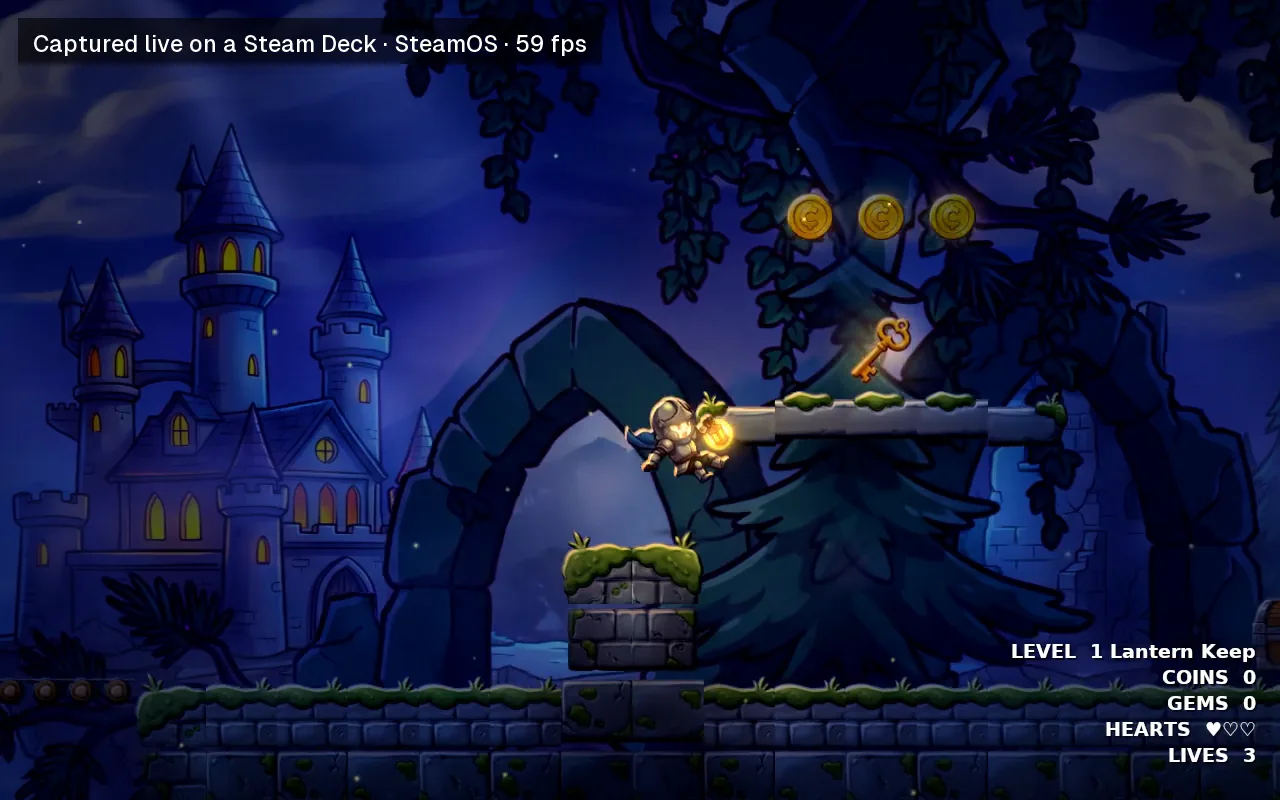
Lantern Keep, captured live on a Steam Deck under SteamOS.
02 · Same picture
Metal, OpenGL and Vulkan, side by side.
On Windows, Linux and the Deck, games draw with our Vulkan renderer: a physical sky and volumetric clouds, cascaded sun shadows, ray-traced bounce light, temporal upscaling, the ocean, refractive glass, skin, eyes and fabric detail, swaying trees with voxel far forests, fire, smoke and heat haze. A PC without a working Vulkan driver falls back to OpenGL by itself.
The test: the same Ashgrove hall on Metal, OpenGL and Vulkan, matched side by side.

The same hall on Metal (left), OpenGL (middle) and Vulkan (right), in the engine.
03 · Linux
A real Linux build.
Linux gets the same app: the editor, the sample games and exported games that run on their own.
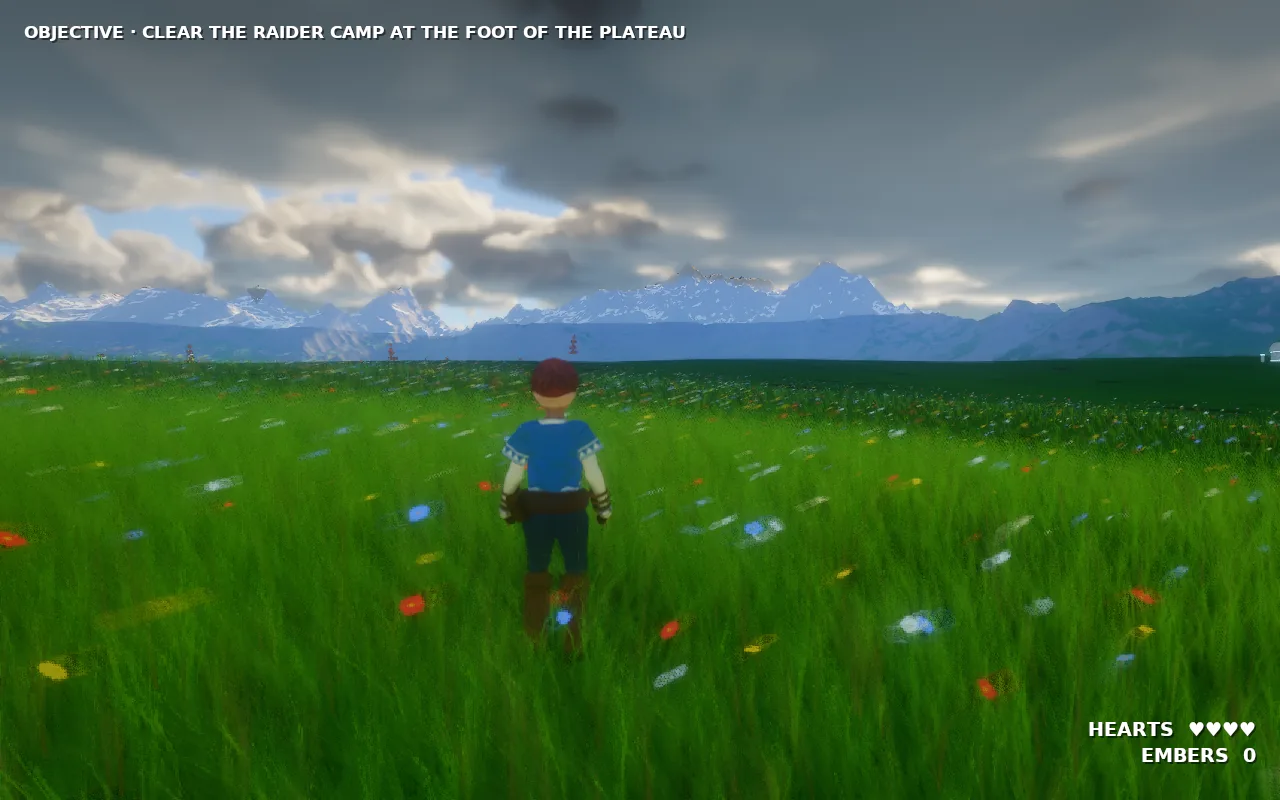
Hollowreach on Linux.
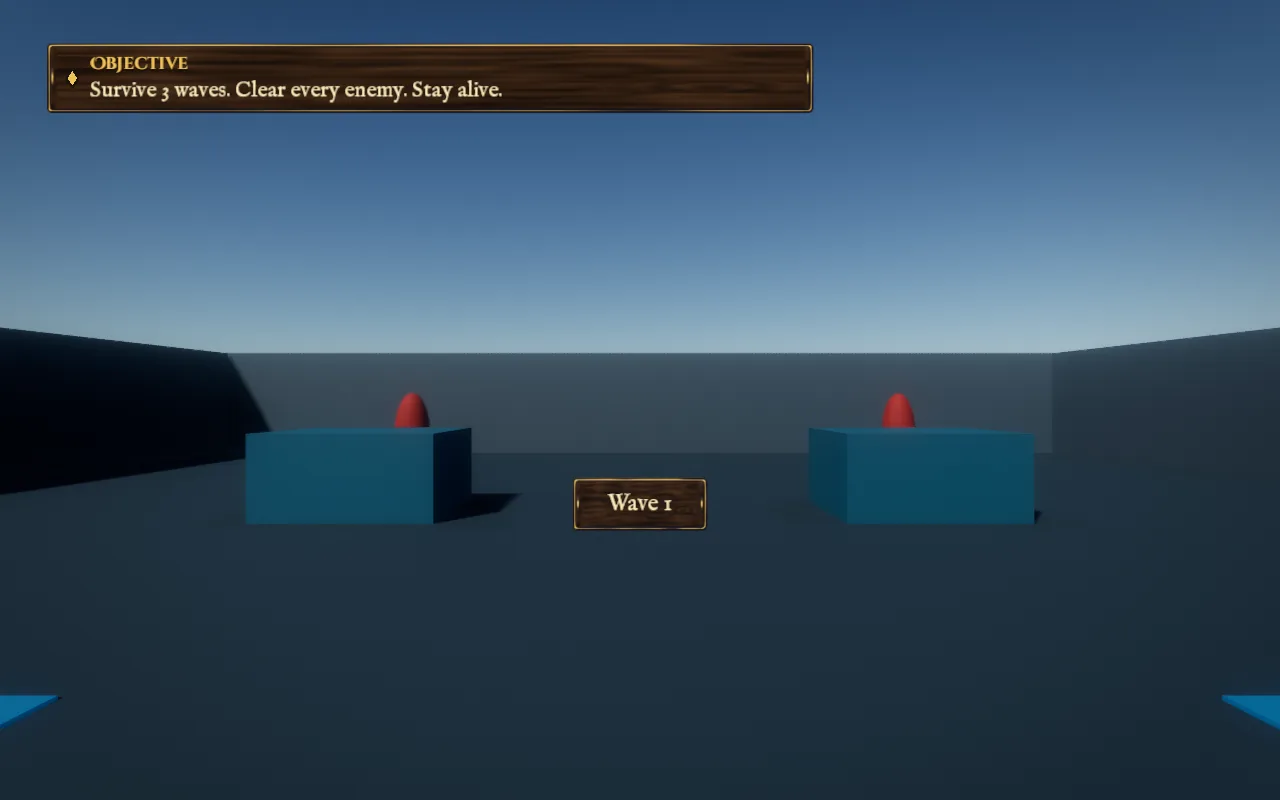
An exported game, running on its own on Linux.
04 · Browser
3D games in a browser tab.
Our 3D games play in the browser on WebGPU: Chrome or Edge on a computer or Android, Safari 26 on a Mac, Firefox on Windows. Quality runs from Battery saver up to Ultra and Max; Auto measures the graphics card, steps up while there's room and steps back down before frames drop. 2D games play in any modern browser.
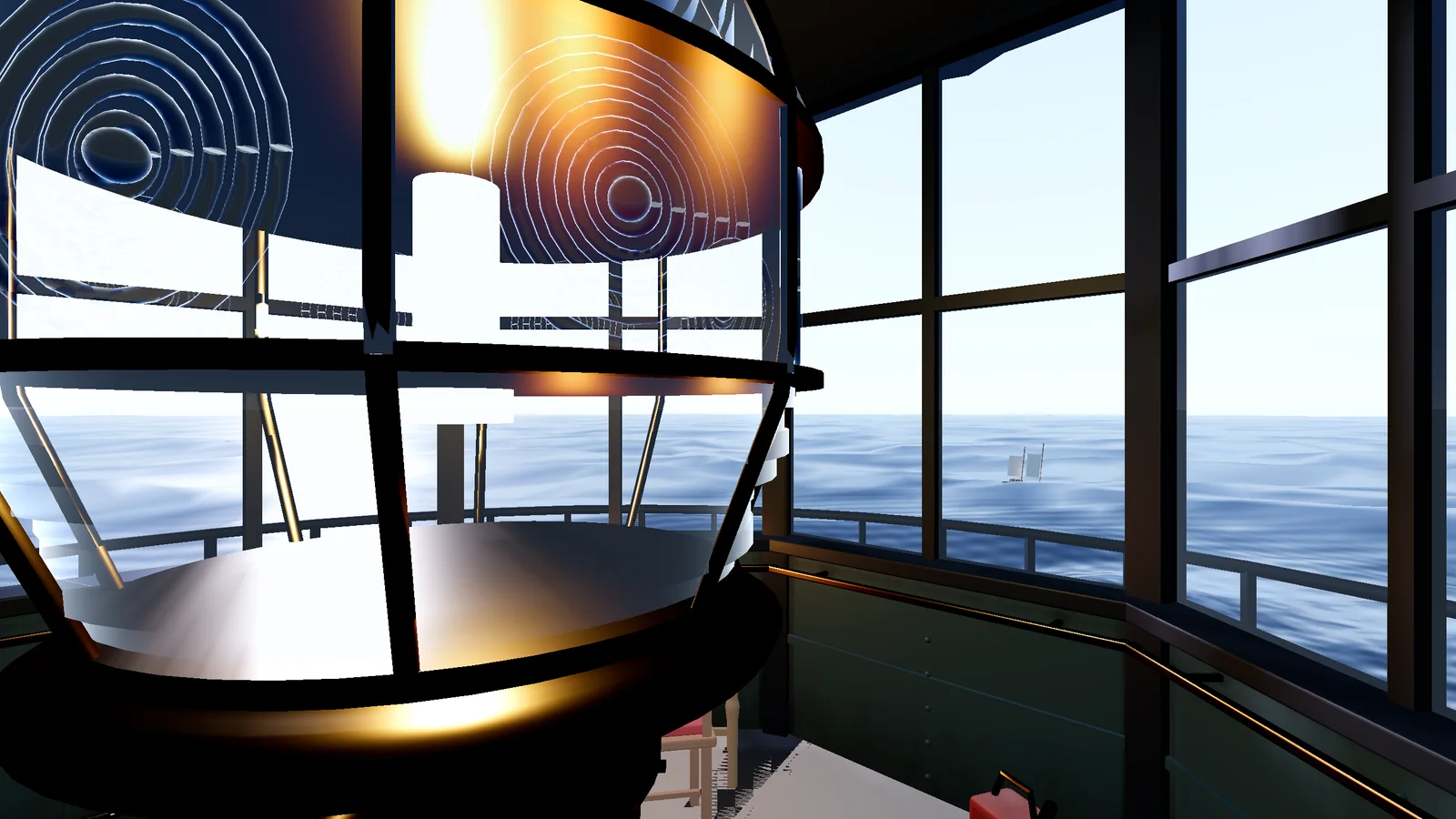
The Lighthouse, in a browser tab.
05 · Phones
Play on a phone, make 2D on a phone.
The Arcade's games play in a phone-size browser with touch controls: a walk stick and buttons for 3D, a touch deck for 2D. Big textures shrink as they load so phones don't run out of memory, and models that share pictures download them once. The browser editor makes 2D games right in the page; the full engine is the desktop app.
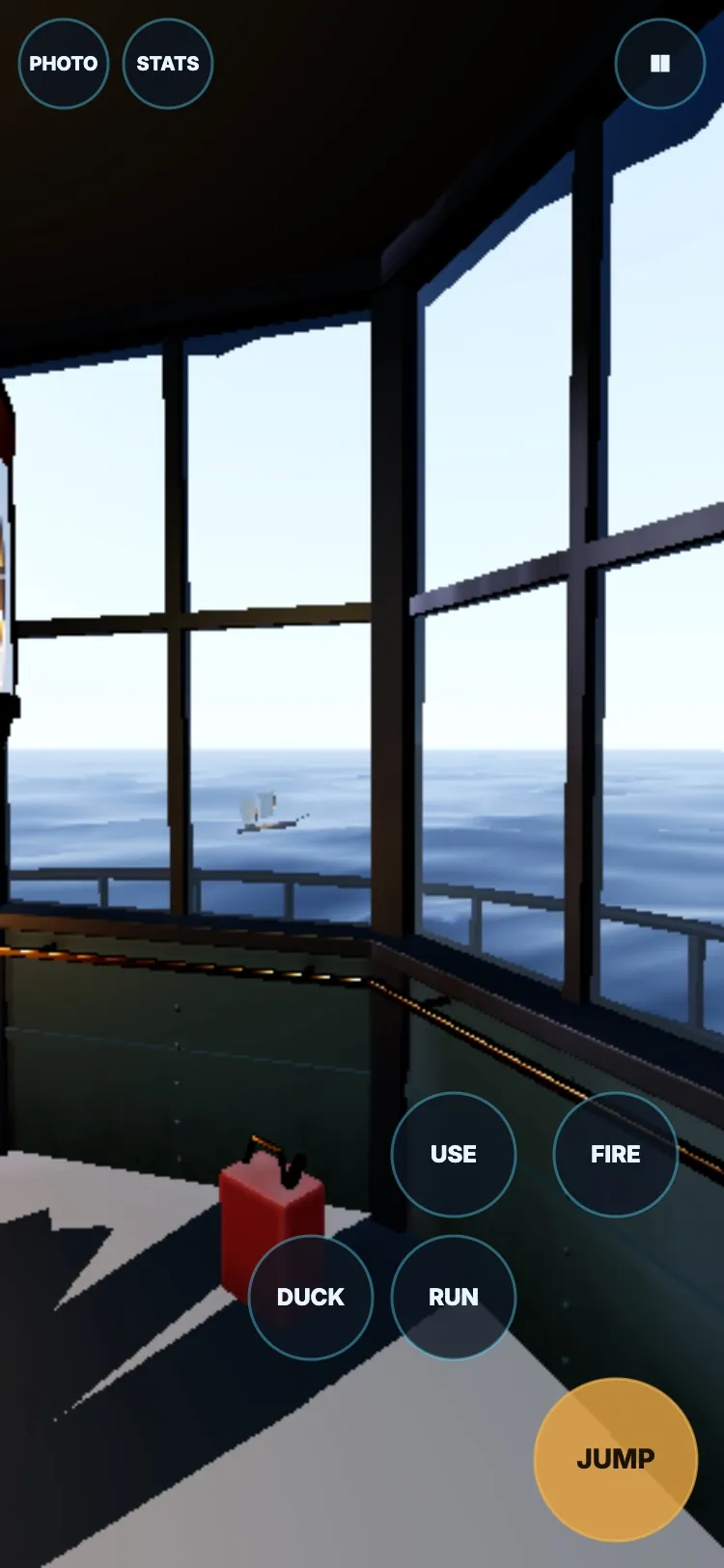
3D: the Lighthouse.
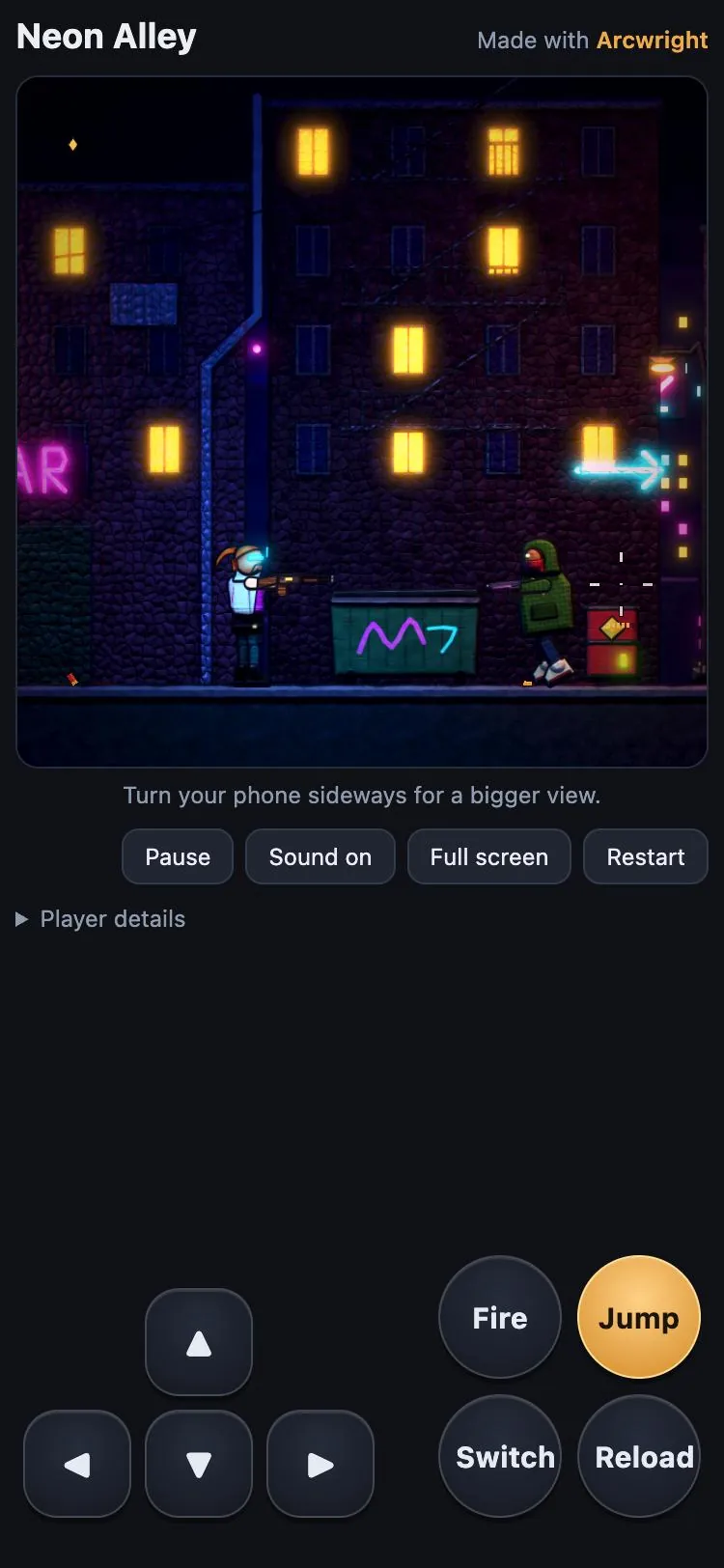
2D: Neon Alley.
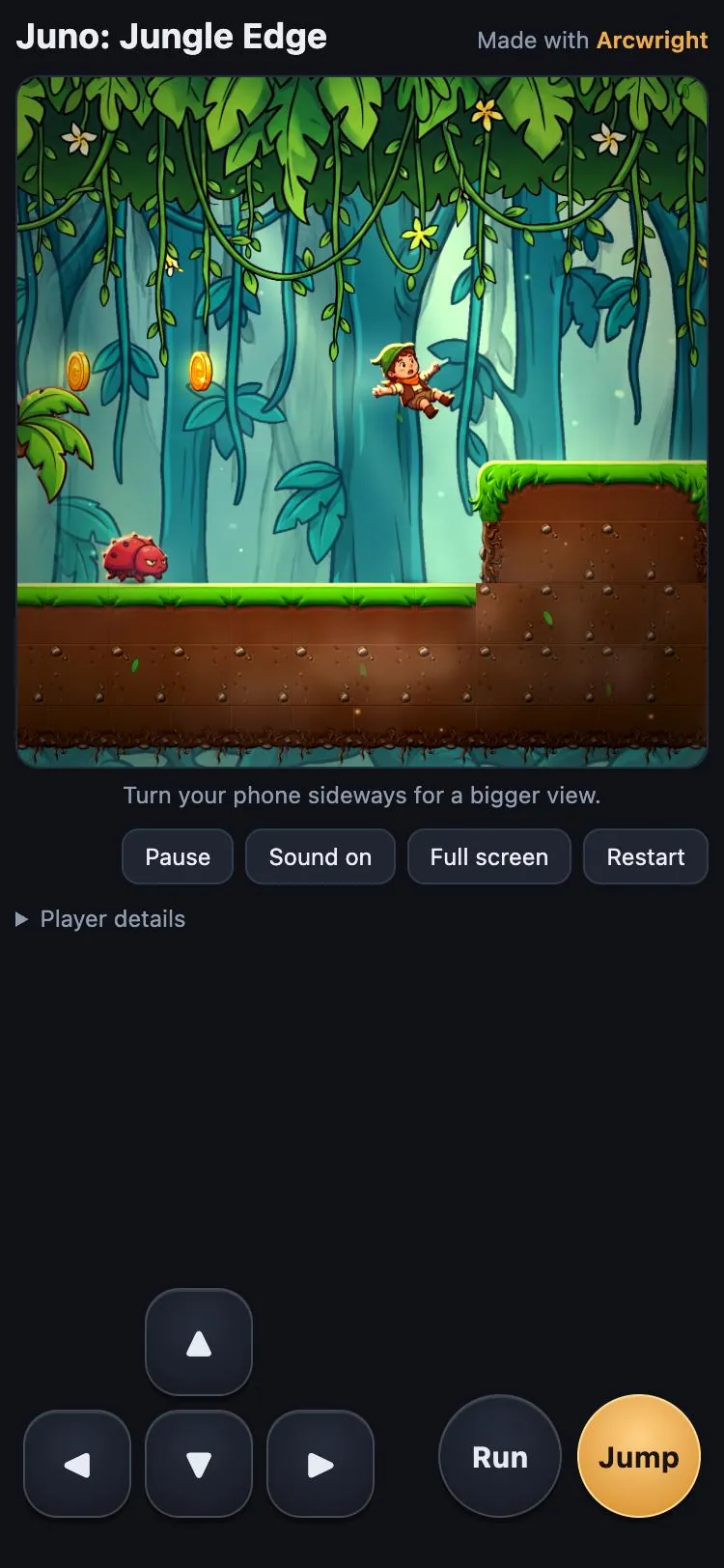
2D: Juno.
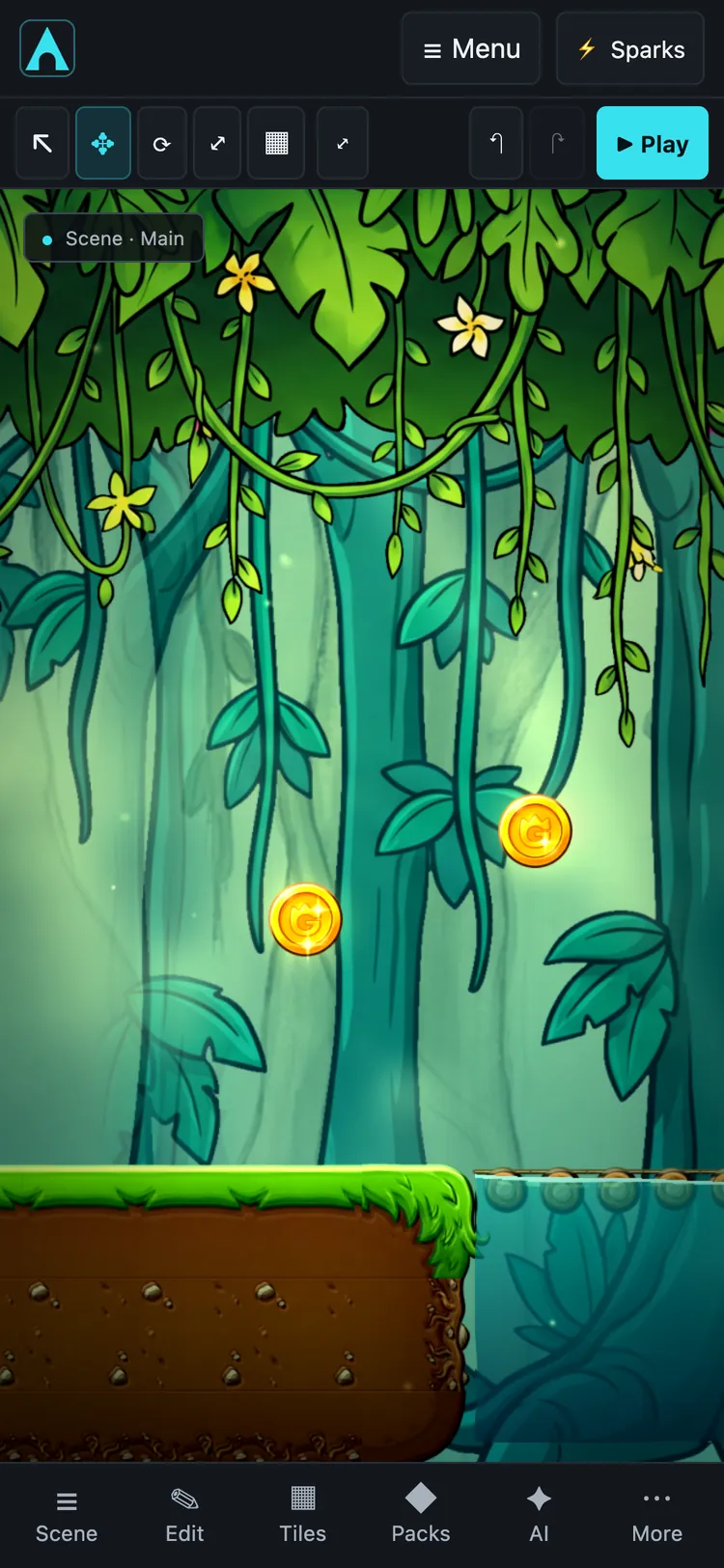
The 2D editor.
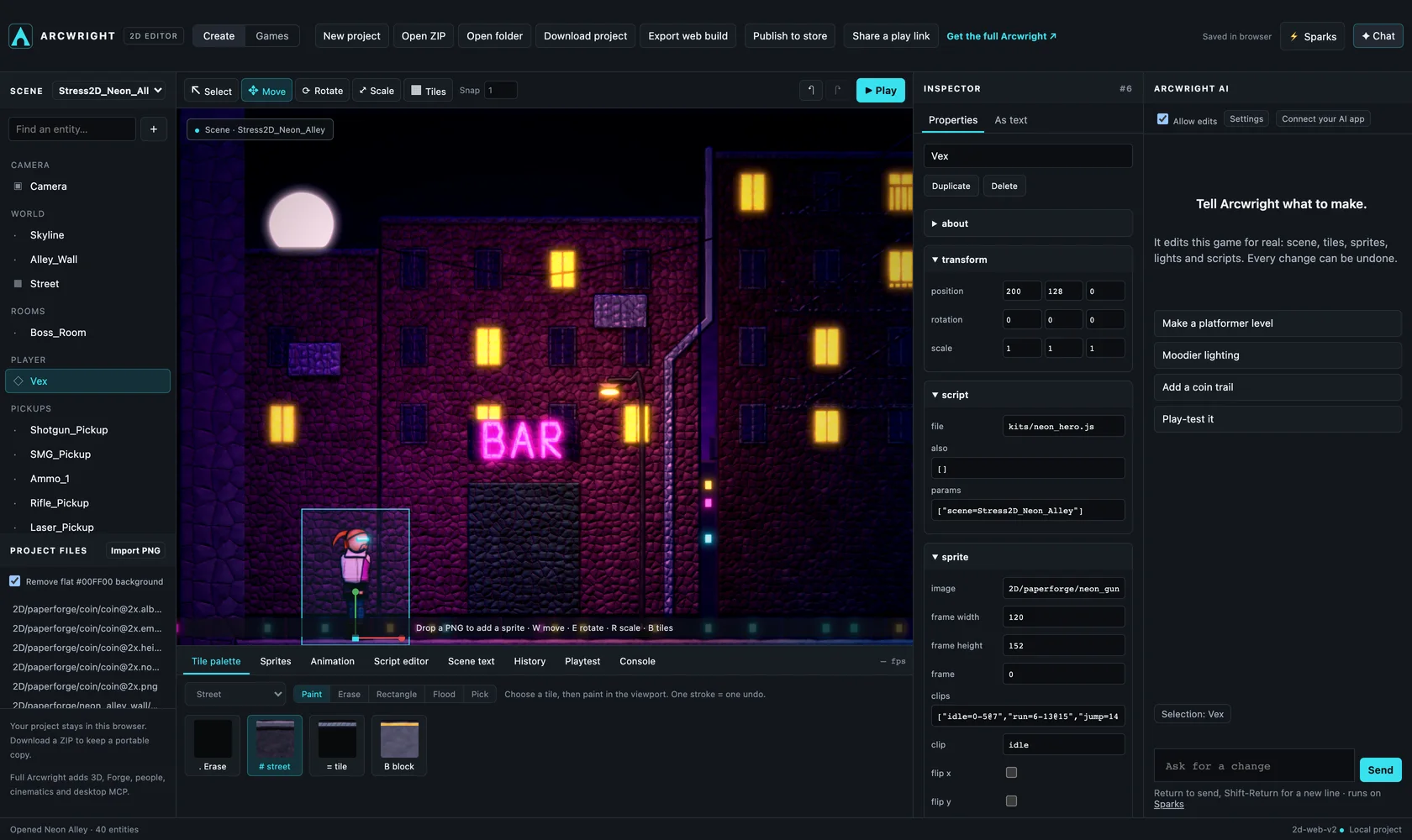
The 2D editor on a computer.
06 · Export
Ship it anywhere.
Publish puts your game on Arcwright Play, where anyone can play it. File › Export Game makes a stand-alone copy for Mac, Windows or Linux that runs without the editor, ready for stores such as Steam. Your game is yours: Arcwright is royalty-free until a game has earned $20 million.
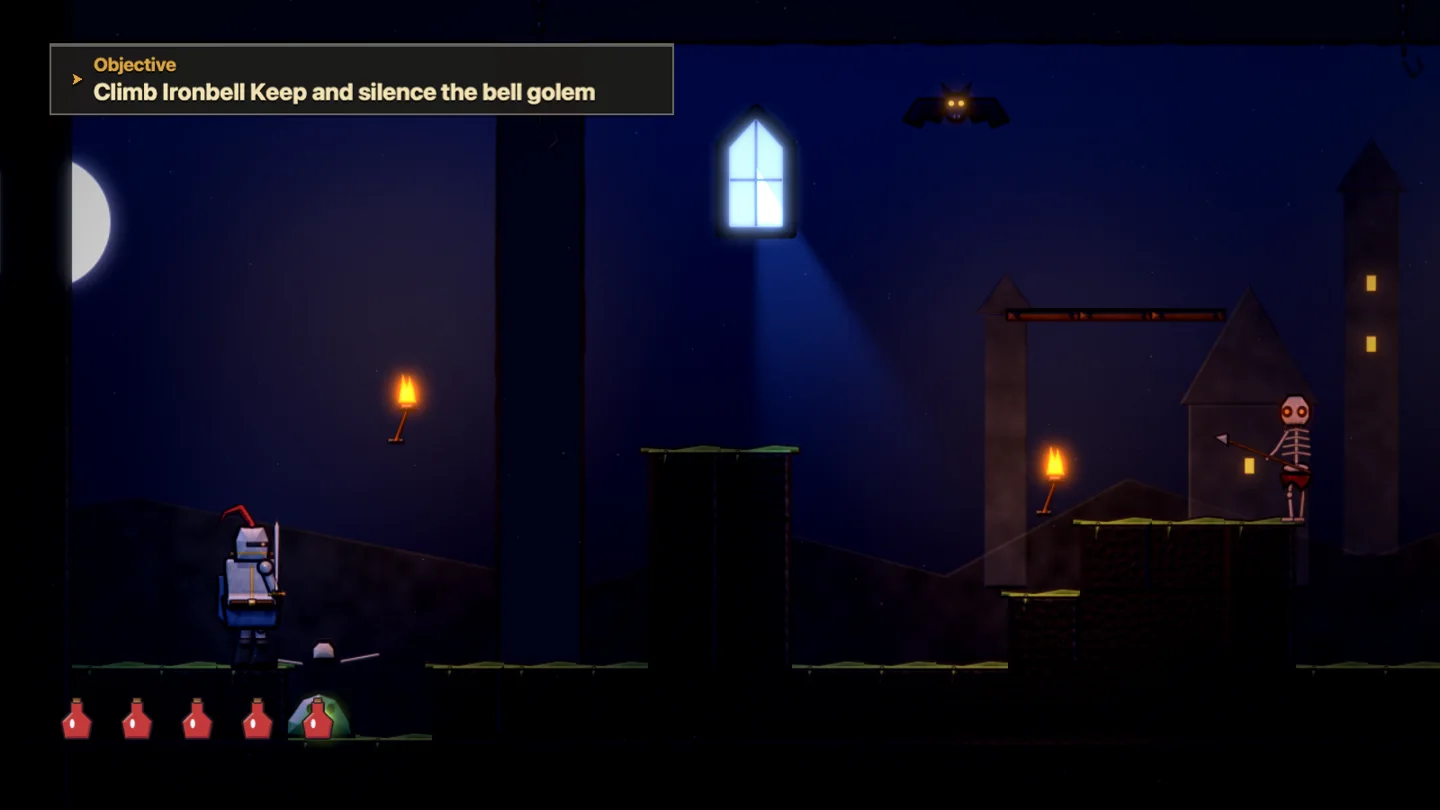
Ironbell Keep, exported as its own Mac app.
See it for yourself.
Download Arcwright free and open any of our games to see these systems at work.
Start building today.
Arcwright is free. Download it, describe your game, and watch Claude Opus 5.5 build it in front of you.
 First 100 accounts get 200 free Sparks · left
On your phone? Play our games right here, or .