Technology · Nano Banana
How we use Nano Banana with the Forge.
Almost everything in our games starts as a Nano Banana picture, made with Google's image model. Not as the final art: as the plan. The Forge measures the picture, builds real 3D from it, and we check the result against it. Here's every way we use it.
The picture is the plan, not the product. What ends up in the game is real geometry and real materials, built in the engine.
Edit, don't invent. Our best references start from our own renders: keep this exactly, fix what's wrong.
Measure everything. Outlines, proportions, colours, where the eyes sit, how light falls. Then compare.
01
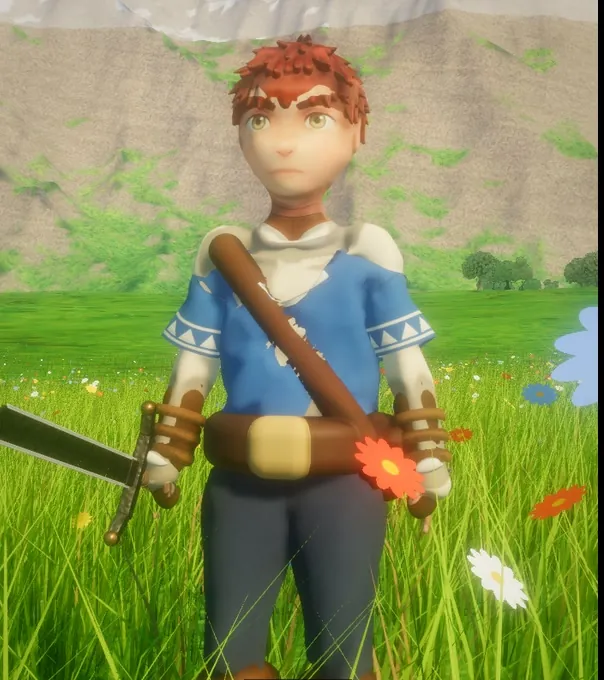
Characters, from a turnaround.
One picture with the same character from the front, three-quarter, side and back. The Forge's Sheet Sculptor fits the body's proportions to the outlines in every view, then paints it from the drawing. Every character comes out rigged and ready to walk.
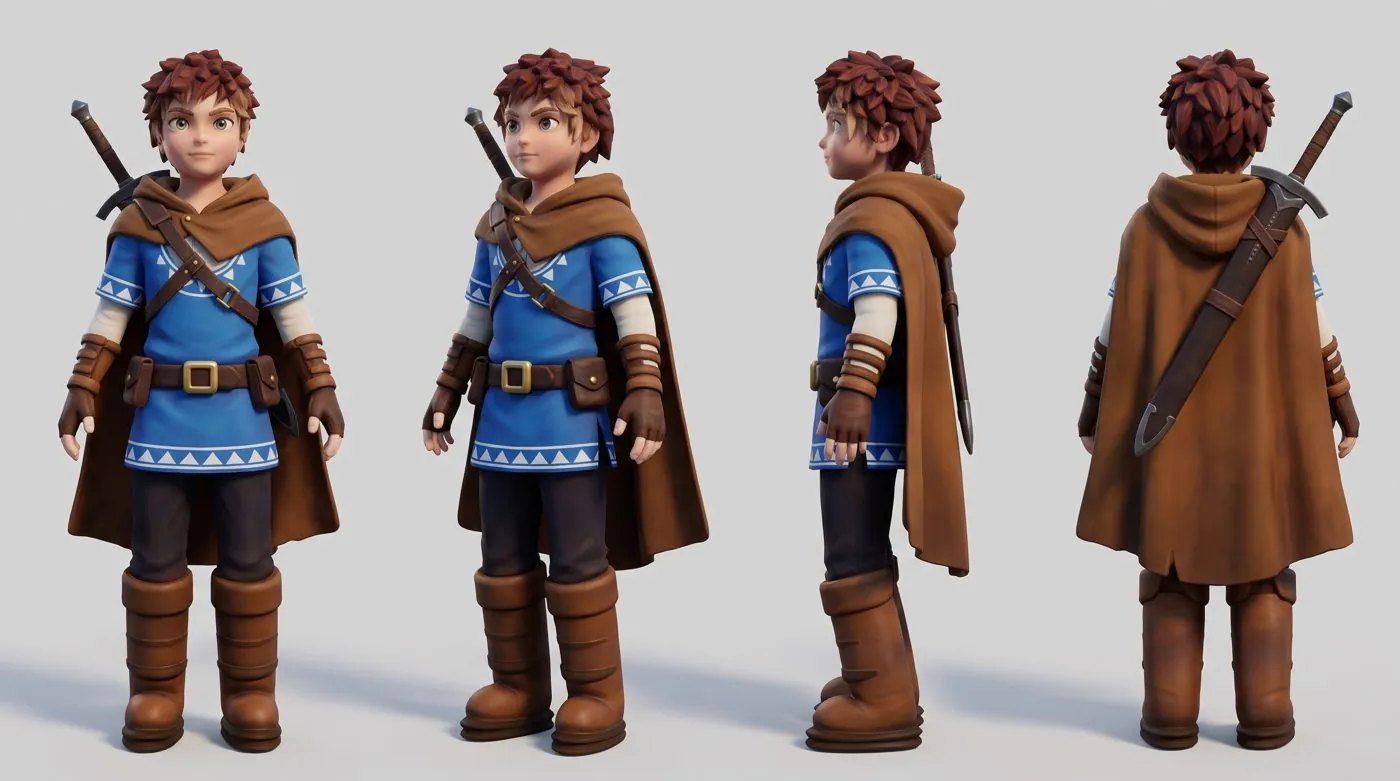
The turnaround
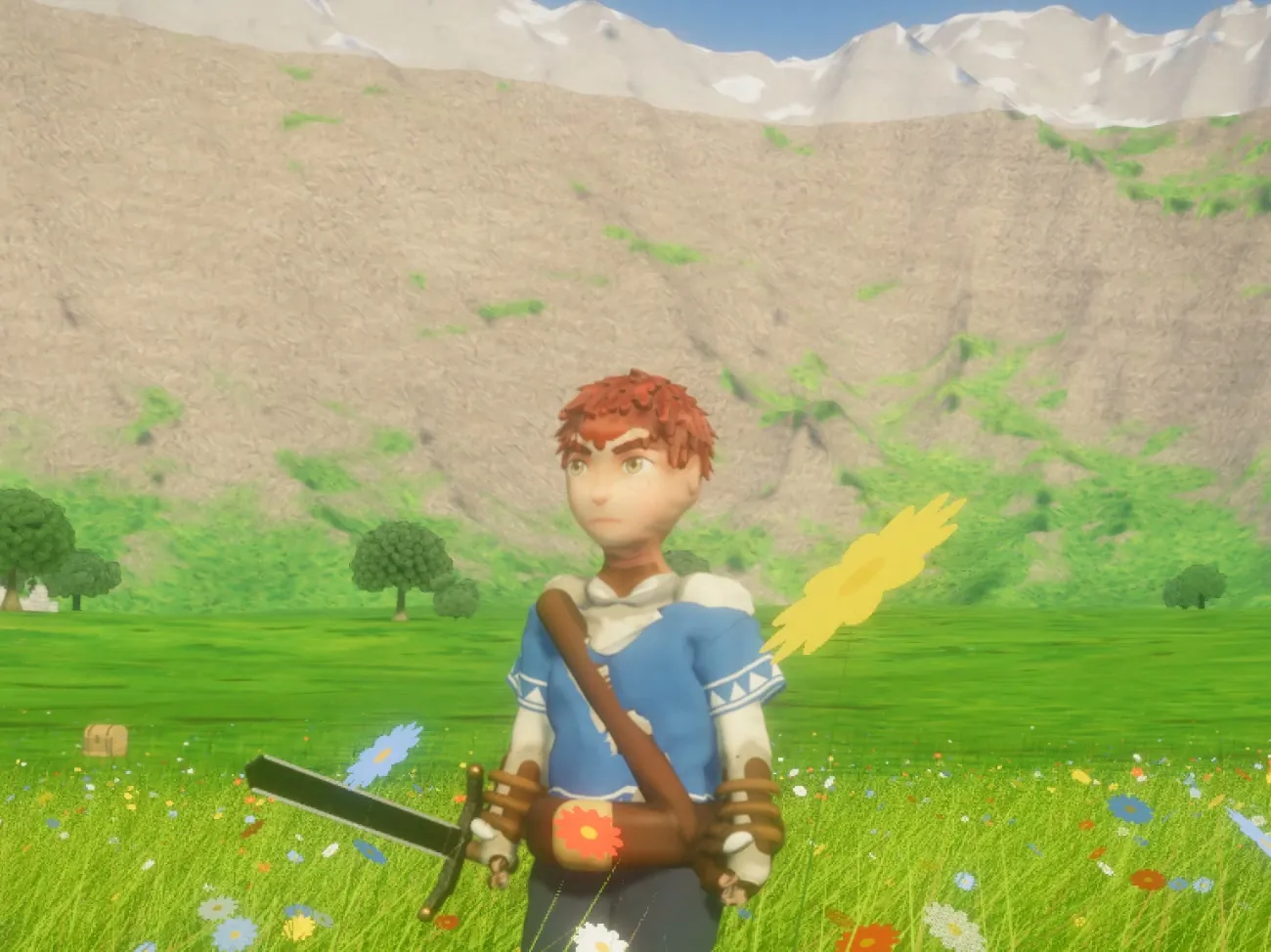
In the engine
02
The correction loop: render it, then let Nano Banana fix it.
Our most powerful trick. Once a first version exists, we render our own model from four sides and hand that to Nano Banana: keep this exact character, fix what's wrong. The new picture matches our model's shape exactly, only better, and becomes the next reference. Round and round until it's right.
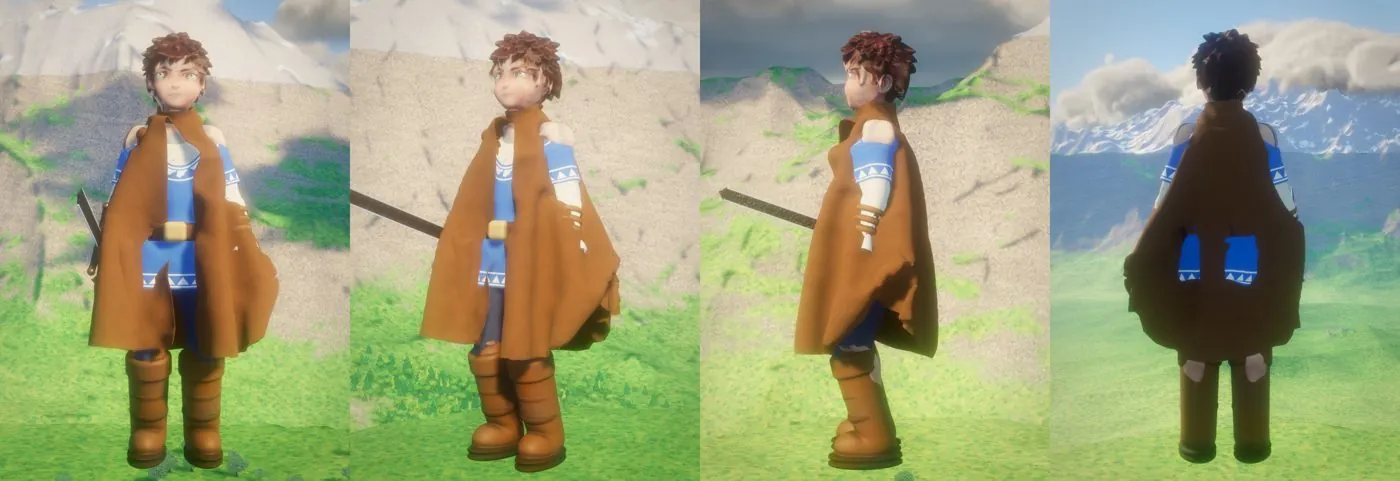
Our render
The cloak wraps him like a blanket and the face is soft.
Nano Banana's correction
The same boy, with the cloak behind him, bracers, pouches and a clear face.
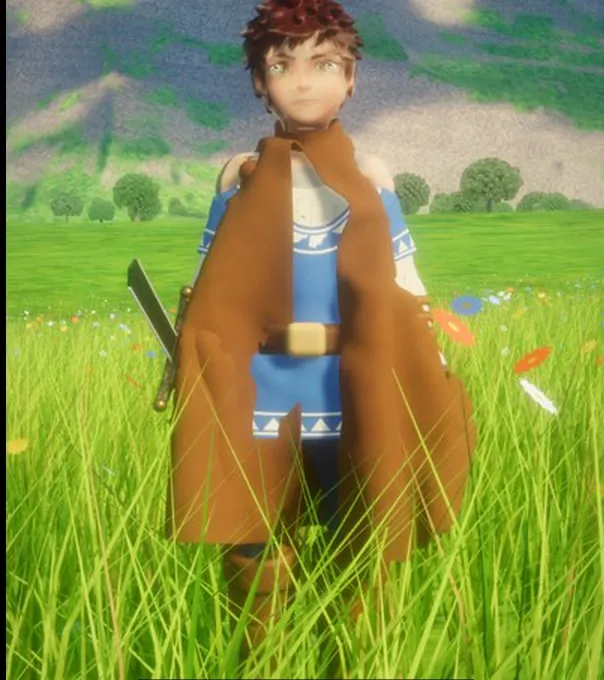
Same night, same engine.
Drag to compare two live renders a few hours apart.
03
Faces, at full detail.
A full-body sheet gives a face a few dozen pixels. So faces get their own sheet: front first, then three-quarter, profile and a couple of expressions. The engine finds the eyes in the drawing and places the face on the head by them, so the eyes, brows, nose and mouth land exactly where they should.
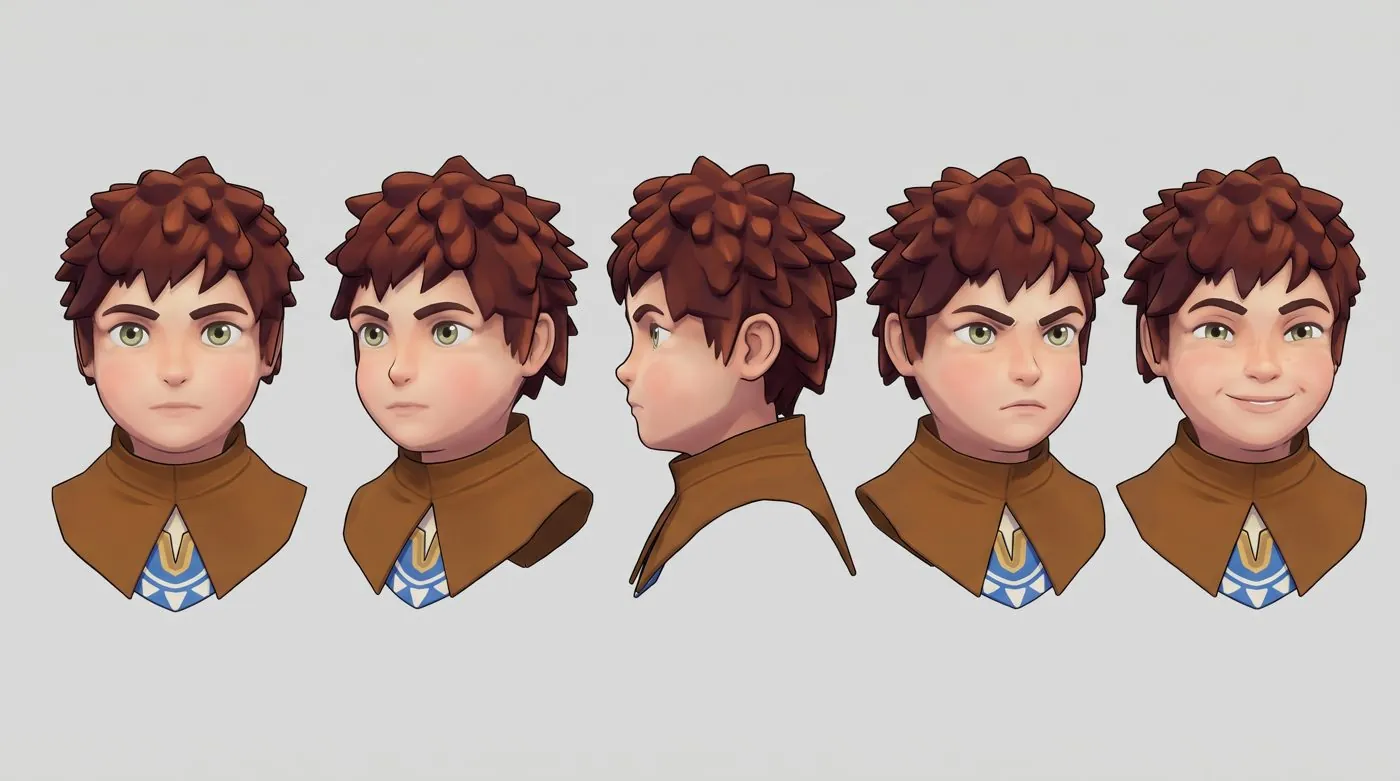
The face sheet
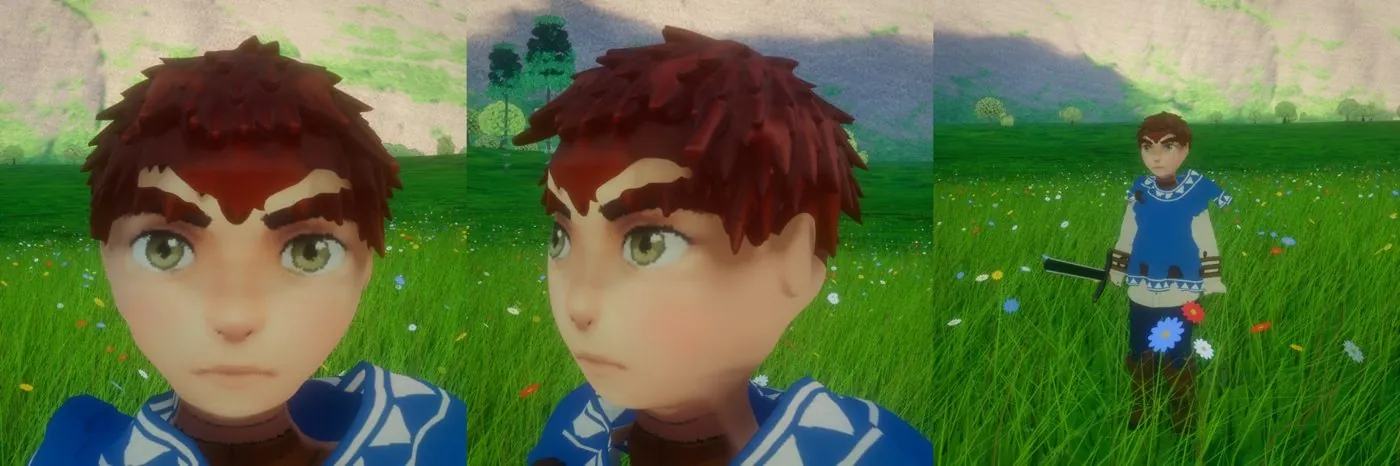
In the engine
04
Rooms, planned before a wall goes up.
For Ashgrove, the haunted mansion, each room started as a picture of how it should feel, plus a plan with real measurements: how wide the doors are, how high the ceiling, where the stairs land. The room is then built to those numbers, so it reads right when you walk through it.
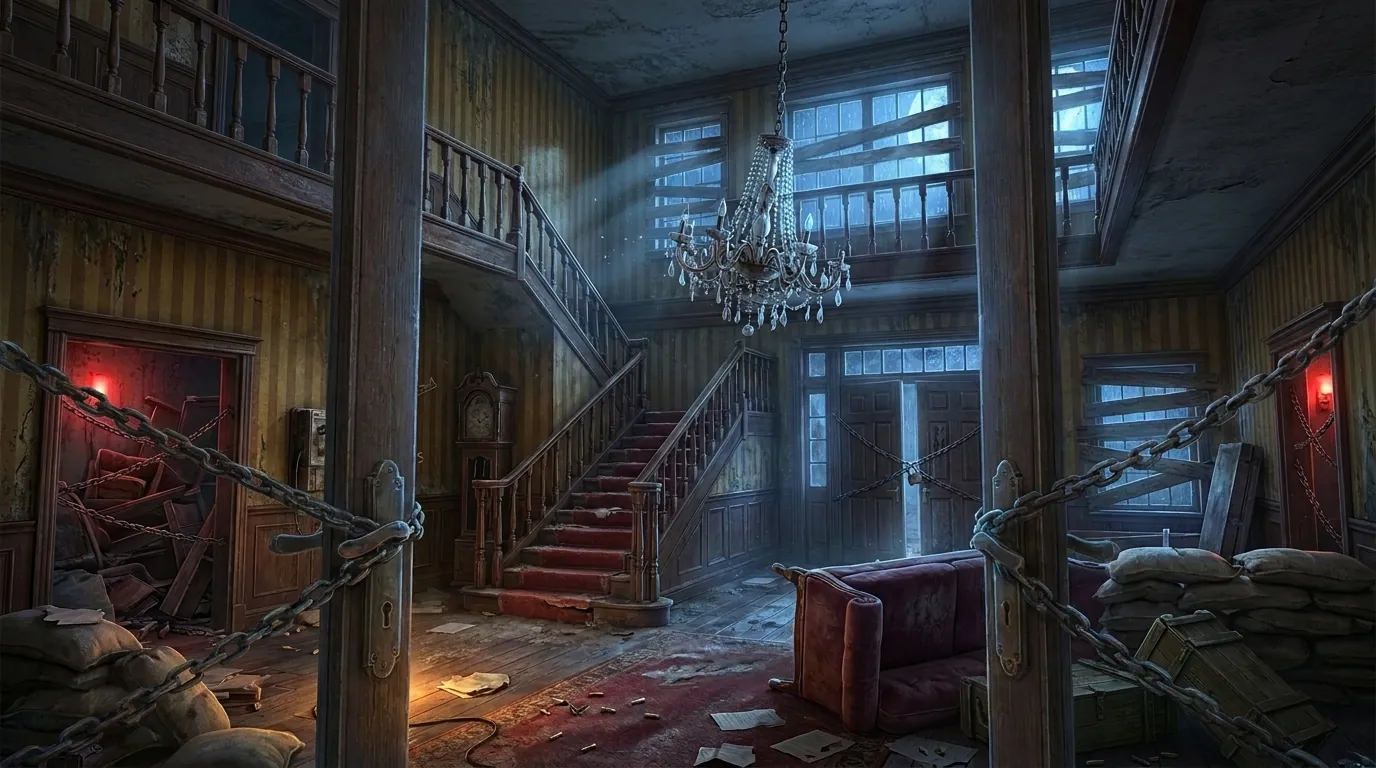
How it should feel
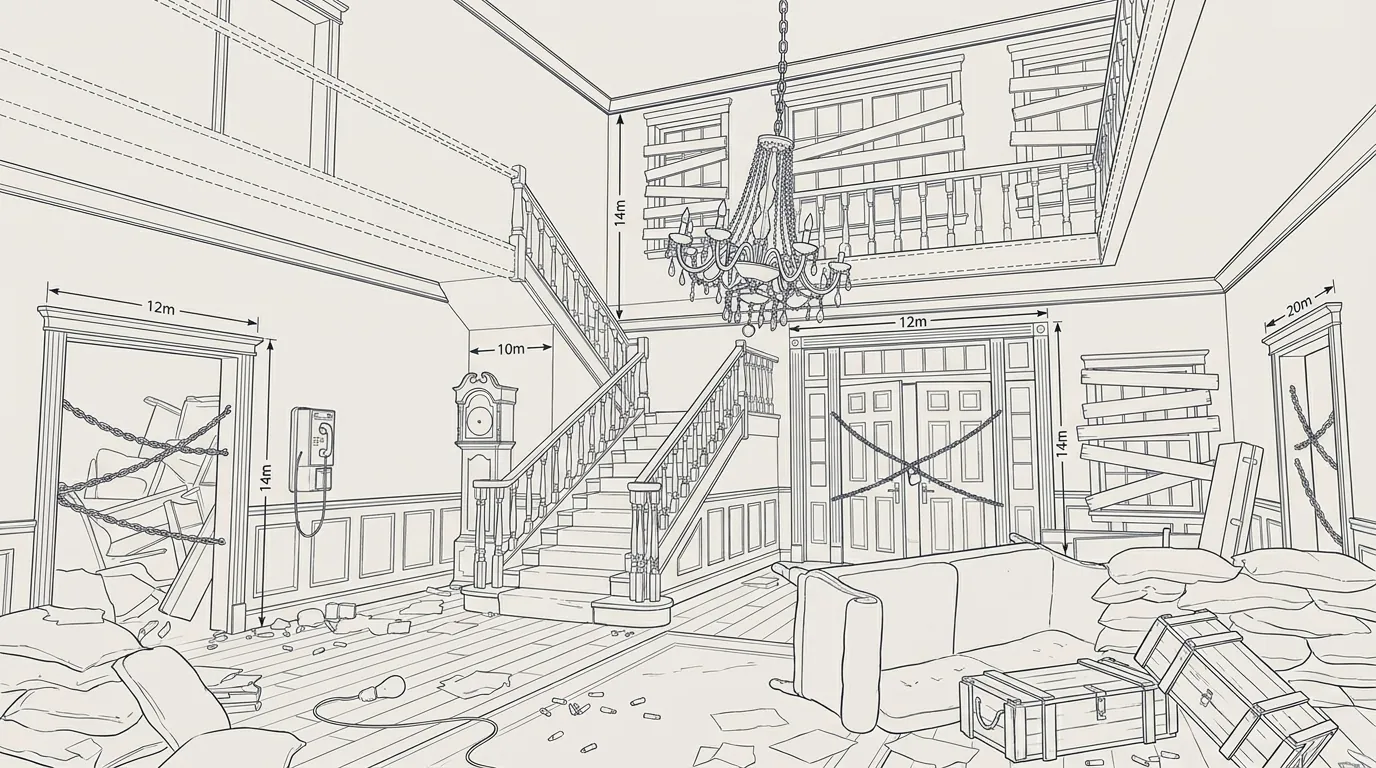
The plan, with measurements
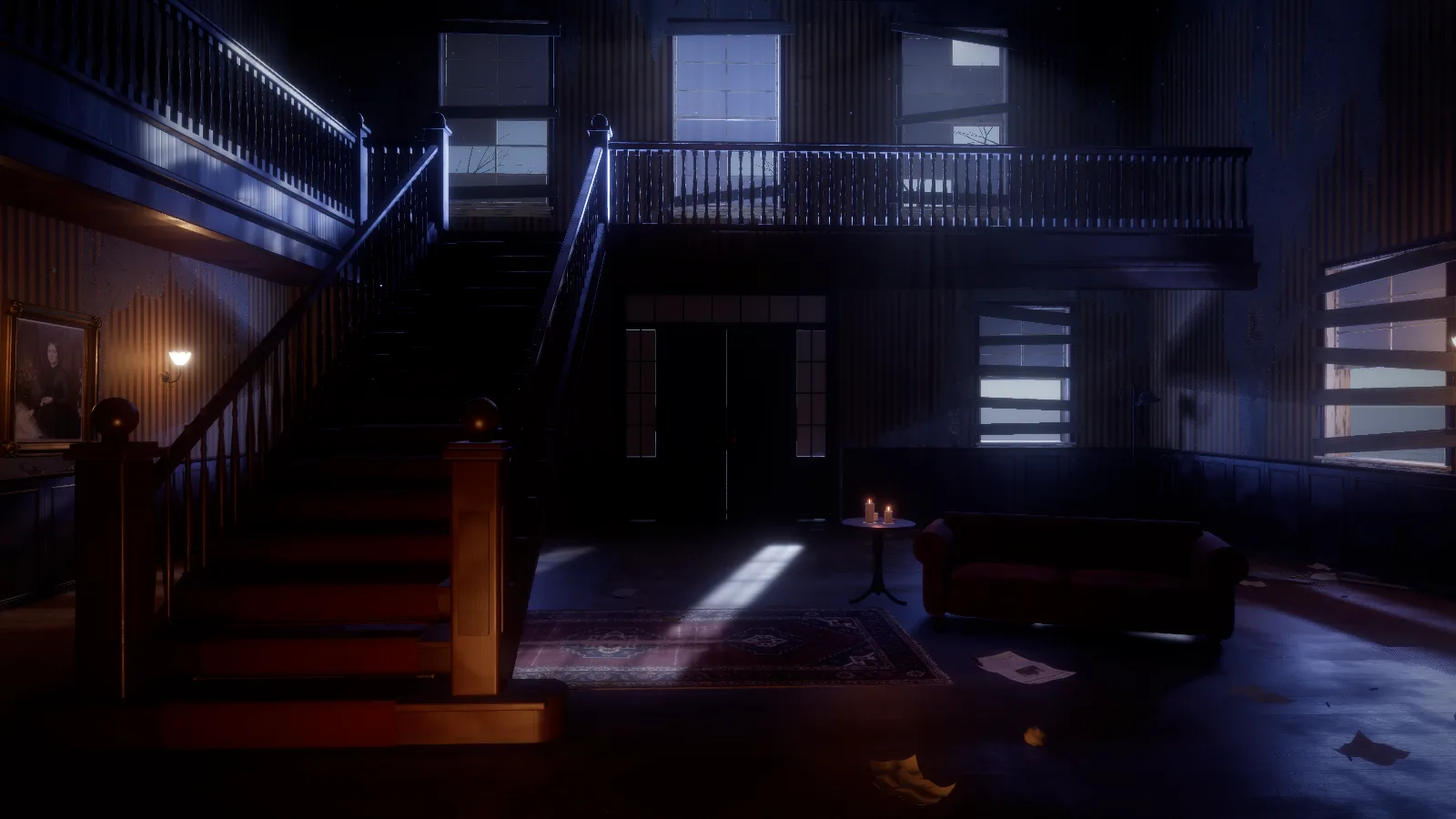
Built in the engine
05
A sheet for every prop.
Each piece gets its own product sheet: the object from the front, the side and the back on a plain background, with close-ups of the details that matter. The Forge reads the outline and proportions and builds it part by part: a staircase with its newel posts, a chesterfield with its buttons, a window with the boards nailed across it.
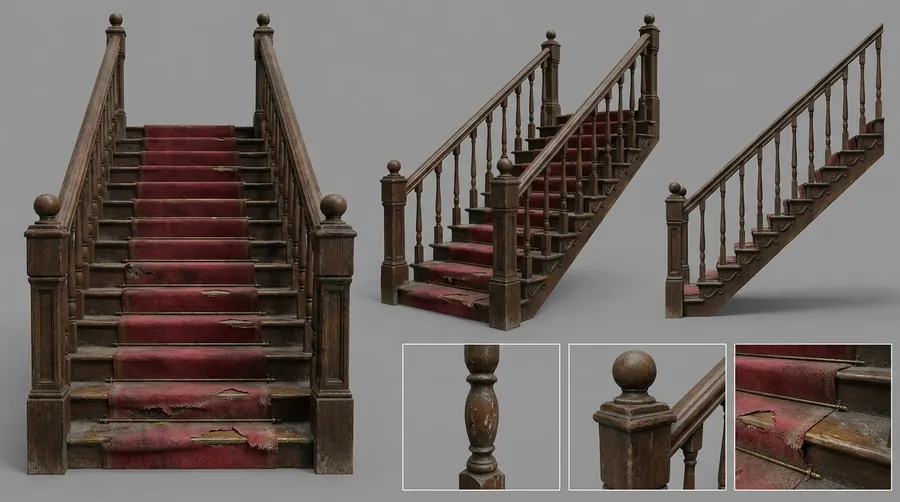
Staircase
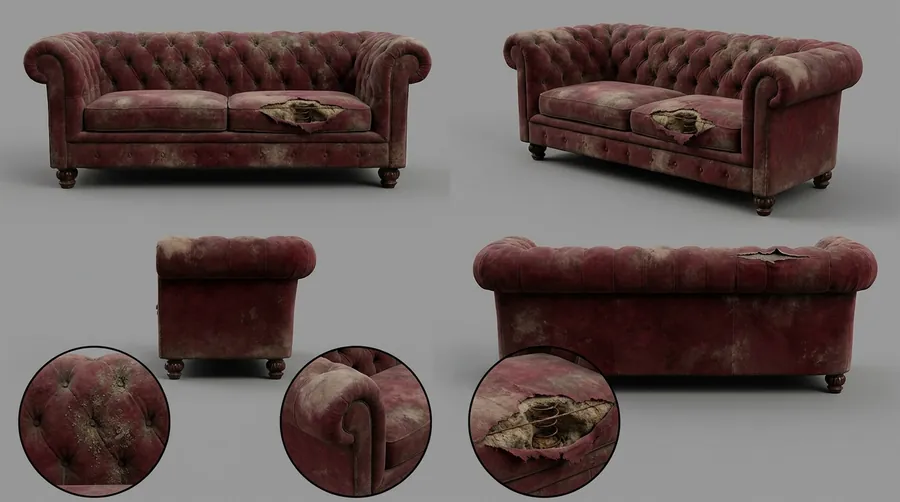
Sofa
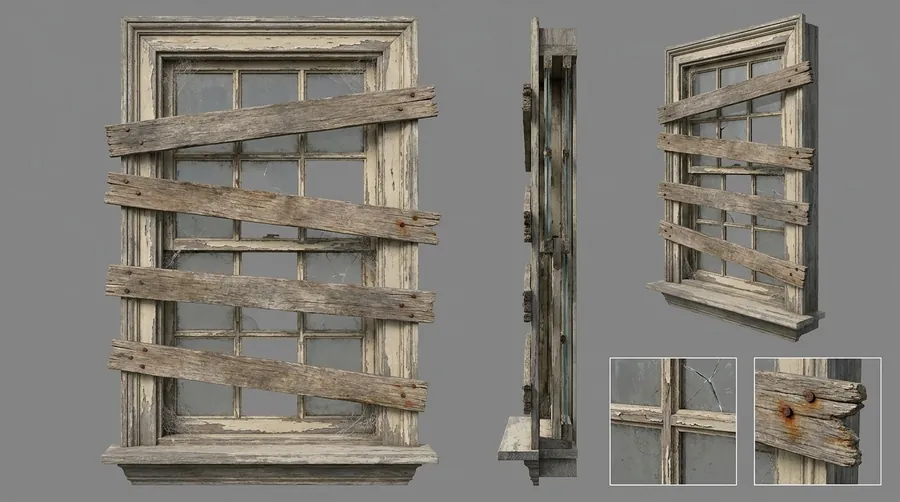
Boarded window
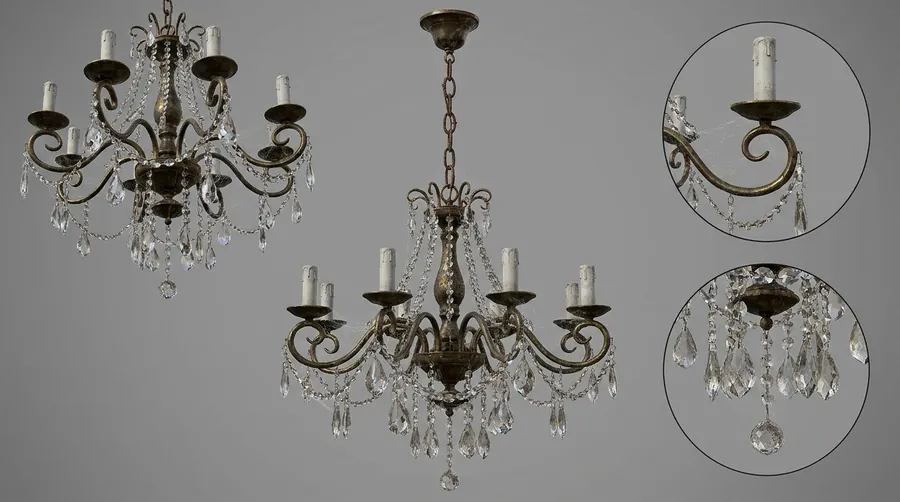
Chandelier
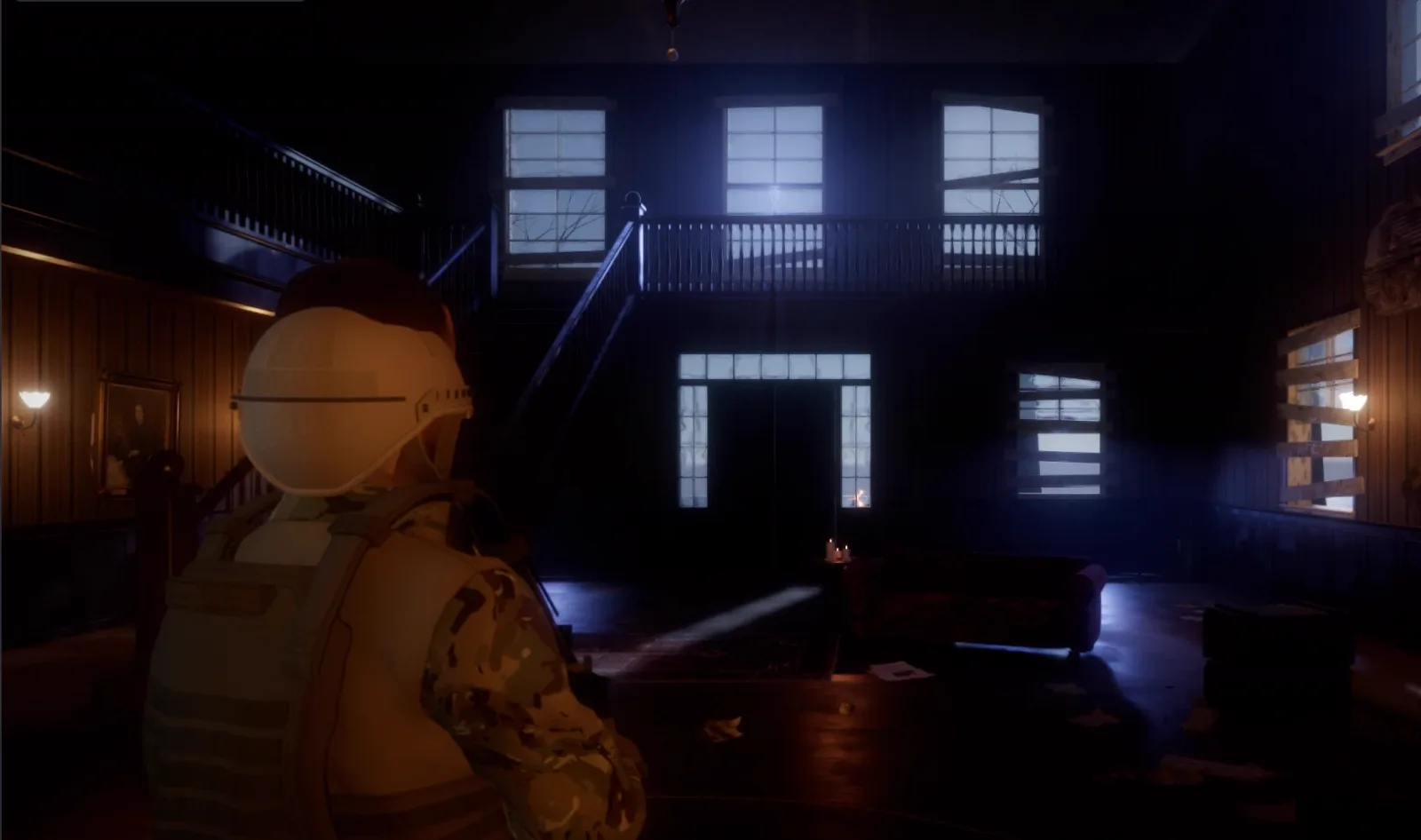
In the game
The stairs, the balcony, the boarded windows and the sofa, forged and lit in the engine.
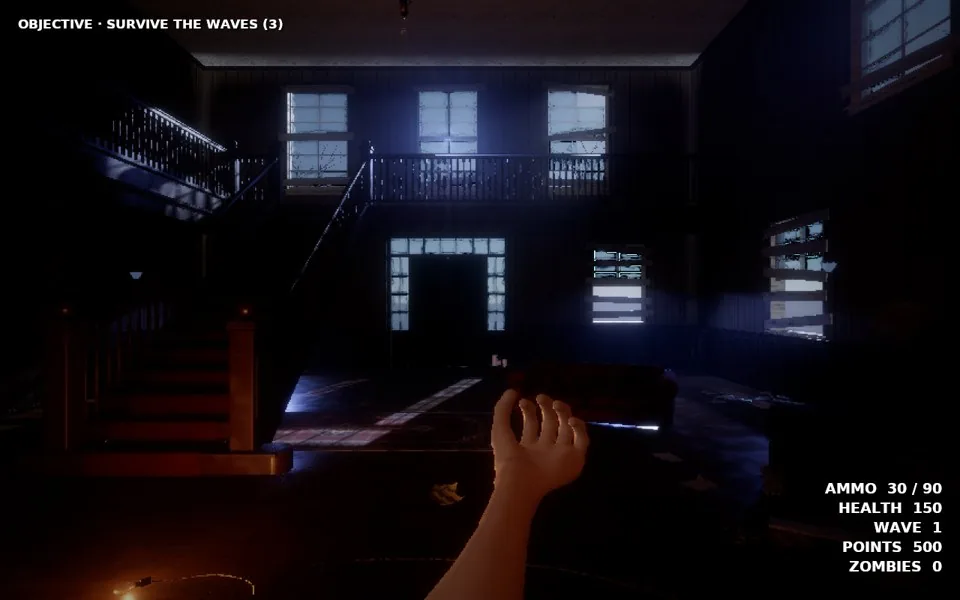
On Windows too
The same forged foyer, played on the Vulkan renderer.
06
Light studies: how a surface should look.
A material can look right in flat light and fake under a lamp. So for the important surfaces we make light studies: the same surface under a bare bulb, low raking light, moonlight, a flashlight. The engine material is tuned until it holds up in every one of them.
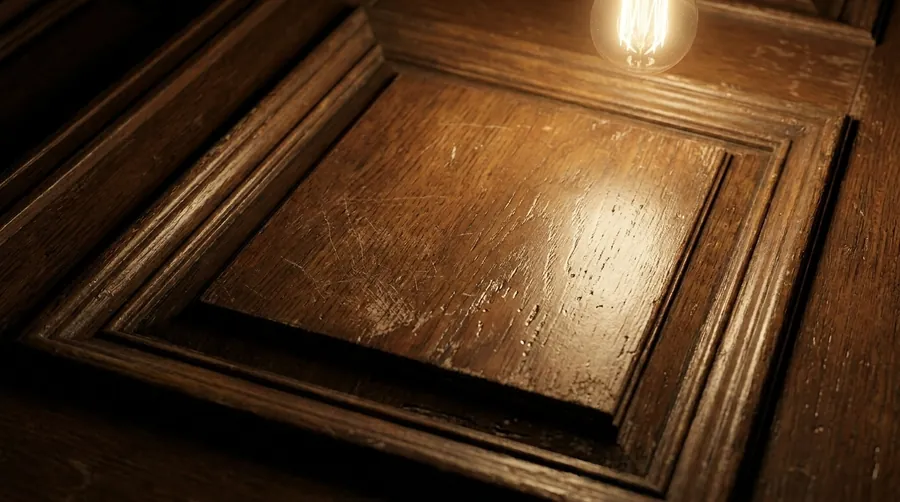
The study: wood under a bare bulb
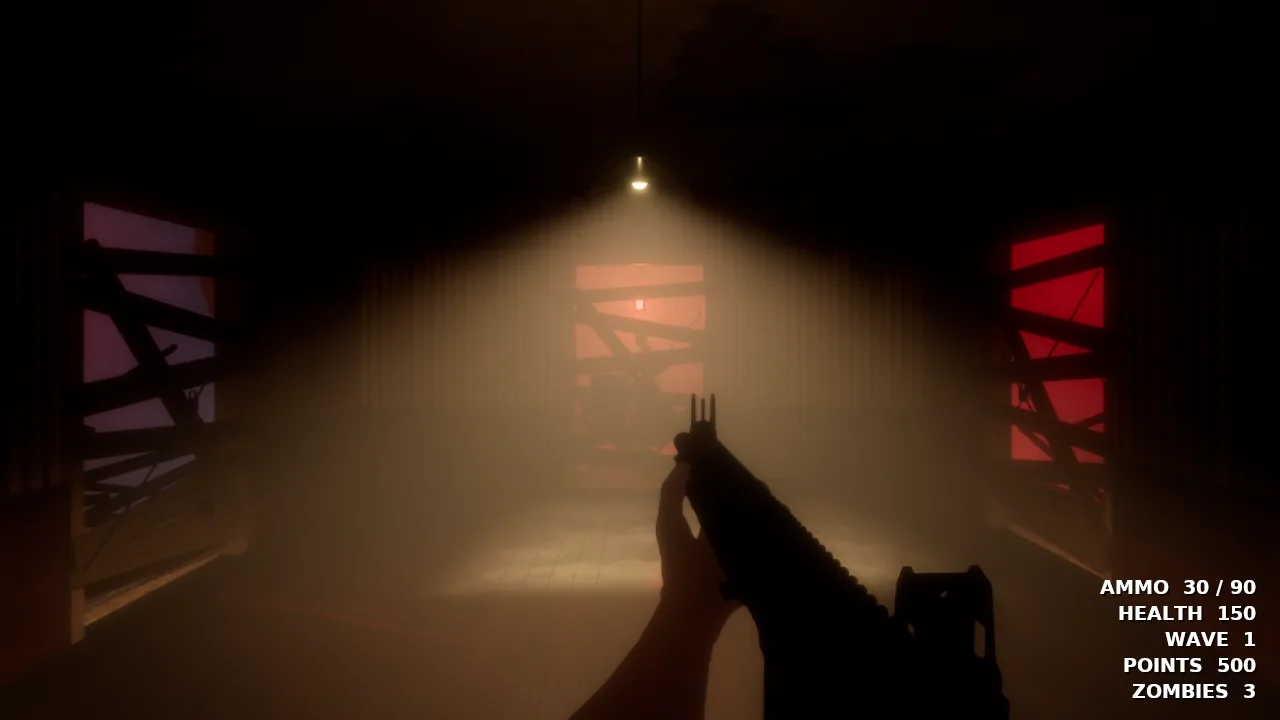
In the game: a bare bulb in the haze
07
Photo targets for whole places.
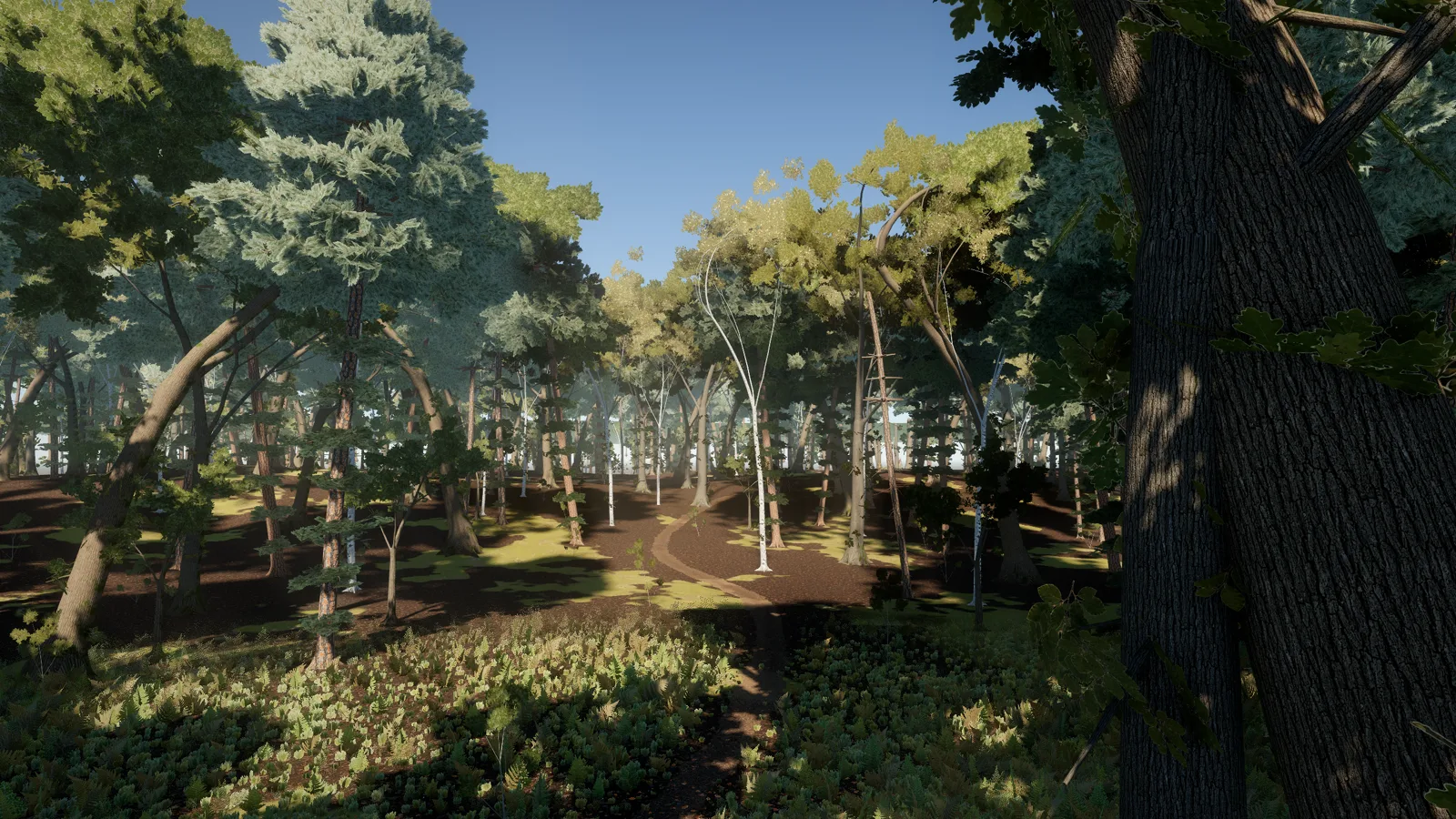
For the Zombie Woods we rendered our own trail and asked Nano Banana to repaint that exact view as a photograph. That picture became the target for the light, the ground and the trees.
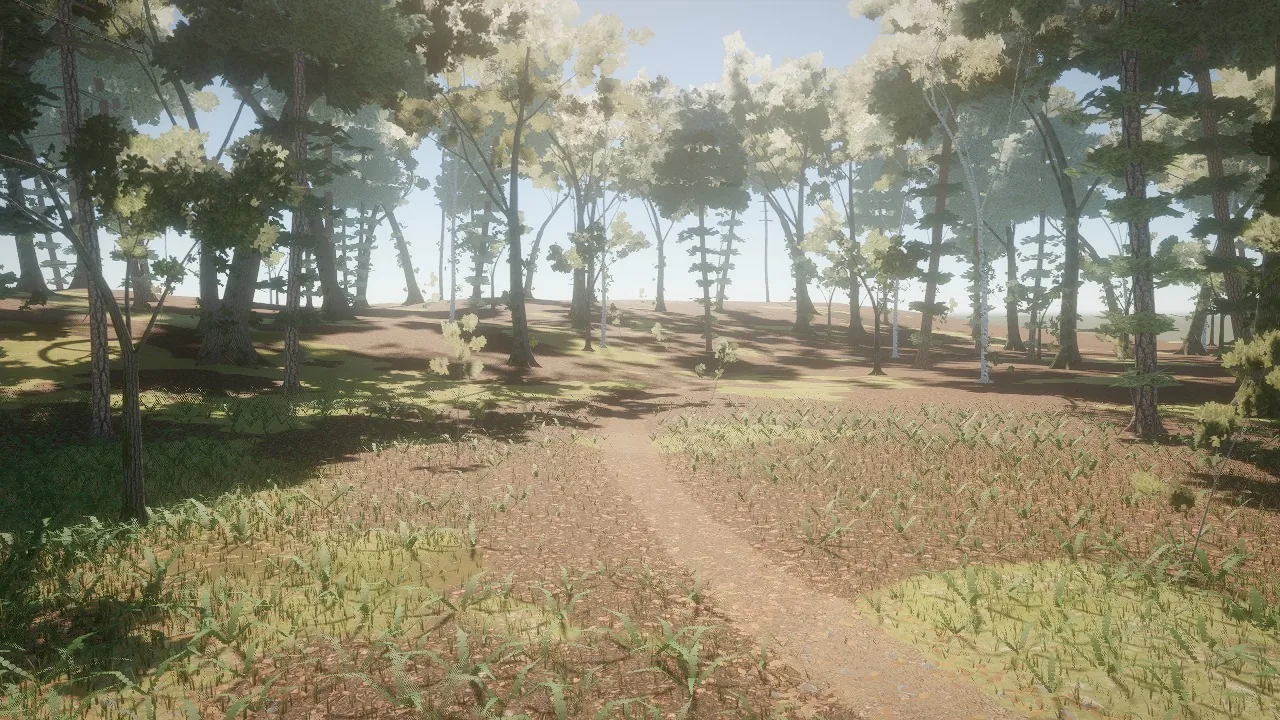
1 · Our first pass
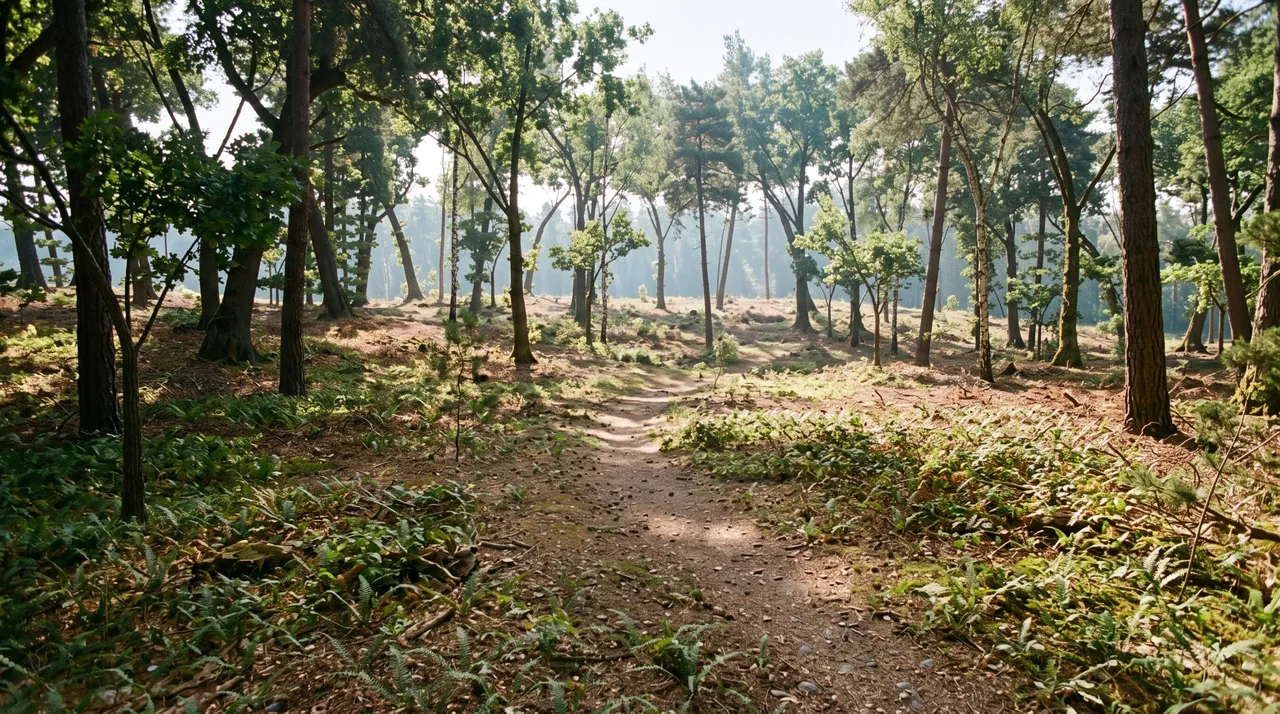
2 · The target
3 · After the pass
08
2D games, painted.
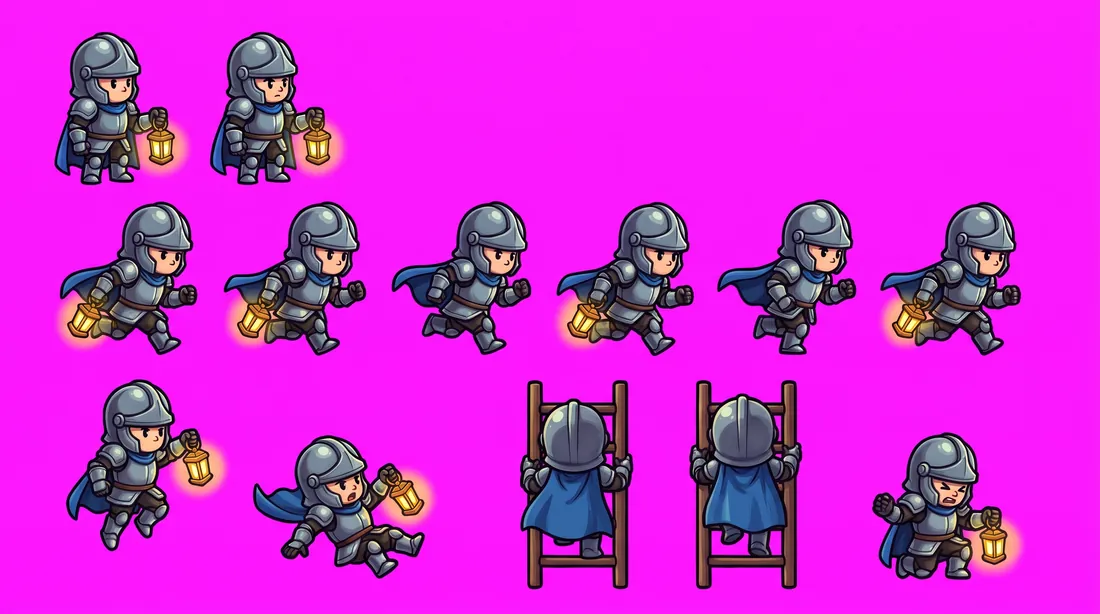
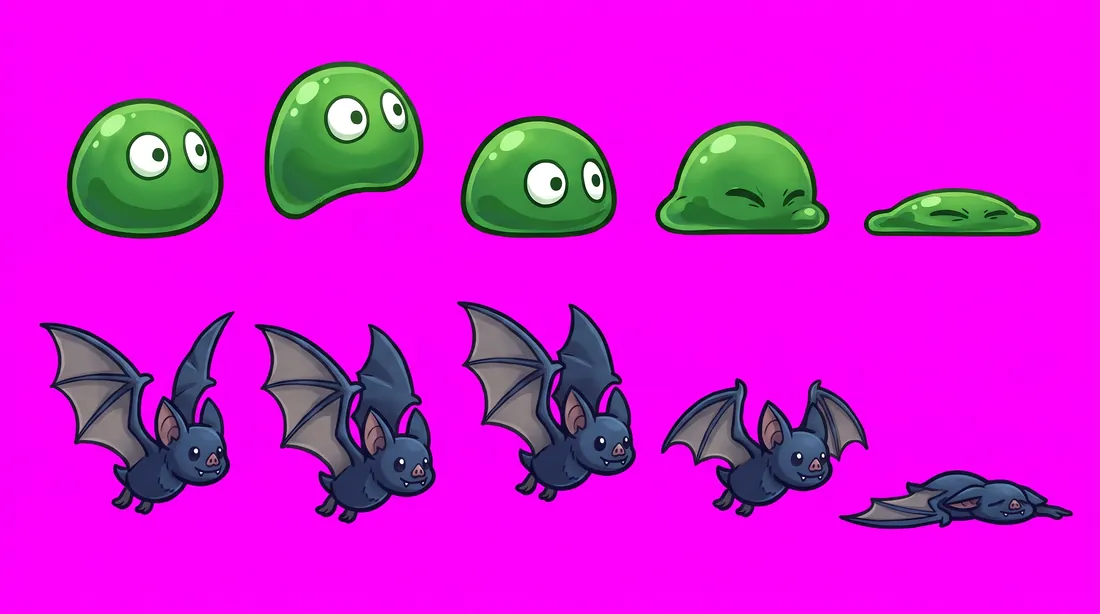
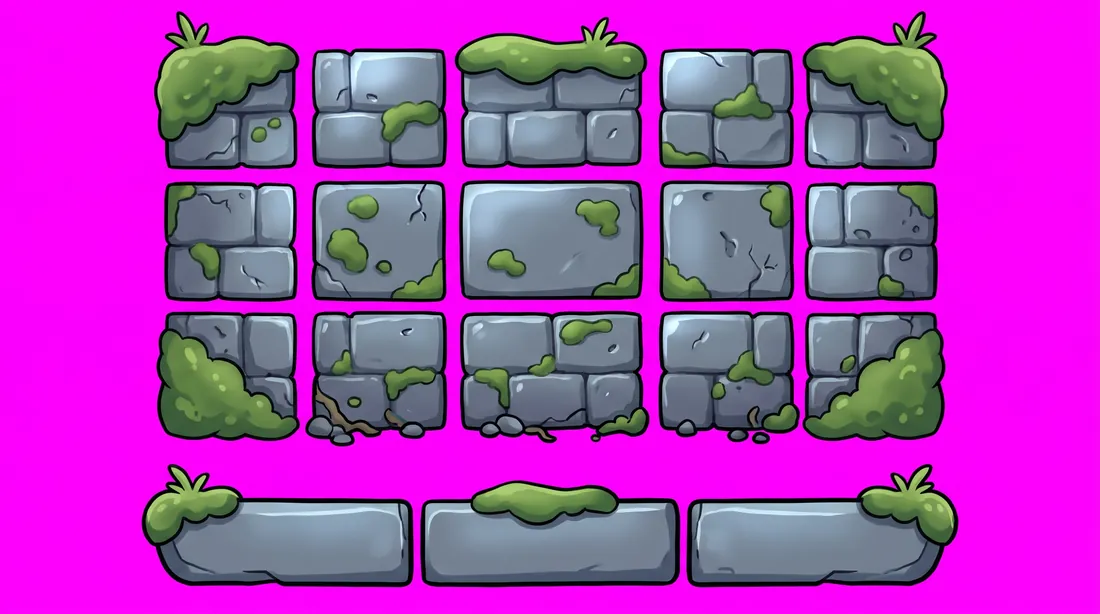
For 2D, Nano Banana paints the art itself: the hero's frames, the enemies, the tiles and the sky, each on a flat background. The engine cuts every frame out, lights it, and builds the level from a map. The game, the physics and the light all run in the engine. Lantern Keep was made this way, and you can play it right now.
Hero frames
Enemies
Tiles

The sky
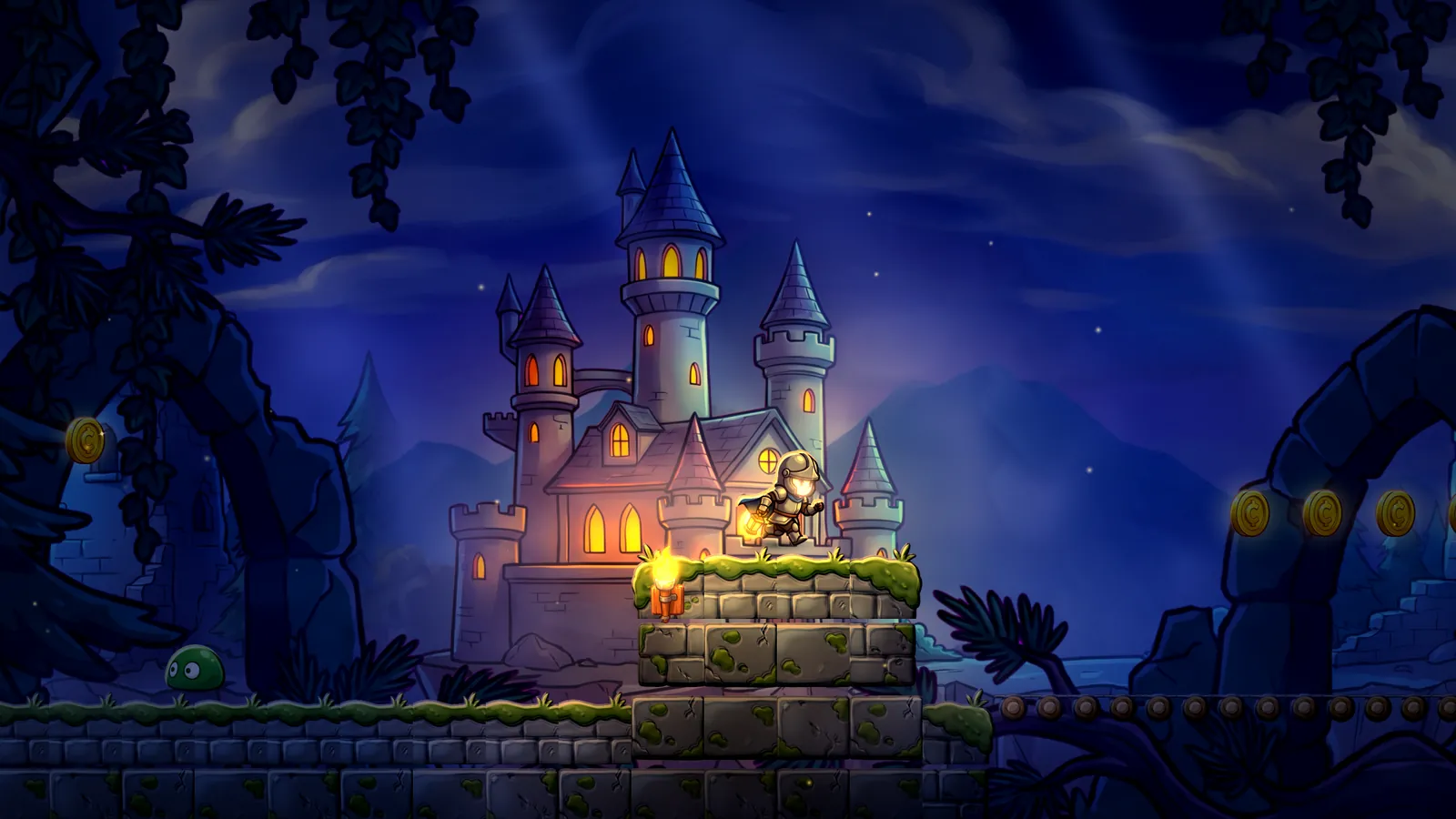
Lantern Keep in the engine: art painted with Nano Banana; the game, physics and lighting are Arcwright.
Play Lantern Keep in your browser. It runs on phones too.
Play Lantern KeepFree, no downloadTry it yourself.
The guide inside the free app walks through the whole method, step by step. Coming next: Nano Banana built into Arcwright, paid with Sparks. Type what you want, pick from four pictures, and send it straight to the Forge.
Start building today.
Arcwright is free. Download it, describe your game, and watch Claude Opus 5.5 build it in front of you.
 First 100 accounts get 200 free Sparks · left
On your phone? Play our games right here, or .