Beta 1 · 0.3.0 · Oct 27, 2026
Arcwright Beta 1.
The biggest update since launch. Describe the game you want and watch Arcwright plan it, build it, play it and prove it works. Or build it by hand with every tool the AI uses. Free, on Mac, Windows and Linux. Built with Claude Opus 5.5.
New since Beta 1 · Oct 28
The Forge in your browser, 0.3.1, and 3D games with sound.
- The Forge, in your browser. Make game-ready 3D models free with an account: pick one of 60 detailed models (a theatre seat, a rolled-arm sofa, a diner jukebox, a red tool chest, a police car, a carrier fighter jet and more), watch the size change live, and download a GLB for Unity, Unreal, Godot, Blender or Arcwright. Try the Forge
- Windows and Linux 0.3.1. 2D games now play on Windows and Linux, ray-traced lighting on Vulkan, crash and memory fixes, and Claude Code, Codex or any MCP-capable AI can drive the editor. Download
- 3D games in the browser got sound, their own HUD and menus, thick fog with light beams through it, particles and flashlight shadows, and graphics that climb from Battery saver up to Ultra and Max to match your device. Play the Arcade
- The browser editor got resizable panels (drag any edge, double-click to reset) and a new free Pixel Meadow pack: 334 pieces of 16-bit art with animated heroes, enemies, bosses, villagers, props, effects, UI kits and parallax backgrounds. Every 2D starter pack is now in the browser, 616 pieces in all, plus clearer AI settings and a crash fix. Open the editor
- Sign in with Google. One account for the app, the browser editor, the Forge and the store. Sign in
- New on the site: how Arcwright works, in detail: building with AI, how the Forge works, bodies, running everywhere and rebuilt pages on materials, light, worlds and proof; how we use Nano Banana with the Forge, how we made Hollowreach and Ashgrove, what we're working on, questions, and a Menu on every page (Ctrl or Cmd + K).
01
Make mode
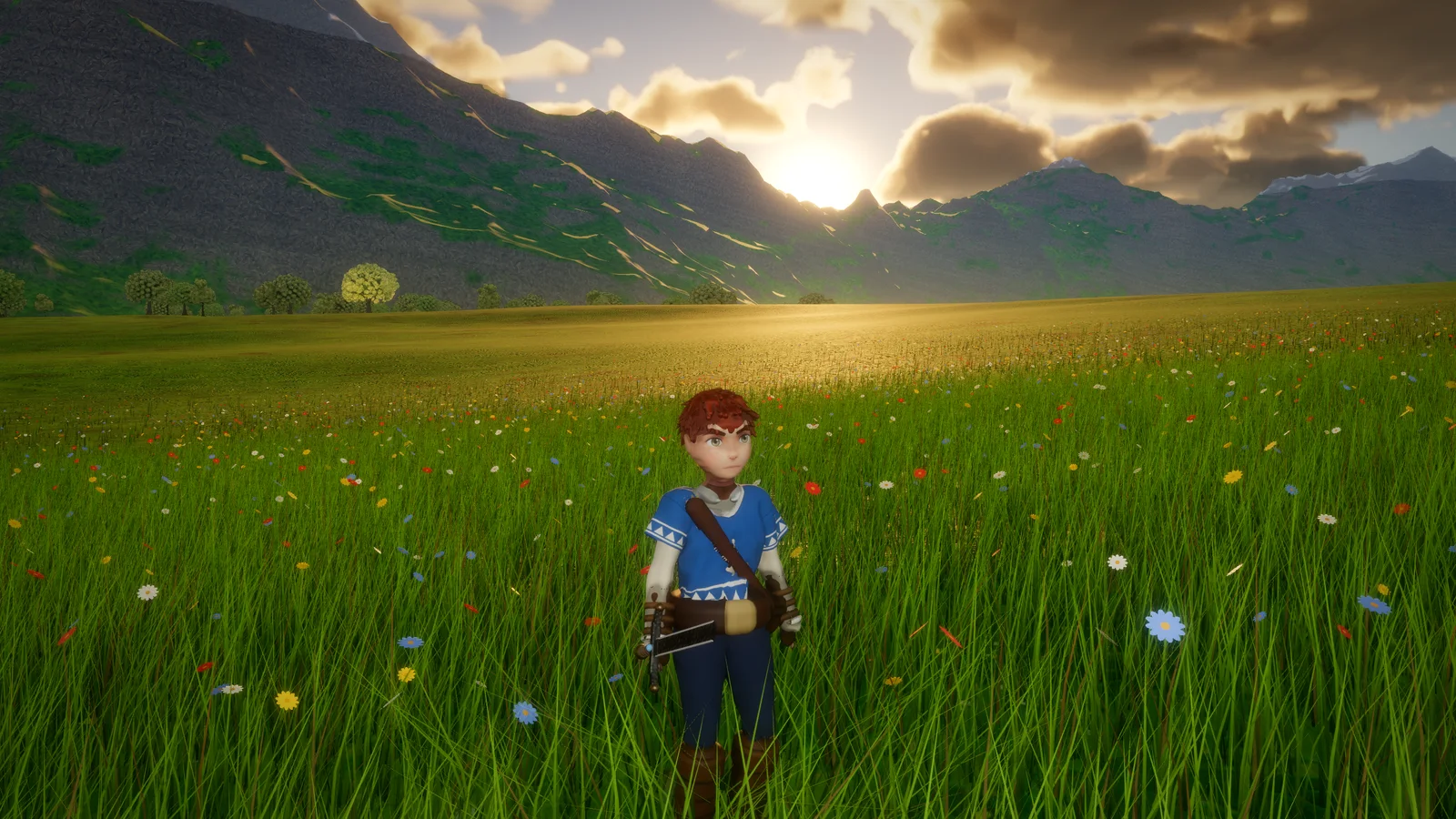
Describe the game you want in your own words, and drop in up to 20 pictures to show what you mean. Arcwright plans it, builds it, plays it and shows you a proof report at the end. Select anything in the game view and ask for a change. When a request is vague, it asks about the style and genre you want first.
Drag the time of day, the weather and the wind, and they change in the game right away. Six looks change the whole world with one click: Golden Hour, Day, Storybook, Night, Noir and War-Torn.
02
Games in Development
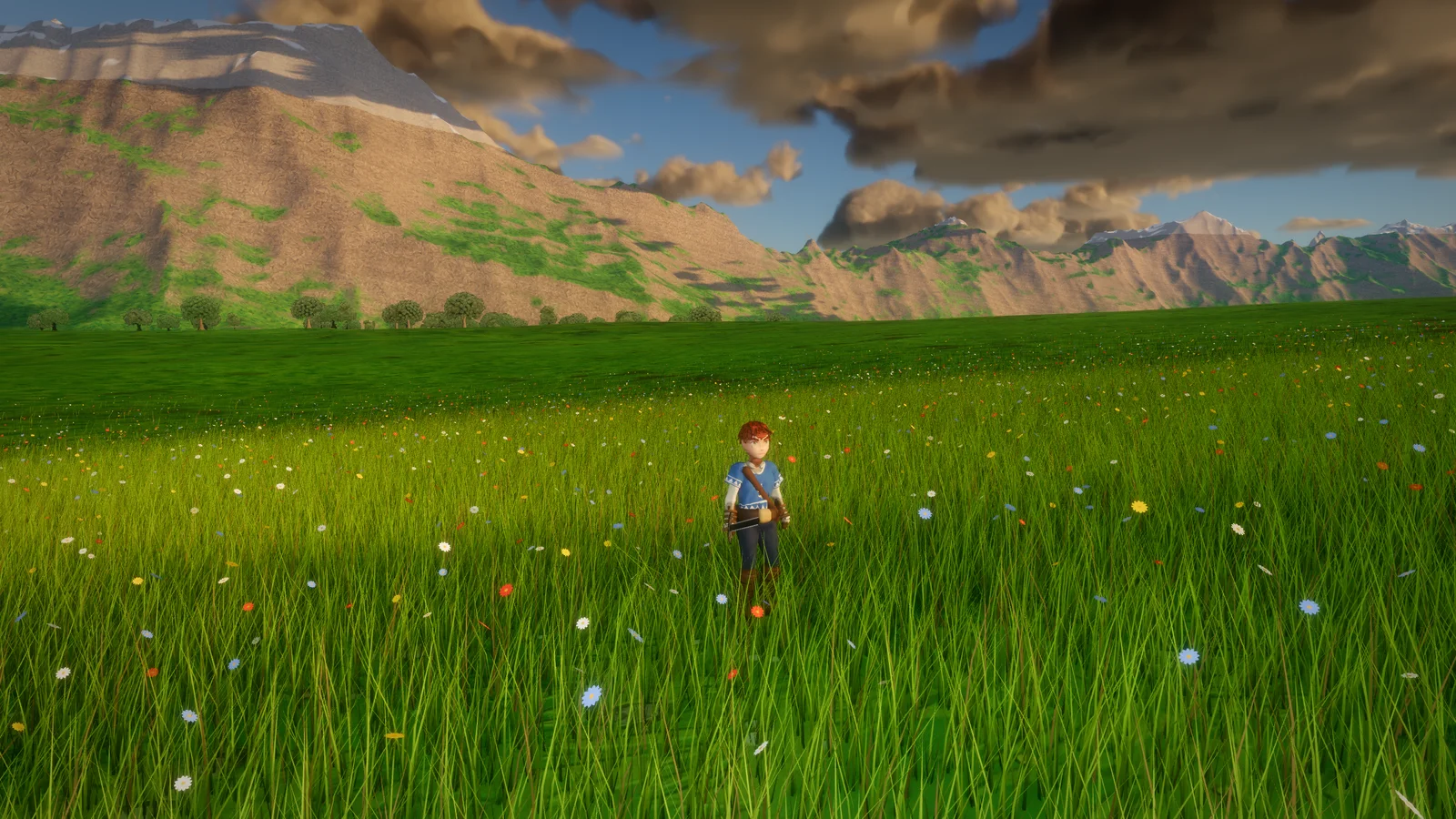
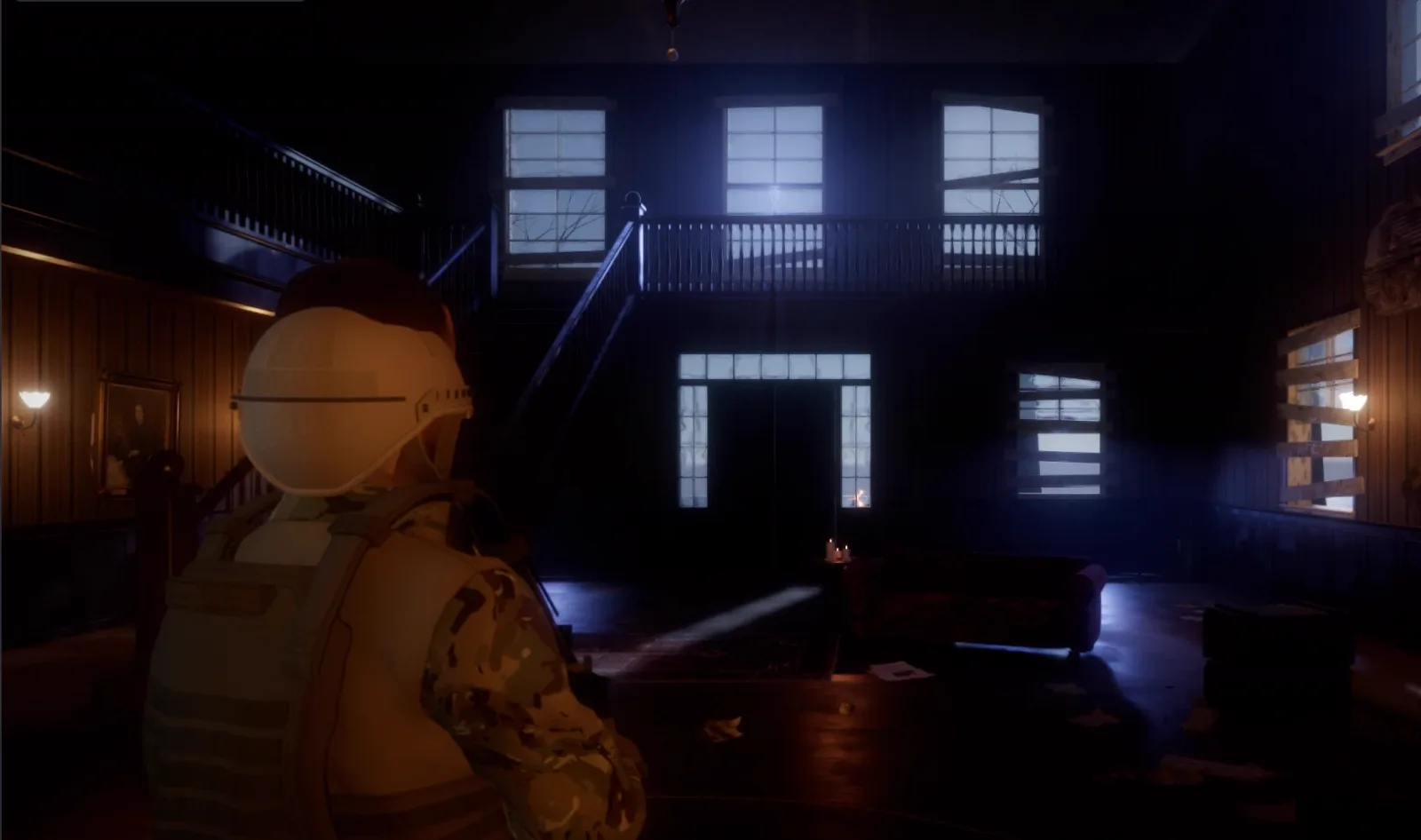
Arcwright now opens on a Start screen: your projects as pictures, a new project in one click, and sample games ready to open and take apart. Hollowreach (the open world in these pictures), the Ashgrove mansion, Zombie Woods, Night Shield and Brinewatch. Get one, open it, press Play, and see how it's made.
03
Quick Tools, and every tool by hand
Fourteen click-and-go Quick Tools: mood, weather, music, land, grass, forest, water, birds, enemy brains, behaviours, menus, photo to material, floating objects, frame rate and screenshots.
The new Tools window gives you every tool the AI uses, by hand: searchable, grouped, each with its own form. The Node Graph gains 26 new nodes for gameplay without code, and panels pop out into their own windows. Your manual tools wait their turn while an AI is working, so nothing collides.
04
Windows and Linux get the Mac's look
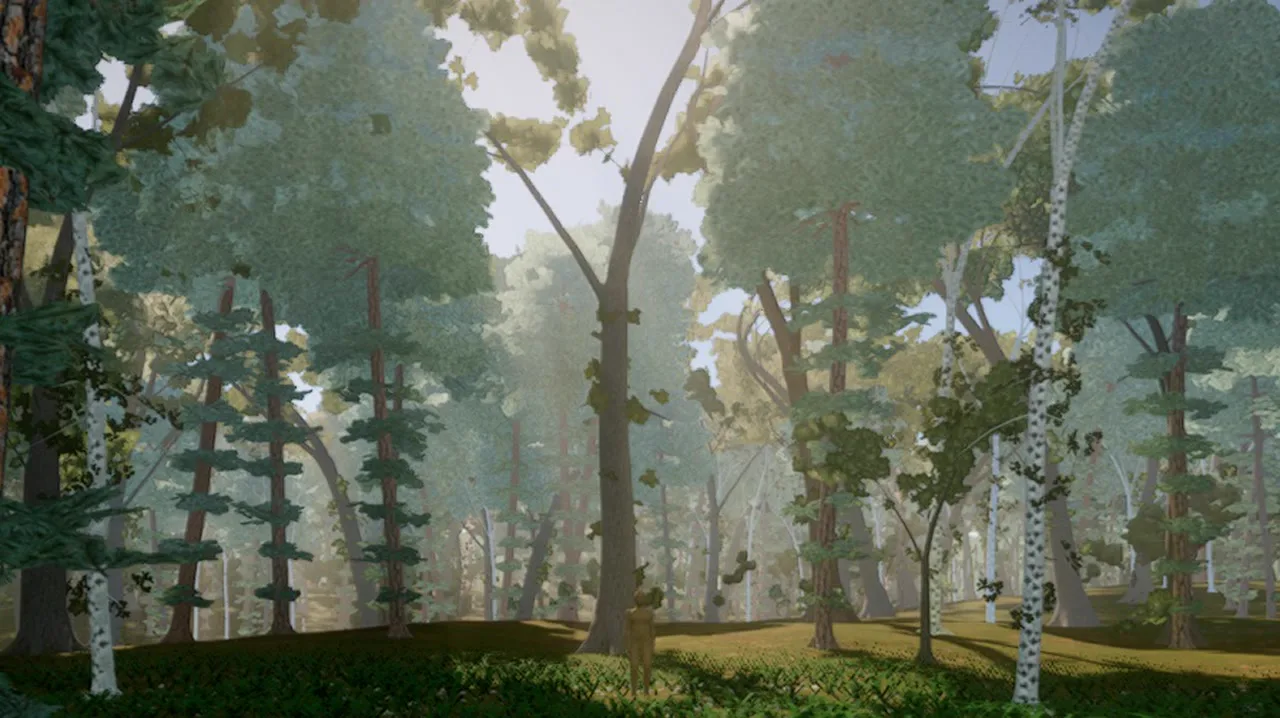
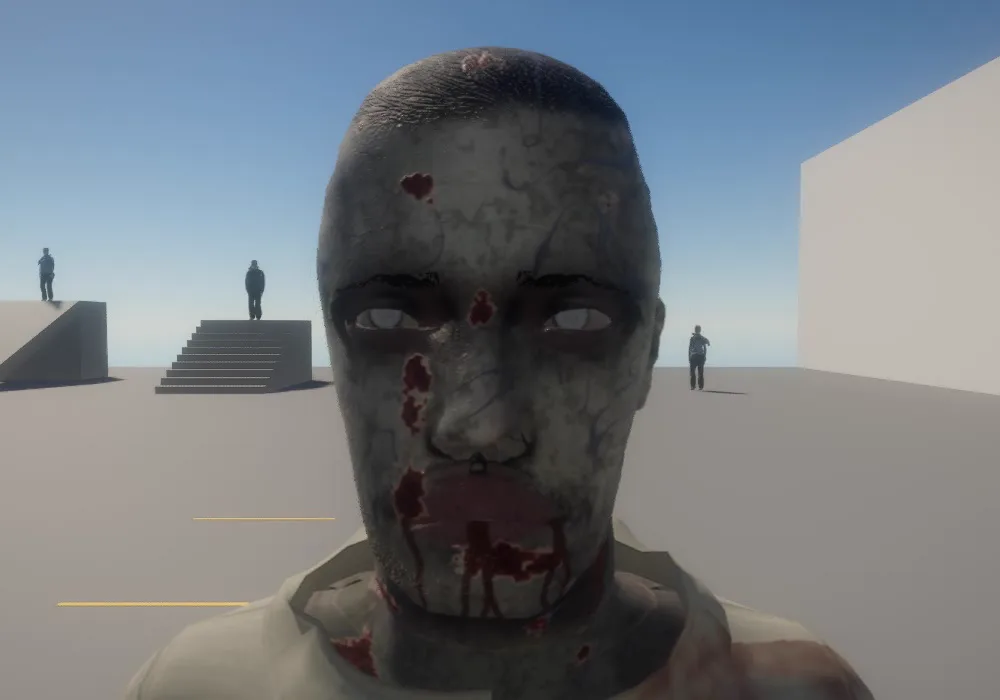
Games on Windows and Linux now draw with our Vulkan renderer by default: physical sky and volumetric clouds, cascaded sun shadows, ray-traced bounce light, temporal upscaling, the ocean, refractive glass, skin, eyes and fabric detail, swaying trees with voxel far forests, fire, smoke and heat haze. A PC without a working Vulkan driver falls back to OpenGL by itself.
On a Steam Deck, the Ashgrove mansion holds 30+ fps with dynamic resolution. This forest was rendered on one.
05
Your AI, your way
Connect your AI and start building: sign in with Sparks (nothing to set up, pay as you build), use your own Anthropic API key, or connect the Claude app you already have. You can also build everything by hand.
Help is built in now: the Arcwright Guide and the Scripting Reference are under the Help menu.
06
Play Arcwright games in your browser
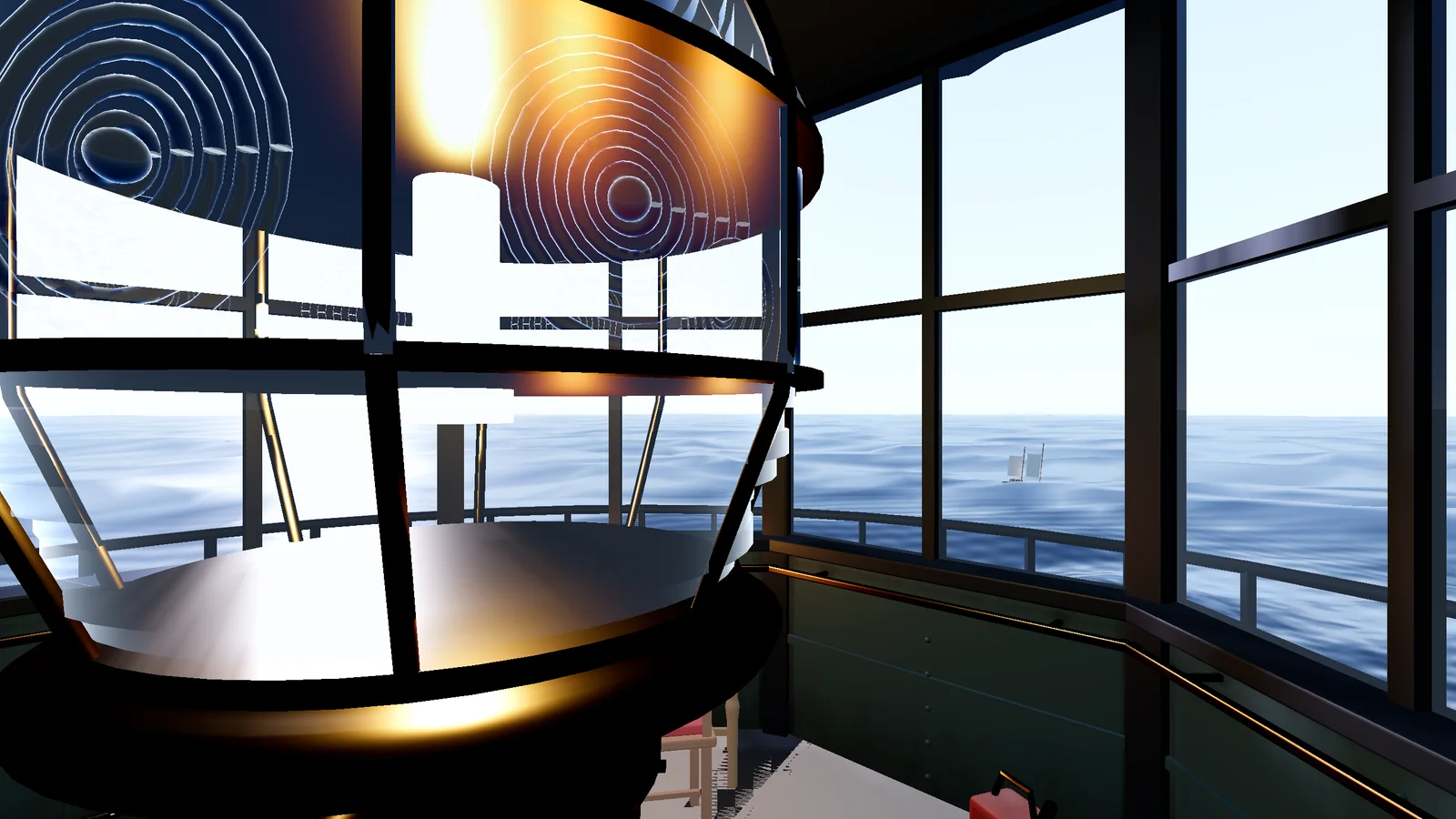
Thirteen games made in Arcwright now play in a browser tab, no install. That includes our first 3D games on the web: this lighthouse runs at 60 fps in Chrome, with the glass lens and the ocean outside the windows.
2D plays in any modern browser. 3D needs WebGPU: Chrome or Edge on a computer or Android, Safari 26 on a Mac, or Firefox on Windows. Play now
07
Make 2D games in your browser
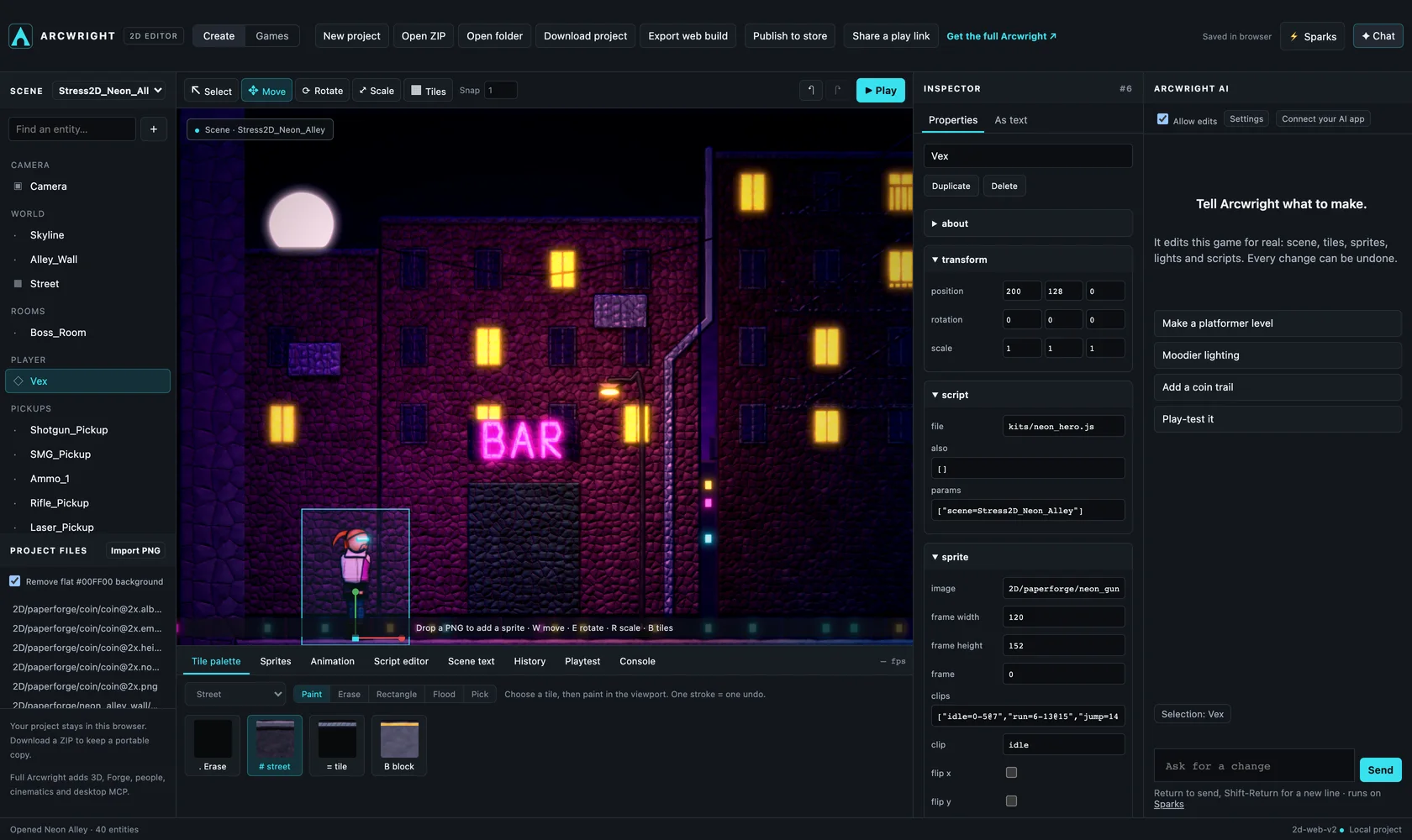
No download. Open any of our games in development, change anything, press Play, and take it into the full Arcwright app. 2D only for now, and best on a computer; phones play the games.
Start with our free 2D art packs, or make your own sprites with Nano Banana: drop the sheet into the chat and Arcwright cuts it into animated frames. Talk to Arcwright AI with your microphone, or drop in reference pictures.
Good to know
Also in Beta 1. Arcwright accounts (just your email, no password). Send Feedback with an ideas board you can +1. When the AI hits a problem, it can report it to us, only if you say yes. The chat can live in its own window. Plans and Sparks in one place.
Usage stats are off unless you turn them on. If you do, the app sends a small anonymous ping every five minutes: a random install number, the app version, your system and which part of the app is open. No names, emails, files or project content. Privacy
Known differences on Windows and Linux. The editor's own viewport draws with OpenGL; games you play or export use Vulkan. Not on Vulkan yet: model ground cover, painted cover layers and trails, rain on glass, underwater effects. Heavy forest scenes on the Steam Deck run below 30 fps for now.
It's still Beta. Some things will break. What you report decides what we fix next. Tell us what broke
Every picture on this page was rendered in Arcwright.
Start building today.
Arcwright is free. Download it, describe your game, and watch Claude Opus 5.5 build it in front of you.
 First 100 accounts get 200 free Sparks · left
On your phone? Play our games right here, or .