Animation, step by step
How characters move in Arcwright, from the walk that runs by itself to a hand-keyed cutscene: Motion AI, teaching it a new way of moving from a video, the state machine, posing and keyframing by goals, bringing in mocap, and checking that the motion is right.
motion_learn. Pose and key actions by saying where the hands and feet go (pose_key). Bring in mocap with motion_import. Check it with motion_critic and pose_explain.Step 1: a character that moves by itself
Give any rigged character an animator with clip "auto" and it idles, walks, jogs and runs by its speed. In 3D, Motion AI is on by default: NVIDIA MotionBricks runs inside the engine and makes each step as the character moves, instead of replaying the same clip. Walks, jogs and runs blend the way people do. Sprints, stops and sharp turns at a run still use the clips for now.
In the editor: select a 3D character and open the Motion AI section of the Inspector. Turn it on or off there, and while you play, tune the walk live: the presets relaxed, brisk and heavy, plus lean, hip height, stride, arm swing, step width and speed range.
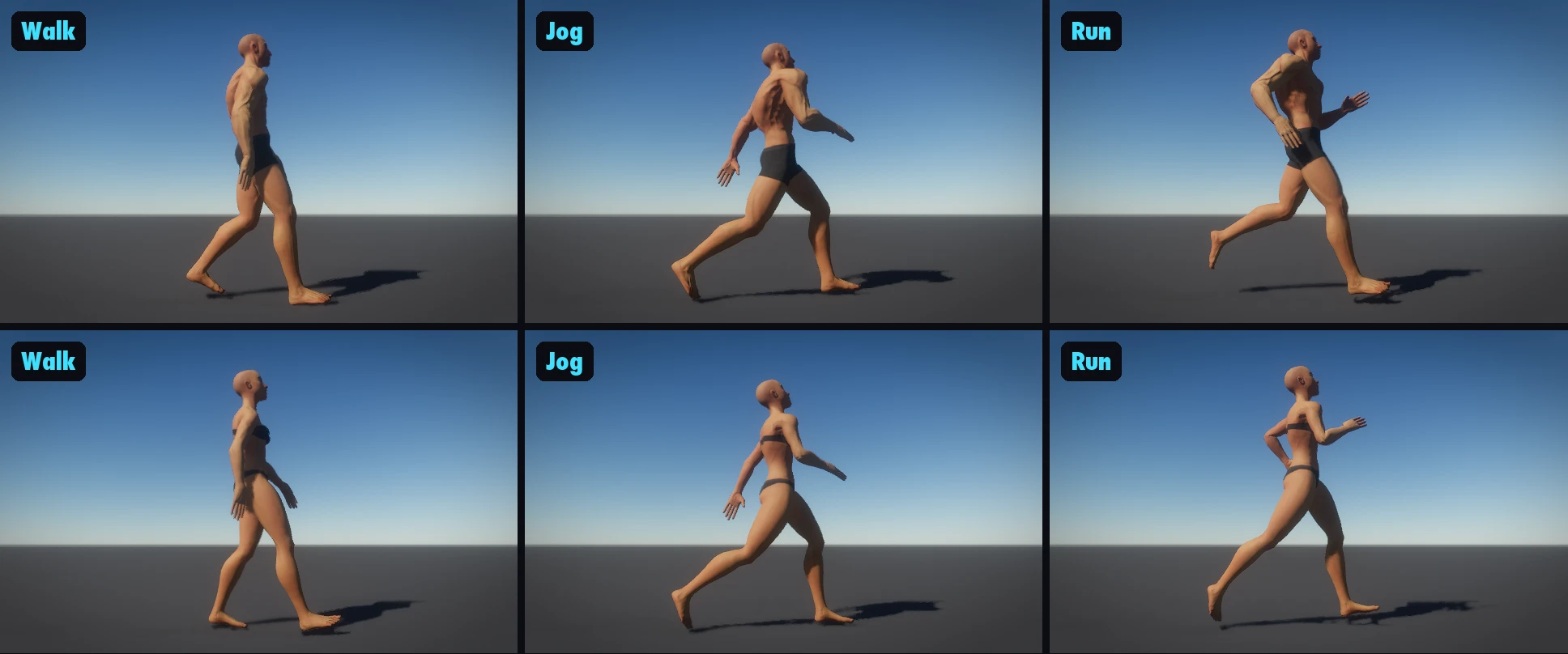
motion_ai tool with on: false), then on again.While the game runs, motion_ai reports what the network is doing for each character: how many motions it made, how many came back late, and any frame where the body check found a pose a person couldn't make.
Step 2: teach it a new way of moving, from a video
Want a sneak, a limp, a proud march? Make a video of it and teach it to the character. This is where Google Flow comes in, just like Nano Banana does for pictures.
- Make the video in Google Flow with Veo: one person walking (or sneaking, jogging, running) across the frame, seen from the side, whole body in view, with a locked-off camera. To be sure the camera can't move, make the first and last frames with Nano Banana and have Veo fill the motion between them.
- For starts from standing, make the video begin with the person standing still: stand, walk, stop.
- Save it in your project, then in the Inspector's Motion AI section choose Make a style from a video…, or ask your AI: "Teach Mara this sneak from Videos/sneak.mp4." That's
motion_learn.
motion_learn reads the video twice (as a still camera and as a following camera), straightens it, puts it on the motion AI's skeleton and grades each reading: its pace, the longest straight stretch, the knee through each step, how far a planted foot slides. It keeps the best and adds it to the character's motion. Then the character moves that way at speeds near the video's pace.
For a one-off action (a dance, a vault, a push), video_to_motion turns a video into a normal clip instead: the body's 3D pose read from every frame, put on your character, smoothed, feet and hands held still where they're planted, with footstep events. Add variations to get several natural versions of it.
Step 3: the state machine
anim_graph sets up what plays when: states (a clip, "auto" for the walk/run blend, an upper-body layer over the legs, an attack with its hit windows, or a blend space such as strafing), transitions (on a button, when a value changes, when a clip ends, after some seconds, each with its cross-fade) and combos. Presets cover the usual games.
Step 4: pose and key by goals, not bone angles
You don't turn twenty bones to pose a hand on a window sill. You say where things go: "left hand on the sill, right foot on the wall, look out of the window." A full-body solver does the rest: limbs never stretch, joints stay in their limits, the body leans toward what it can't reach and the feet stay planted.
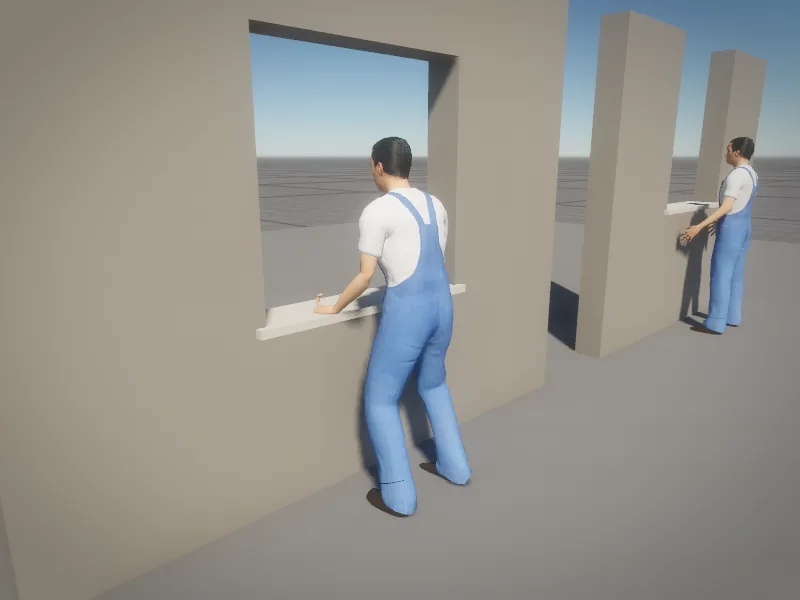
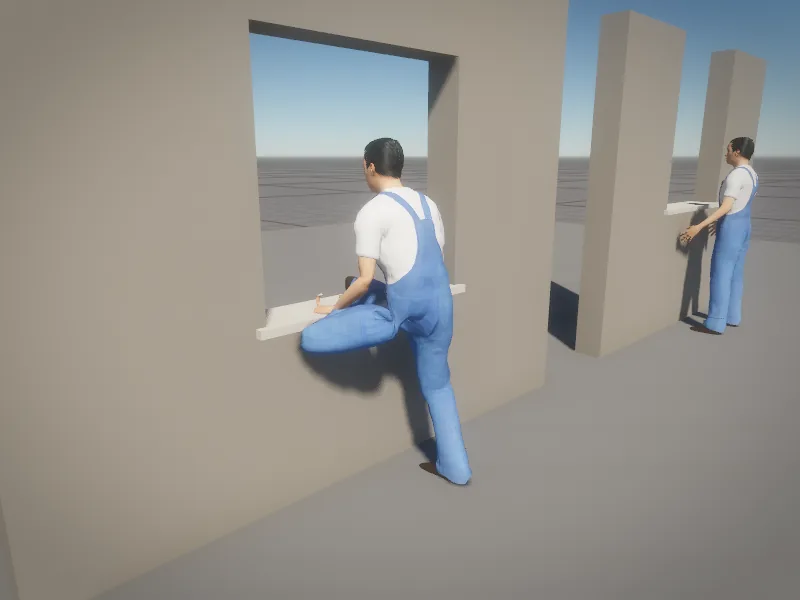
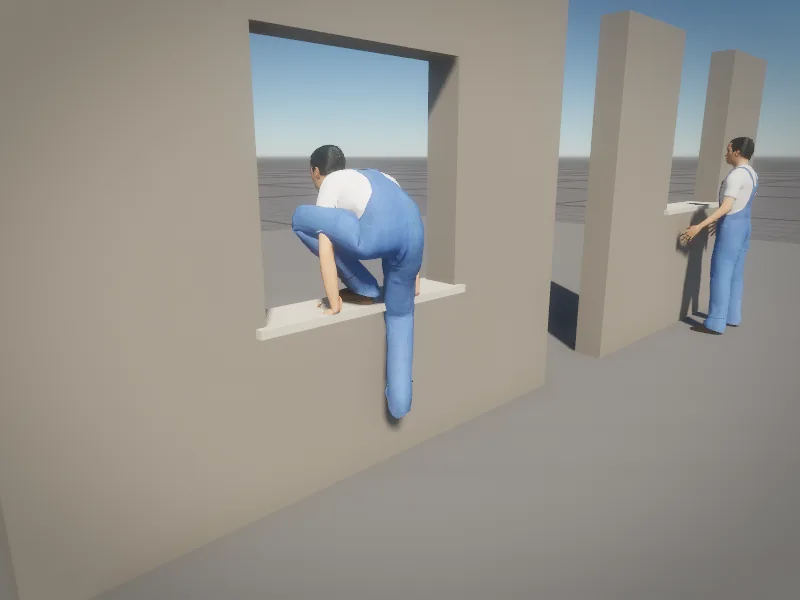
Each key is a list of goals tied to the objects they name, so if you move the window the clip can be fitted to it again. pose_key solves every frame between the keys: a hand that has the same goal in two keys stays exactly where it is, everything else glides with the key's easing (linear, ease in, ease out, hold). The clip is saved in Assets/Motion/Poses/ and plays anywhere.
To work by hand in the viewport, rig_view shows the rig (left joints blue, right orange), rig_select picks a joint and shows its rotation rings, and rig_rotate, rig_move, rig_finger and rig_effector turn joints, move a hand or foot, curl fingers or move the whole body by its hand, head or hips. rig_key keys the pose into a clip and shows a key strip along the bottom of the viewport; rig_scrub and rig_play play it back. Every change can be undone.
The animator's tools
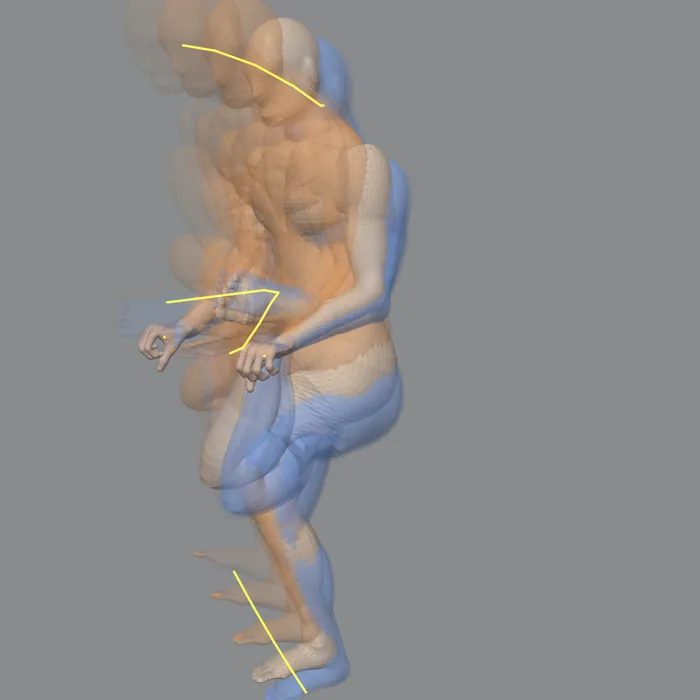
onion_skin): the poses before (blue) and after (orange), with the arcs the hands, feet and head travel.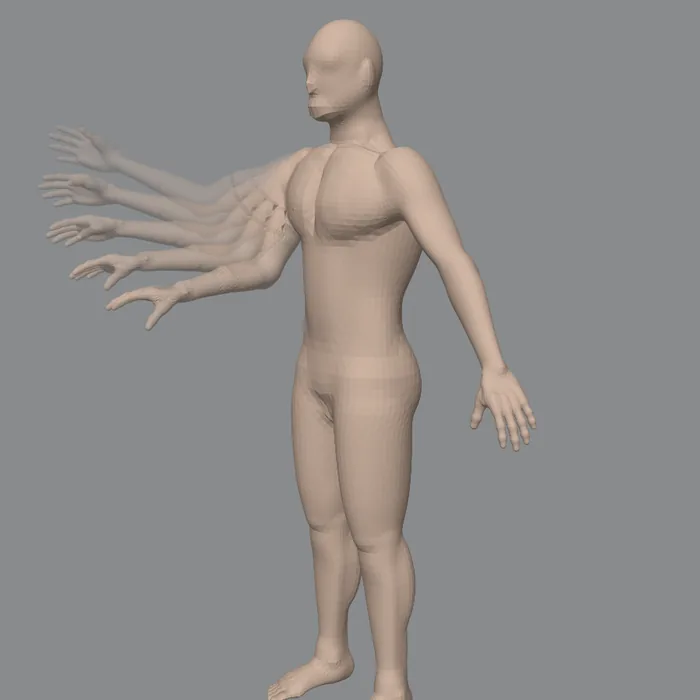
pose_ik_fk): switch a limb between following the clip and holding a goal, with no pop.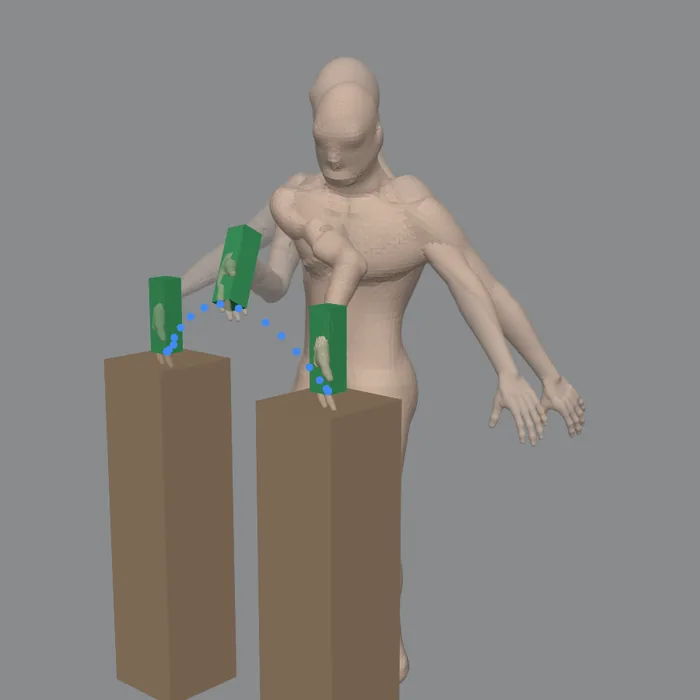
pose_constraint): a bottle picked up from one block and set down on another, following the hand in between.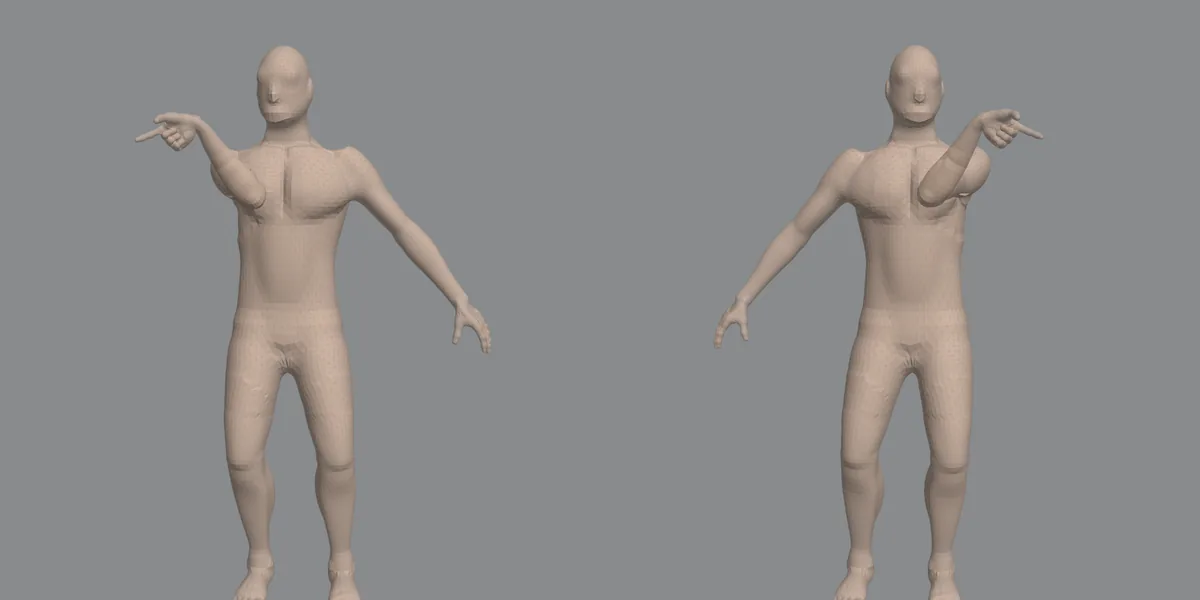
pose_mirror): left and right swapped, saved as a new clip.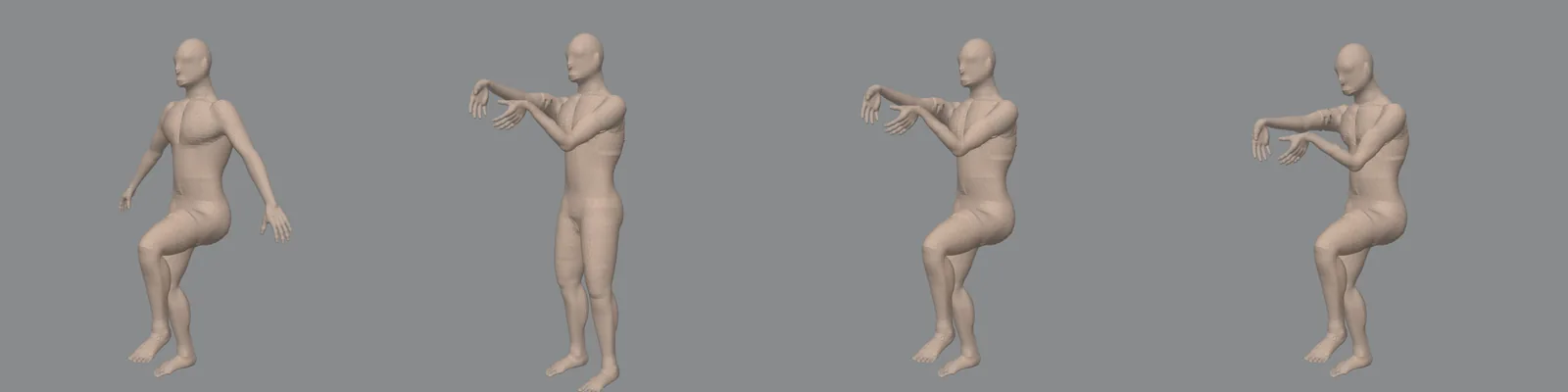
pose_layers): a clip over another, masked to body parts, replacing or adding (aiming over a walk, breathing over anything).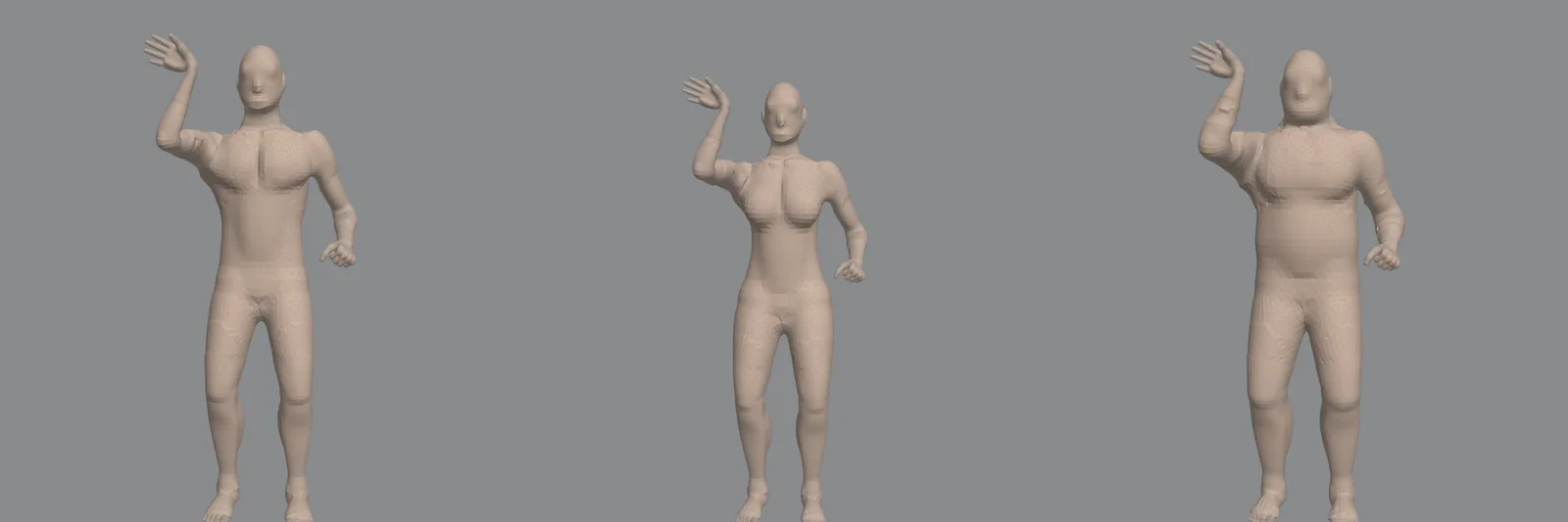
pose_library): save a pose by name and put it on any body.For a fall or a hit, rig_physics hands a stretch of a keyed clip to physics: the body becomes a ragdoll carried by how it was moving, pushed by the hit, and eases back into your keys after.
Step 5: bring in mocap and other clips
motion_importputs a BVH file (a mocap take, another tool's export) on your character: bones matched by role, the hips scaled by leg length, feet cleaned of sliding.retarget_clipmoves a clip from one character to another with a different skeleton, andretarget_checkplays a library's clip on your character and judges it frame by frame: feet sliding or sinking, a fold that shouldn't be there.clip_edittrims, retimes, loops seamlessly, mirrors or takes the travel out of a clip, without touching its file.clip_feetlifts or lowers the body and plants the feet.clip_blendmixes two clips (a walk with a limp).clip_eventsadds footsteps, sounds and hit windows.
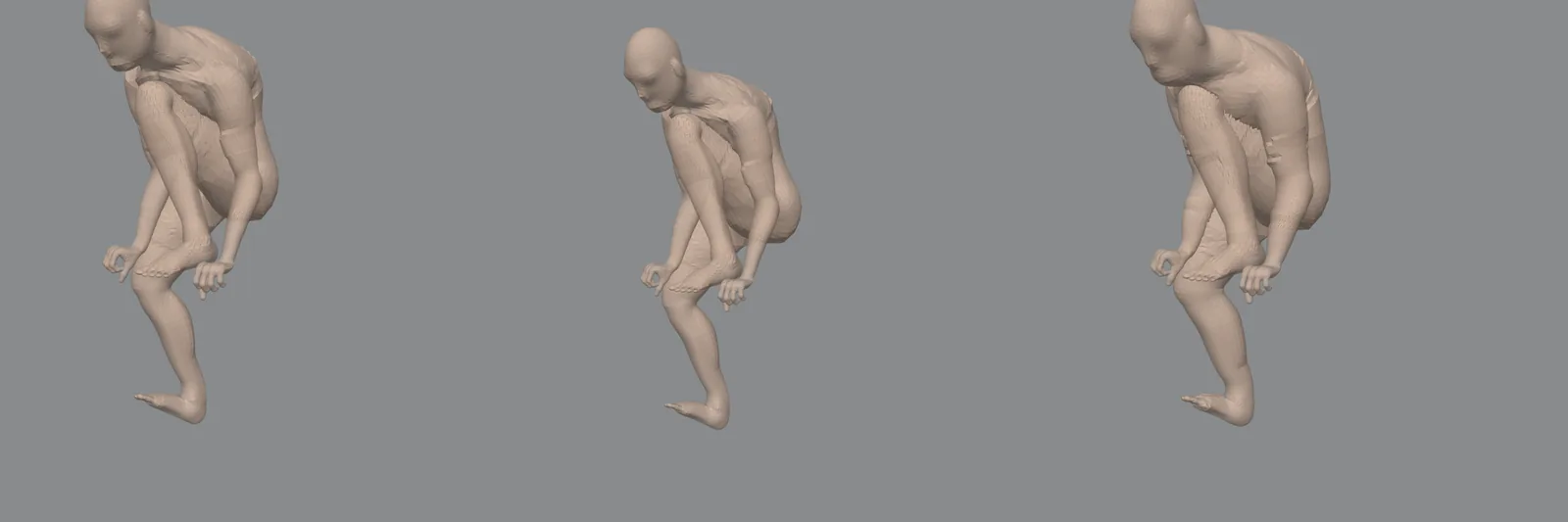
retarget_clip.Step 6: check the motion
Motion can look fine in one frame and be wrong over time, so check it with numbers and with your eyes.
pose_explaindescribes a pose or clip in plain words: the lean, where the head faces, what's on the ground, whether the body's weight is over the feet, joints past their range, feet sliding while planted.motion_criticmeasures foot slide per step, feet through the floor, jerk and joint limits, for characters walking side by side or for one of your clips.anim_viewdraws every skeleton, the hit capsules, and the body's balance as a plumb line to the floor while the game runs.locomotion_drivedrives the player through a course (reversals, zig-zags, hard turns at a sprint, stops) while it measures every planted foot, andlocomotion_tunechanges any movement value live, no rebuild.
2D characters
Paper Forge characters come alive with motion_2d_rig: breathing, a walk/run blend, jump squash, turn-arounds, attacks with smears, flinches, blinking, talking mouths and springy hair and capes. Tune them in plain words with motion_2d_tune: "heavier attack", "more squash", "blink more". See 2D animation and action feel.
More: Motion AI, Animating characters, Characters, faces and creatures.