Building a world, step by step
How to build a world in Arcwright, from bare land to a living forest, a creek, a lake, an ocean you can dive in, roads and weather, and how we use Nano Banana pictures to make every part of it look real.
make_terrain for the land. 2. sculpt_terrain and paint_terrain to shape and paint it. 3. make_biome for a whole forest in one step. 4. make_creek, add_water and the ocean for water. 5. build_road or road_network for roads. 6. weather and set_wind. 7. Check it against a Nano Banana picture of what it should look like.Step 0: a picture of the place
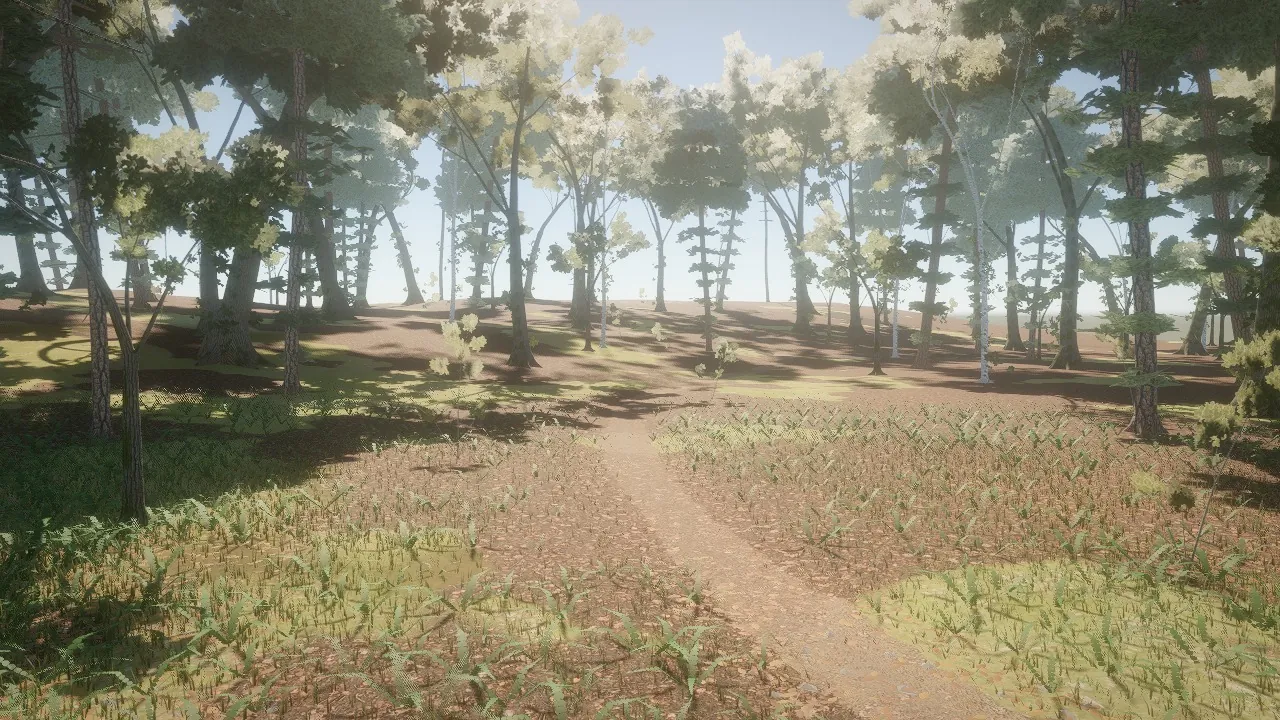
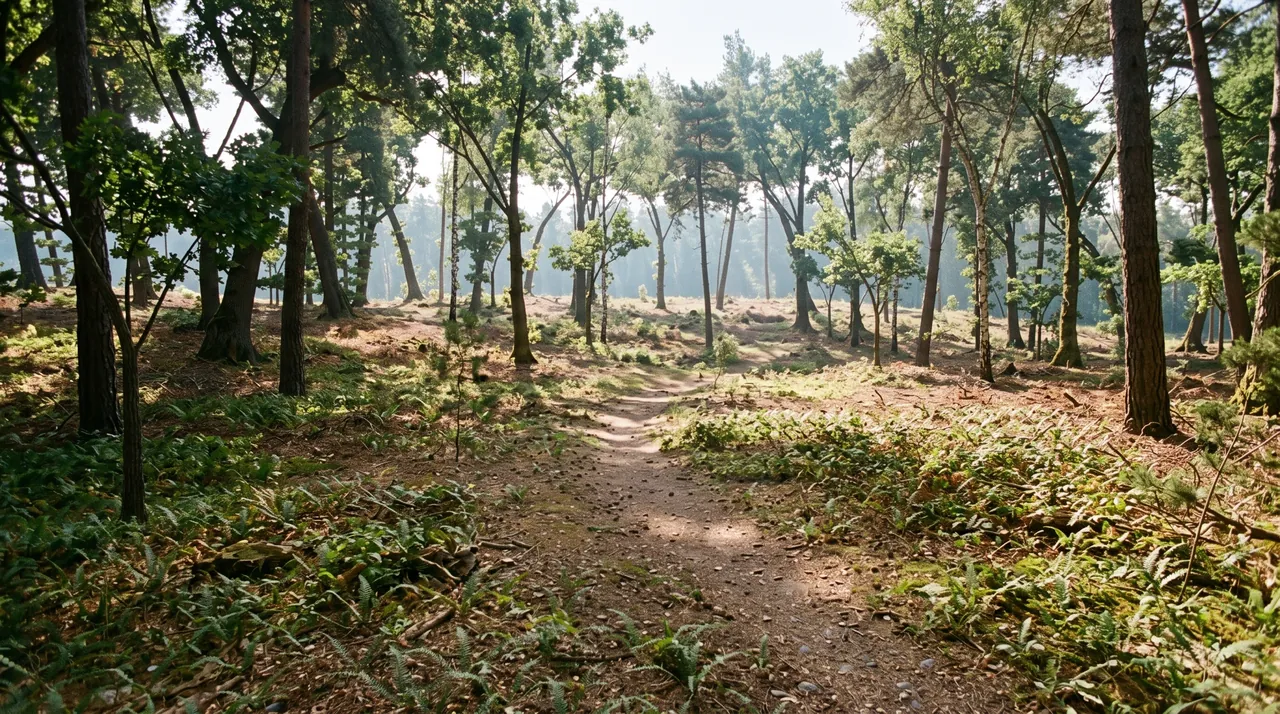
Before you build, make a picture of the place you want: take a screenshot of your scene (even bare land), and ask Nano Banana to "enhance this into a finished AAA game shot, keep the camera, the land and the layout the same". That picture is your target. Build, take the same shot again, put them side by side, fix the biggest difference, repeat.
Step 1: the land
make_terrain makes hills, mountains, an island in a sea, a valley or a canyon, painted by slope and height (grass, rock on steep ground, sand by the water, snow on peaks). Players walk on it, cars drive on it, bullets hit it, and bots path around steep ground.
- Shape it:
sculpt_terrainraises, lowers, flattens, smooths or levels a pad for a building, at a point or along a path (a road, a river bed, a trench). - Paint it:
paint_terrainlays ground layers (forest soil, leaf litter, moss, trail dirt, or any surface) by brush, along a path with a ragged edge, as natural patches, or over everything. Up to 8 layers blend by height, so dirt fills the low spots first, and none of them visibly tiles. - Open it:
terrain_holecuts a cave mouth or a pit;forge_cavecarves the walkable cave behind it, with chambers, ledges, stalactites and pools.
Step 2: a forest
make_biome grows a whole forest in one undoable step, every layer with its own patches: canopy trees (some dead), young trees and shrubs, logs and stumps, a litter layer of small real pieces (needles, leaves, twigs, cones, stones, moss, bark), ground cover (grass, ferns, leaves, pebbles) and painted ground. Presets: temperate_woods, pine_forest, beech_forest, or save your own.
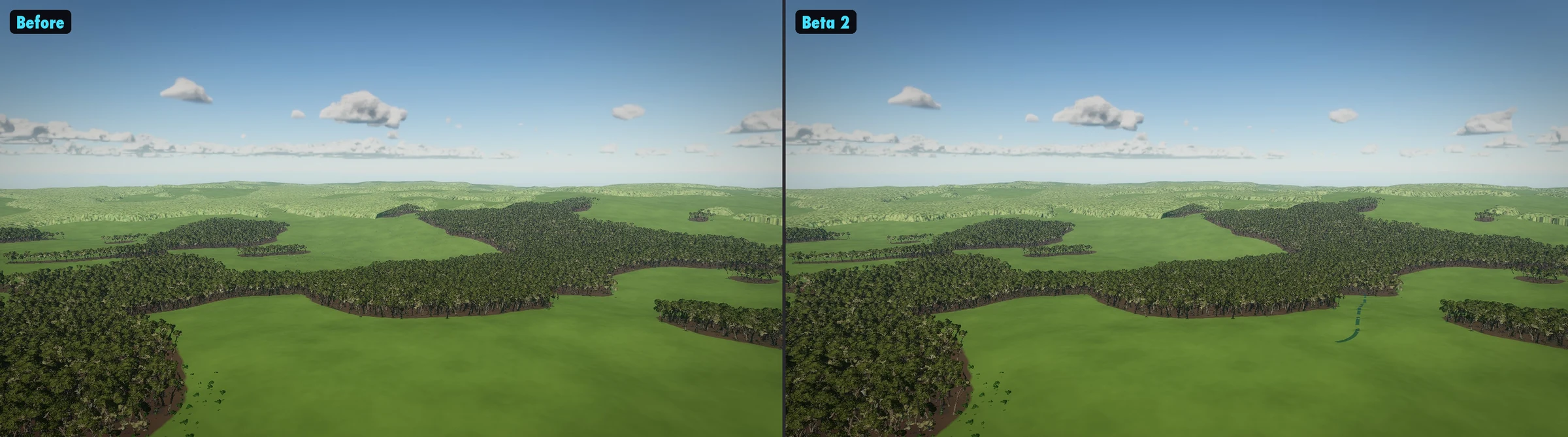
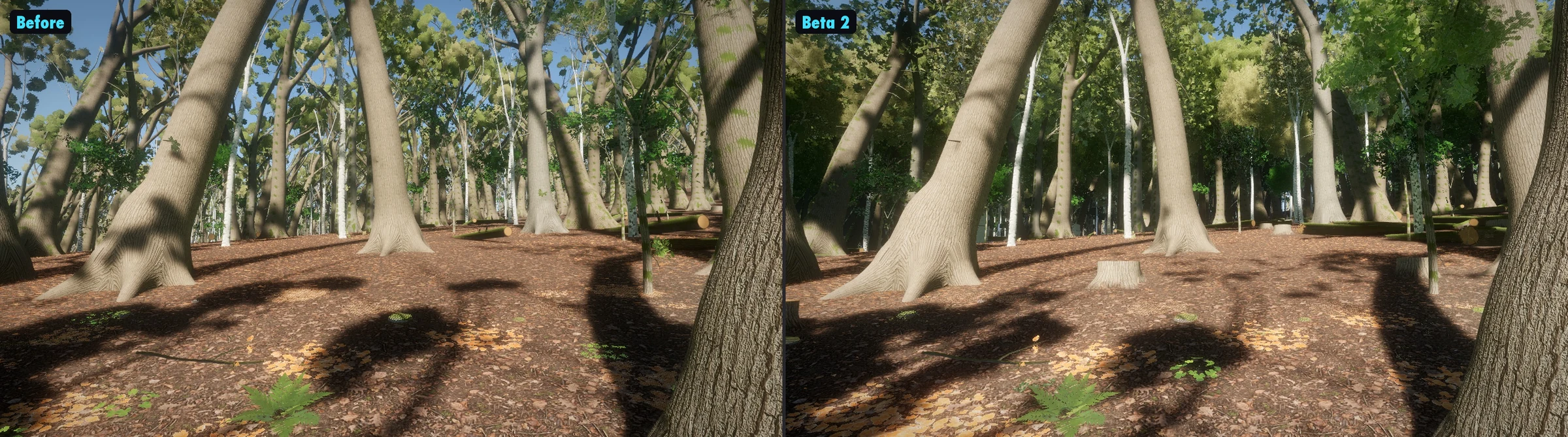
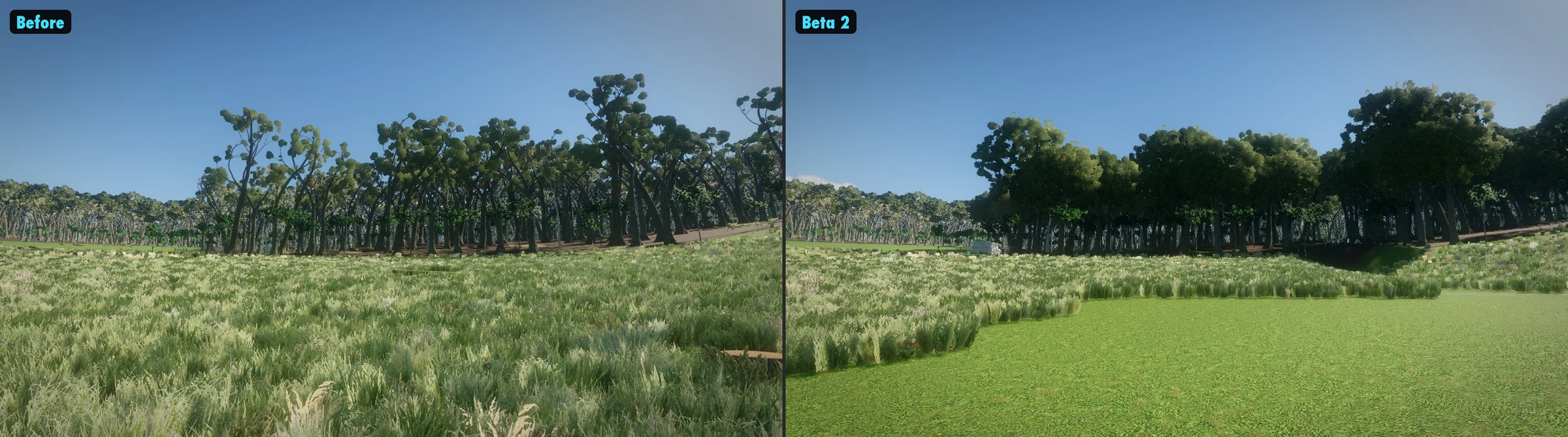
For a single tree, forge_tree or grow_plant grows one natively, from roots to leaves (oak, maple, willow, pine, birch, palms, tropical trees, ferns and more). Same species, another seed, another tree. plant_trees and scatter place groves, rows, rocks or ruins by rules: how many, how far apart, which heights and slopes.
Where Nano Banana comes in
The forest's materials are made from our own Nano Banana pictures, never downloads: barks by species, ground layers by biome, rock, leaf atlases (material_library lists them). We make reference sheets of the small things too, so each piece is built to look like the real thing.
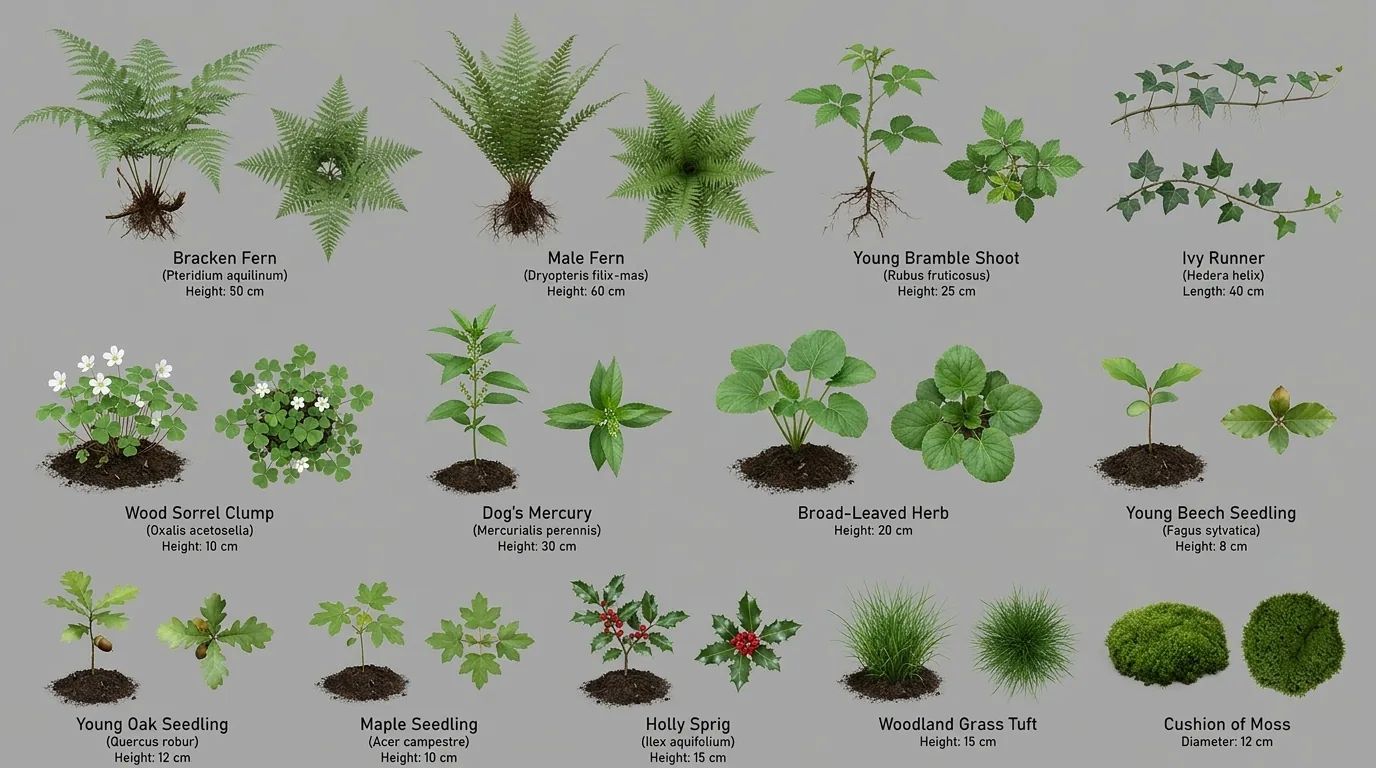
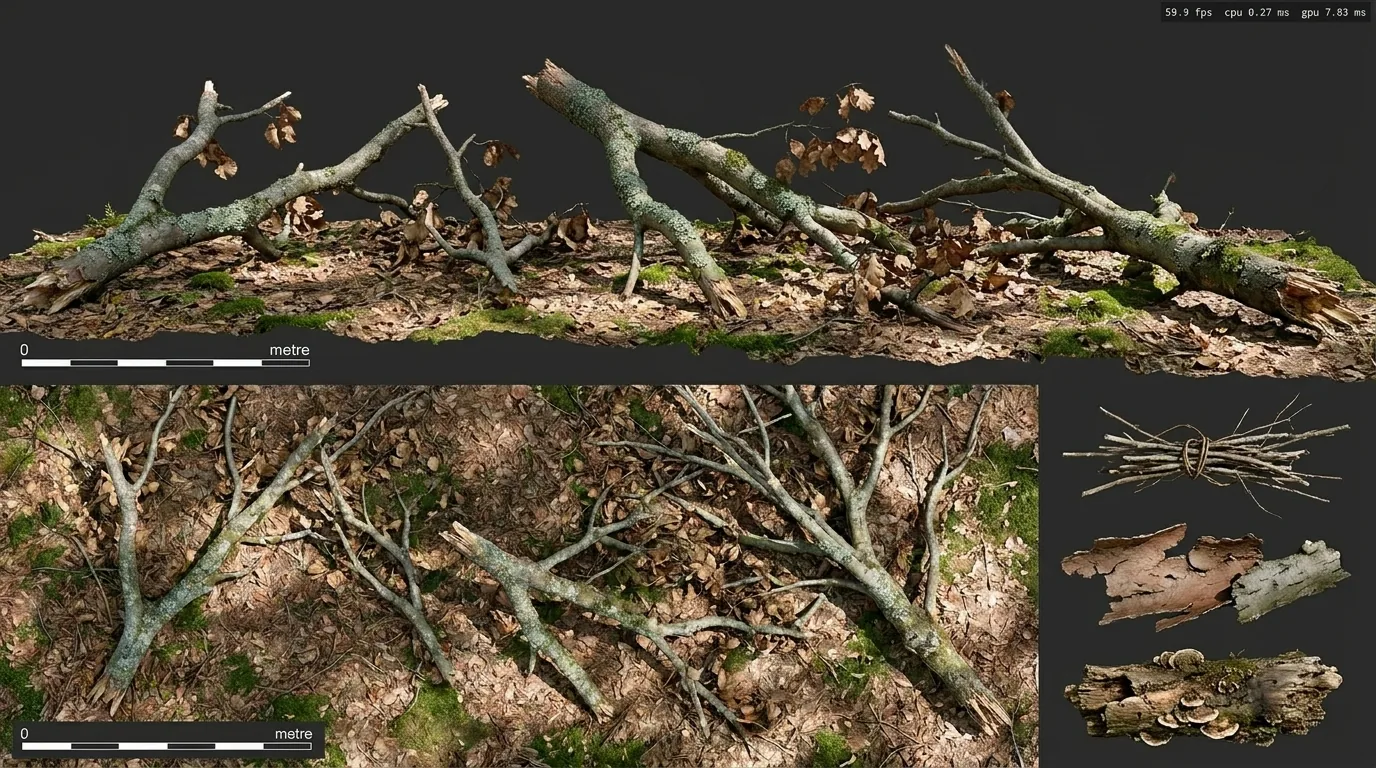
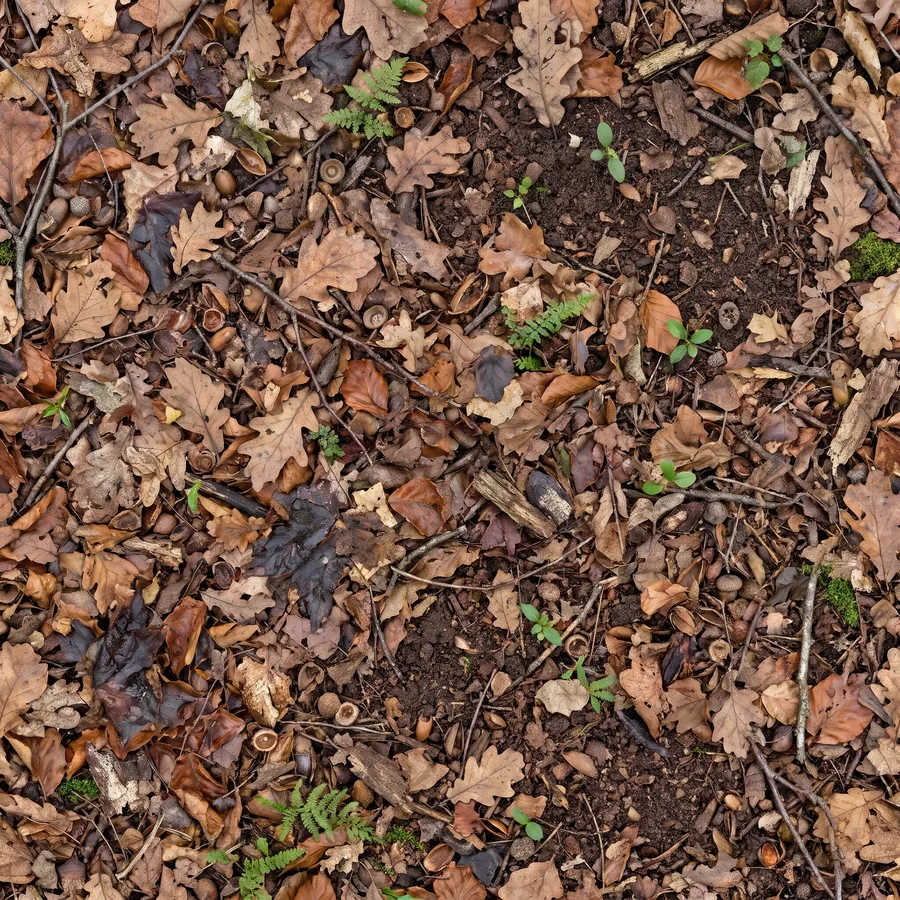
photo_surface turns a picture like this into a seamless surface: colour, normals, roughness and occlusion.Your own grass and flowers
add_ground_cover grows grass, meadow flowers, clover, pebbles, leaves, reeds and ferns on the GPU, with no object per blade, and paint_ground_cover paints it like a brush (or tramples a worn footpath). To grow plants of your own, make Nano Banana sheets of them: four plant clumps per sheet in a 2 × 2 grid, on pure white, flat light, nothing touching the cell edges. make_cover_atlas keys out the background, adds them to your project's library, and add_ground_cover grows them. Two or three sheets of one plant give variety; a near-empty or overfull cell in the report means the sheet needs making again.
Step 3: water
- Creeks:
make_creekfinds its way downhill from a start point, winds, and sits in a real channel: sloped banks, a wet gravel bed, stones breaking the surface. - Lakes, ponds, pools and rivers:
add_water, with depth colour, reflections, ripples, flow, foam at the shore and soft edges. You can swim in it and things float. - Waterfalls:
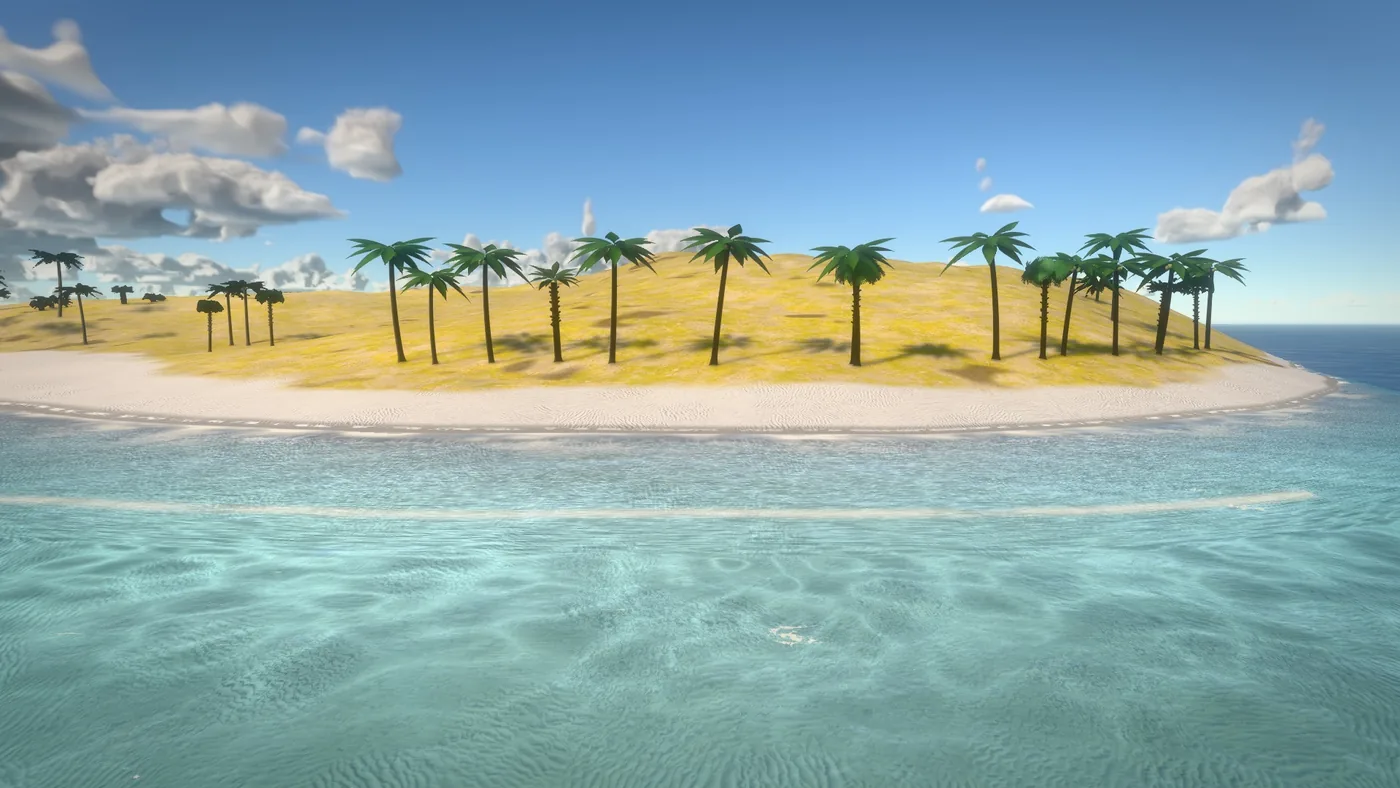
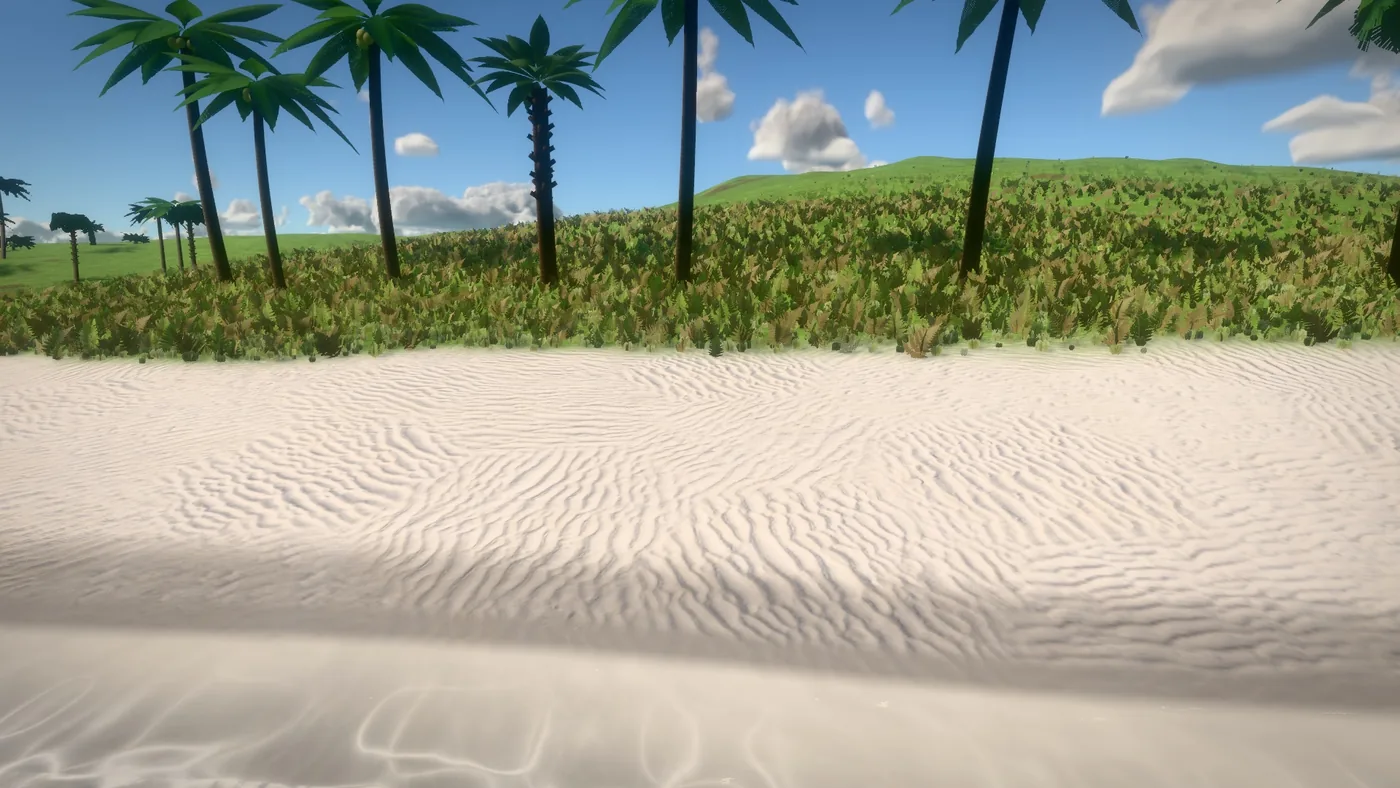
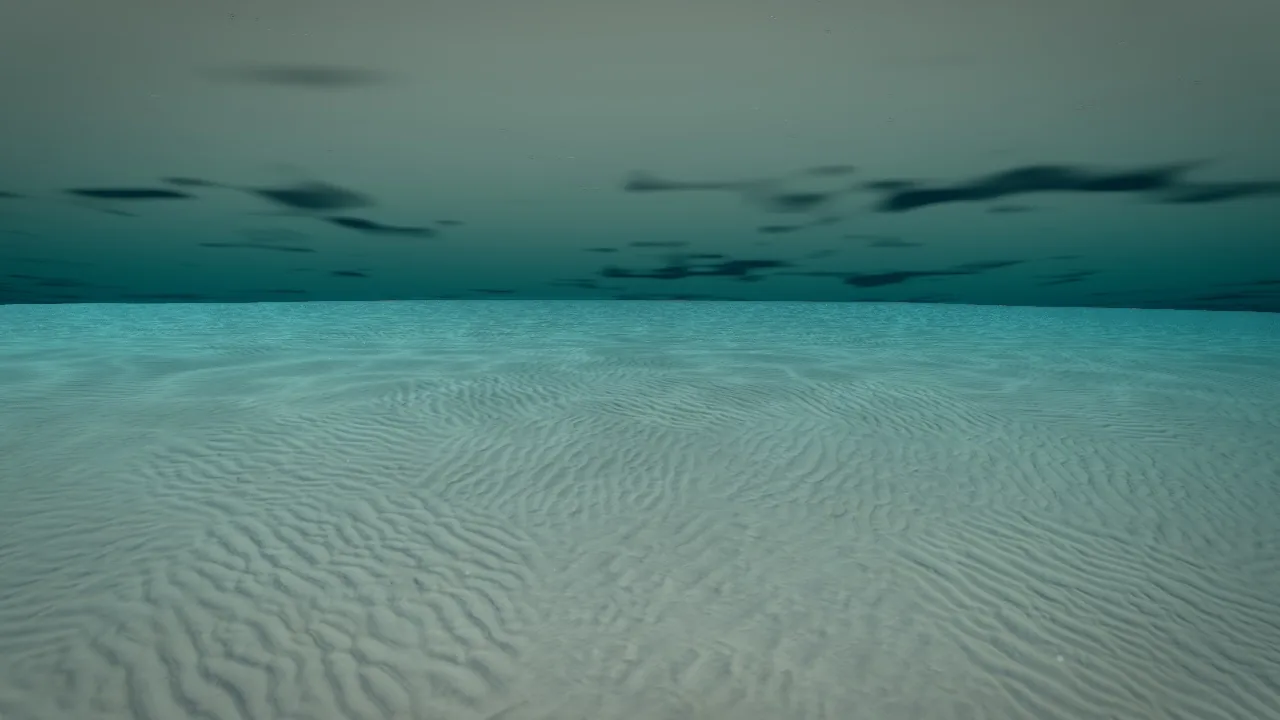
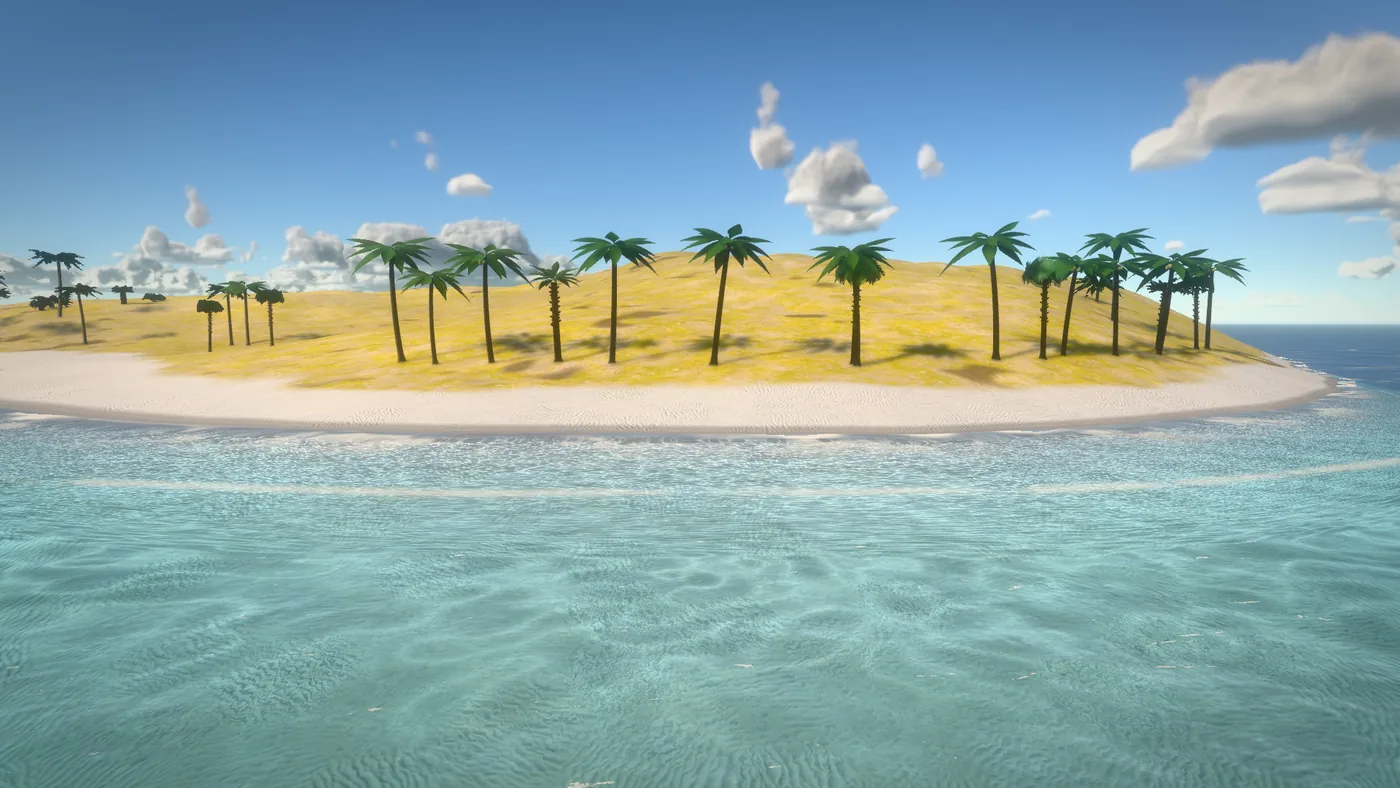
add_waterfall: a sheet breaking into strands, spray, mist and foam below. - The ocean: waves you can swim in, surf that carries floating things and swimmers ashore, free diving, clear tropical shallows and foam along the shore.
ocean_lookputs a reference-matched look on it in one step.wateranswers how deep it is anywhere (dry, wading, swimming, boats can pass). - Big events:
water_eventsends a tsunami that shoals, breaks and runs inland, or a flood that rises.
Step 4: roads and towns
build_road lays any road along points: a city street, avenue, highway, ramp, country road, dirt track, alley, runway or race track. Intersections build themselves where roads meet (curbs, crosswalks, stop lines, signals), it becomes a bridge over water and deep valleys, and the land is cut and filled to it. road_network lays whole layouts from intent: a town grid with building plots, a road routed from one place to another over the land, or a highway interchange. bake_world_map makes the top-down map picture for your minimap.
Step 5: weather and wind
weather sets clear, overcast, rain, storm, thunderstorm, snow, fog or hurricane, with intensity, blending in while you play, or a cycle of them. set_wind makes trees, bushes and grass sway, with gusts rolling across. weather_view draws the wind as arrows and storm cells as rings over the viewport, so you can see what you're tuning.
Step 6: check it
- Against the target: the same camera as your Nano Banana picture, side by side. What's the biggest difference? Fix that first.
- Frame rate: play it and watch the frame rate in the busiest spot (deep in the woods, the town centre). Aim for 30 frames a second or more on the machines you're making it for.
- From a moving camera: walk and fly through it. Things that look fine in a still can flicker or pop when you move.
More: Worlds: terrain, forests, water, weather, Nano Banana, step by step, 2D worlds.