The Forge, step by step
The Forge makes real 3D models (props, furniture, machines, weapons, rooms and buildings) from a recipe, built in front of you in stages you can watch and undo. This page shows the whole path: the reference picture, the recipe, the stages, the Detail Pass, materials and wear, hand edits, and the checks.
forge_pick and forge_edit. 6. Check it against the picture.Step 1: the reference picture
A good picture is the biggest quality boost you can give the Forge. The AI matches its shapes, colours and wear.
- One object per picture, on a plain background.
- Front and side views if you can; for a made object, a 2 × 2 sheet: front, side facing left, top with the front down, three-quarter.
- Say its real size: "a chair, 1 m tall".
- For a room or a place, an eye-level picture.
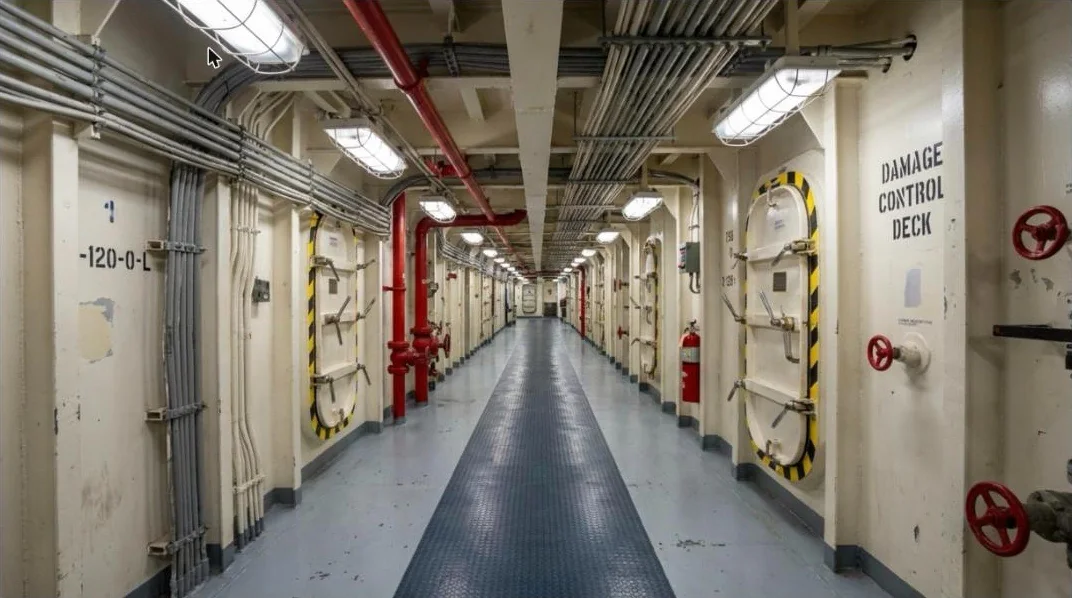
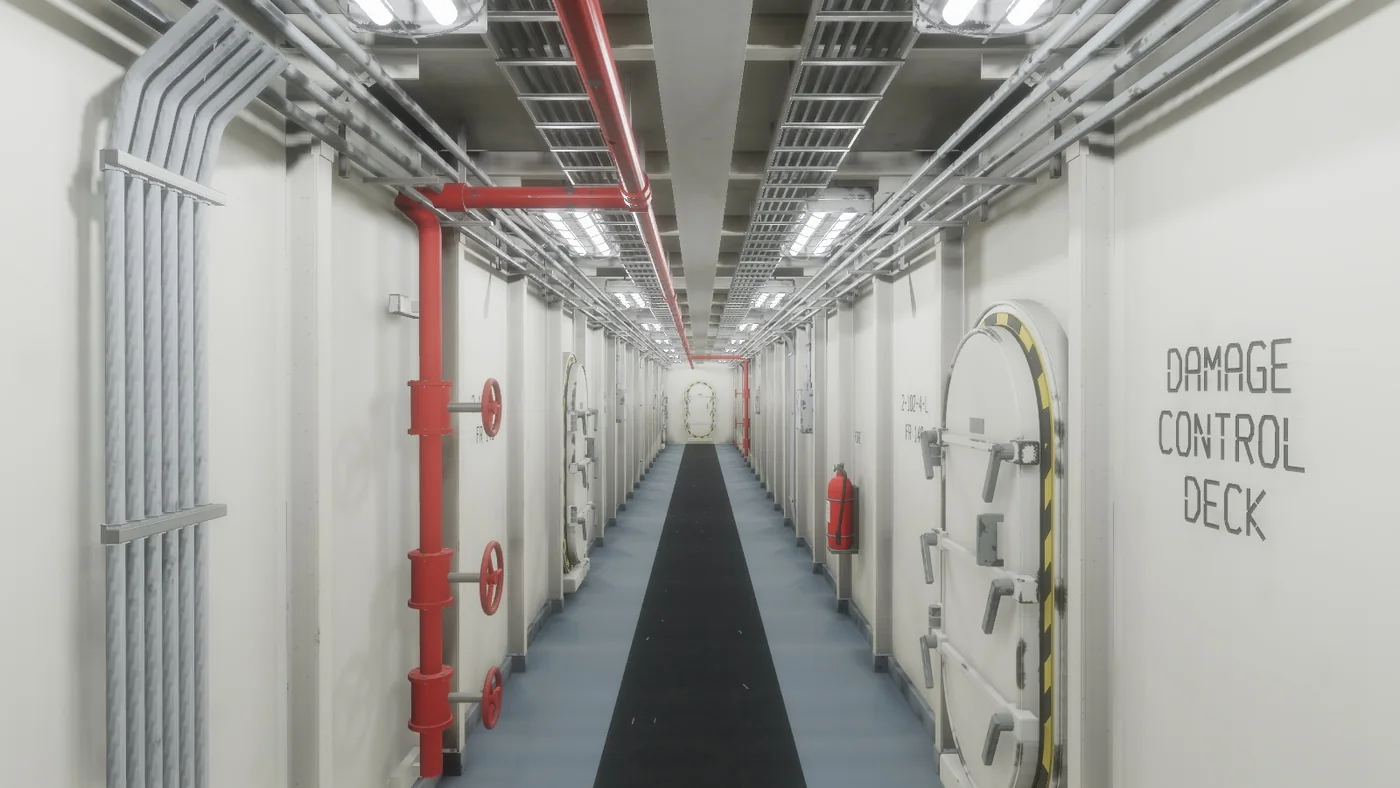
Step 2: ask, and watch it build
Ask your AI for the object: "Make the chair from Assets/References/ready_room_chair.jpg, 1 m tall, red vinyl, and fill the room with rows of them." Everything happens on screen.
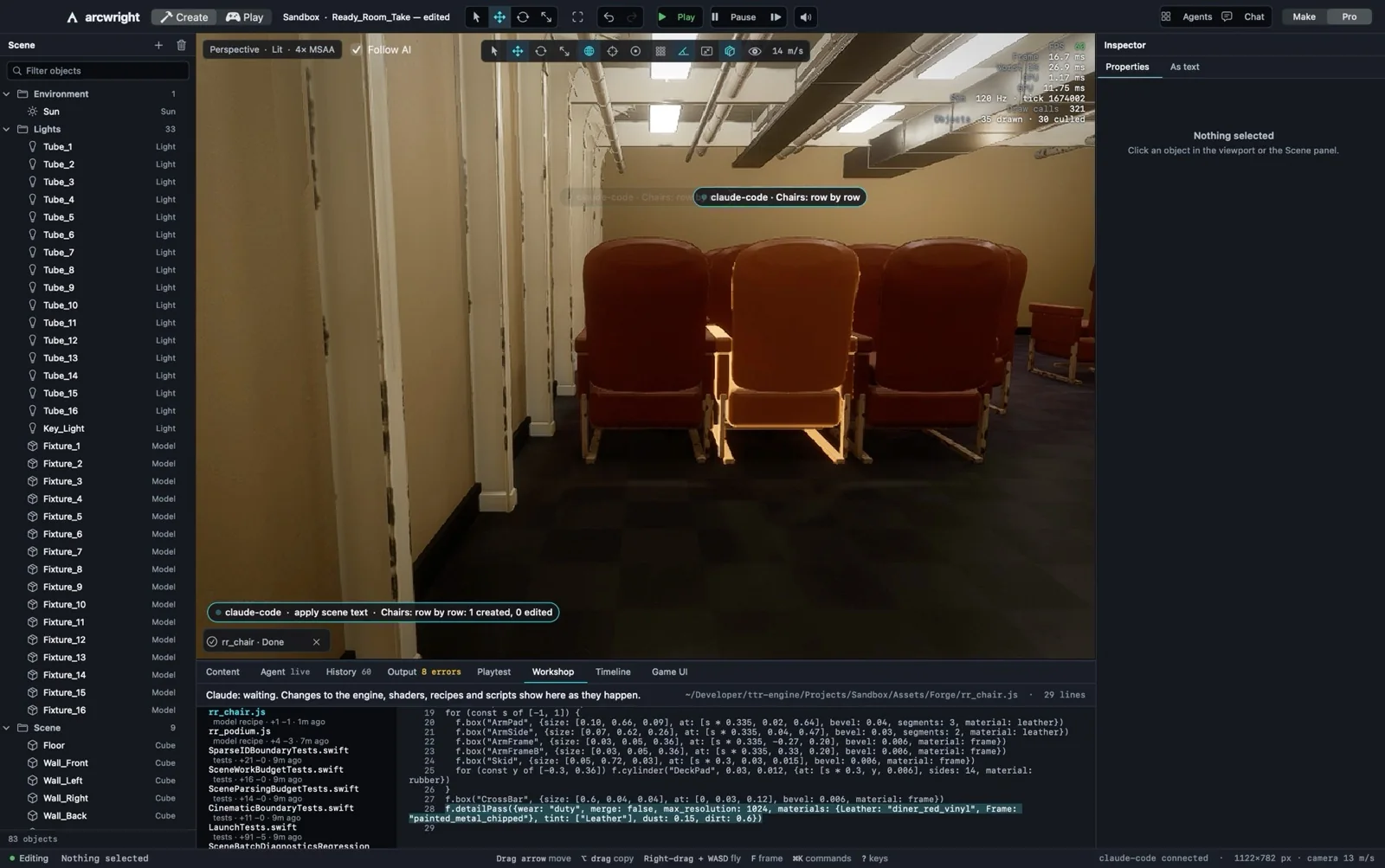
- Follow AI (top of the viewport) keeps the camera on the work. Drag the view and you're in control; it stays off until you turn it back on.
- The caption bubbles say what the AI is doing right now ("Chairs: row by row") and what it changed ("1 created, 0 edited").
- The Workshop tab (bottom) shows the recipe being written, line by line. Recipes are plain code: you can read them and edit them yourself.
- History holds every change. Undo walks back through them, one stage at a time.
Step 3: the recipe and the stages
A recipe is short JavaScript that says the shapes, sizes and materials: boxes, cylinders, smooth bodies through cross-sections (f.loft), real wing surfaces (f.wing), and parts placed against each other. forge_model builds it inside the engine in about a second. live_forge builds it in stages you watch:
- Shape fitted to the picture (sizes marked with
f.paramare adjusted to match). - Blockout: the big shapes.
- Parts snapping on.
- Rounded edges.
- Unwrapping and paint.
- Wear from how the object is used.
- A check against the picture, then placed in the scene.
Every stage is one undo step. If a stage fails, it says why in plain words and keeps the last good one. Rebuilding the same name updates every copy in the scene.
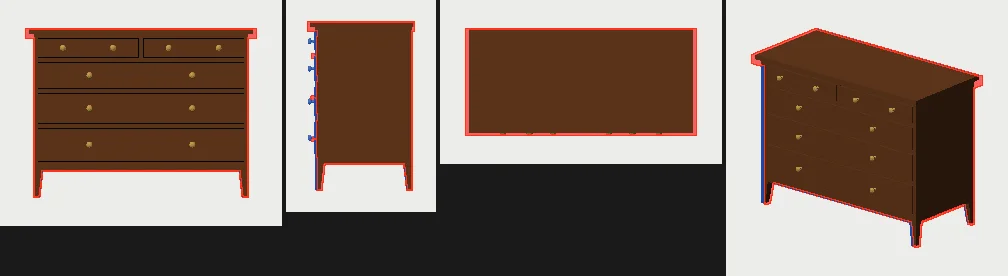
For furniture, doors, cushions and cars there's a faster road: forge_from_reference fits a family it knows to your 2 × 2 sheet, then renders the model from each view and compares outlines until it matches.
Step 4: the Detail Pass
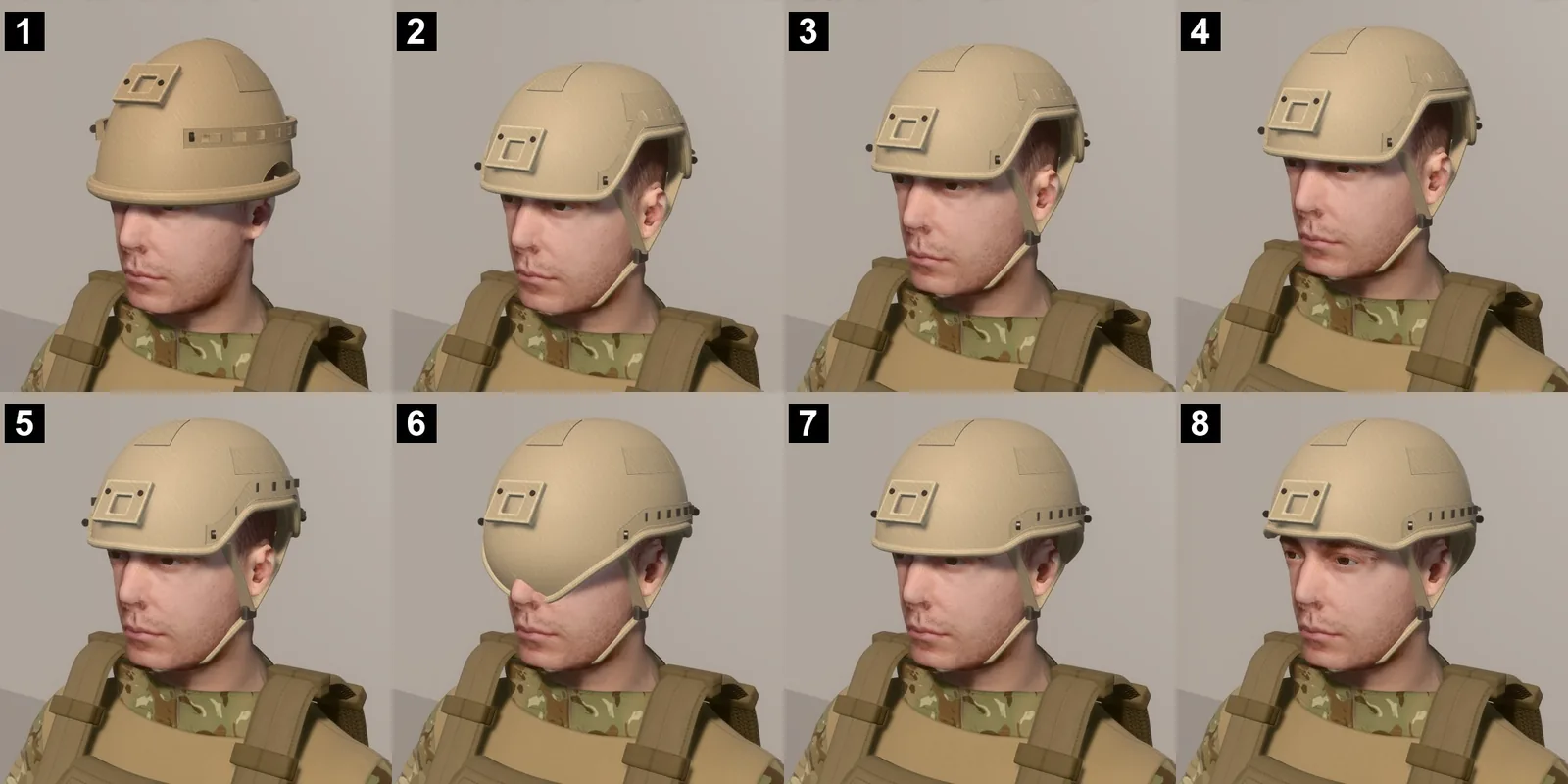
The Detail Pass is the layer that makes a model look real, added without touching the recipe (detail_pass, or f.detailPass in the recipe). Placed by rule from the model's own faces:
- Fasteners: rivets, hex bolts, nuts, screws, nails round a face's border, at its corners, in a grid or along panel gaps.
- Trims: beads, gaskets, angle iron, edge caps, mouldings.
- Panel gaps with their own shading, and real bevels on every hard edge.
- Wear from the shape: chipped coats on exposed edges, grime in gaps and round fasteners, rust bleeding from steel heads, brass tarnished in crevices and polished where hands touch, dust on upward faces.
Step 5: materials and wear
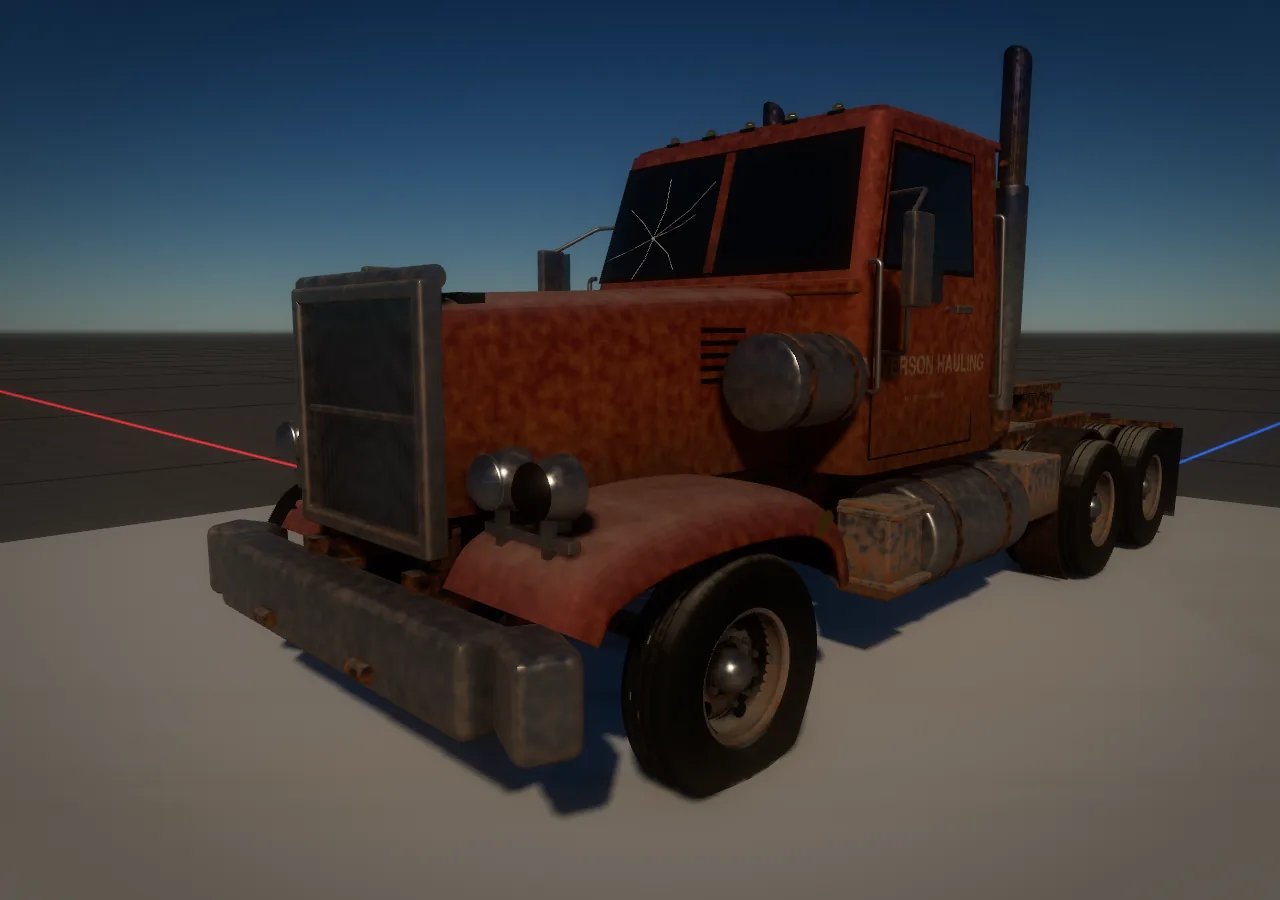
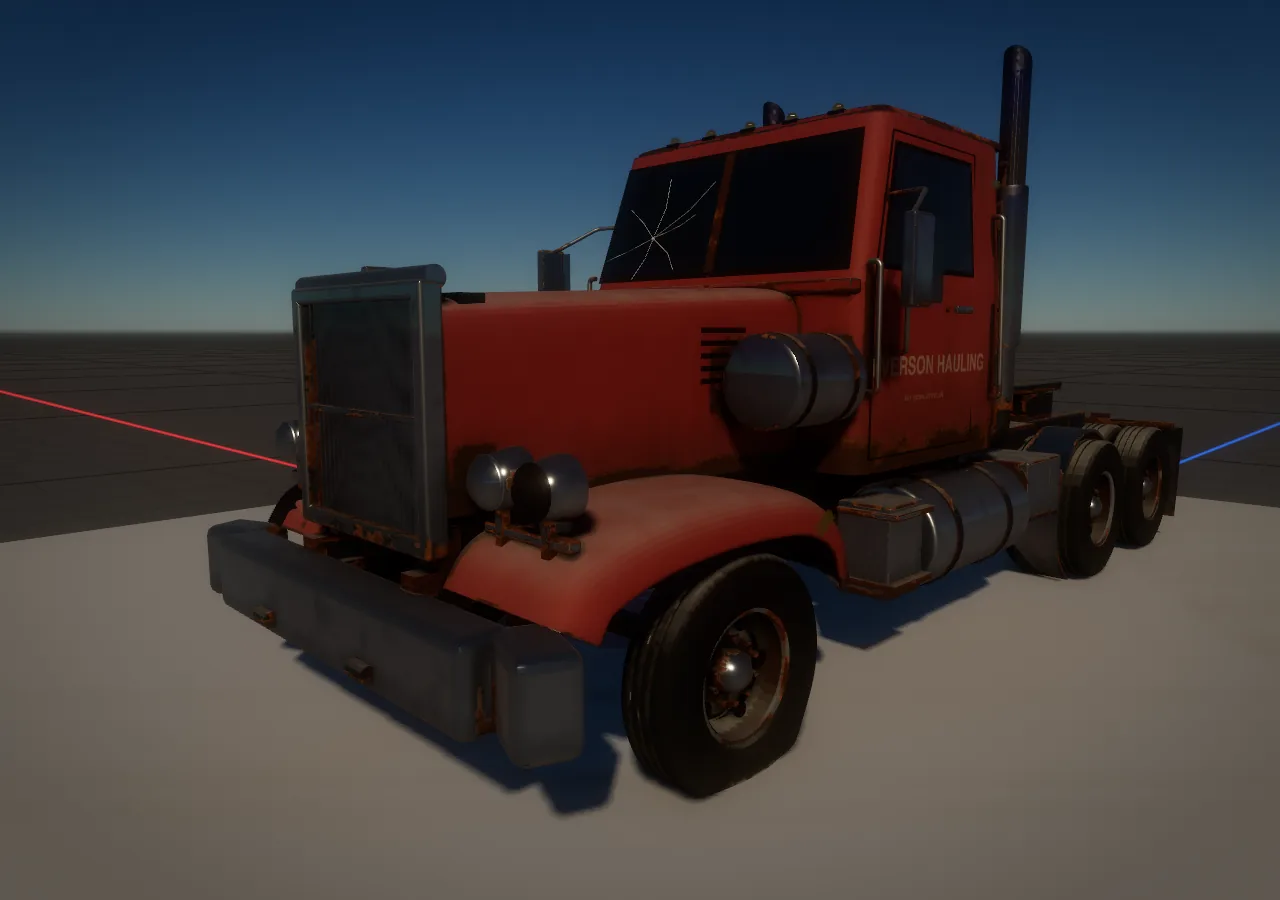
make_material (the Material Maker) makes surfaces from a recipe: a base (wood, plaster, wallpaper, tile, metal, cloth), an optional coat (paint, varnish), ageing, and wear from each object's own shape. photo_surface turns a flat Nano Banana texture picture into a seamless surface. Both give you a swatch picture to check before you apply it.
Step 6: fix spots by hand
Click a spot on the model (forge_pick, or let the person pick with on: true), then edit it with forge_edit. Each edit is written into the recipe, so every rebuild keeps it:
- round or chamfer the nearest edge;
- raise a pad or pocket a recess (rectangle, round or slot, with a lip);
- fastener: a rivet, screw, pin or nut, or a row or ring of them;
- stamp: knurling, serrations, stipple, or engraved or raised text;
- boss: a rounded housing standing proud.
forge_edit_bake keeps a model light by turning fine stamped detail into surface detail instead of geometry.
Step 7: check it
- Side by side with the picture, the engine camera where the picture's camera was.
- Silhouettes:
compare_referencegives a match score and shows in red what the model is missing and in blue what it has extra. - Model sheet:
model_sheetputs four sides of the model on one picture to judge against your views. - Close up: zoom in on the seams, the edges and the wear. That's what players see.
The full picture method, with every prompt, is in Nano Banana, step by step. More: The Forge, Shape from views, Texture from views, Fit and connect.